34
Creating a New Verify Task in HIS
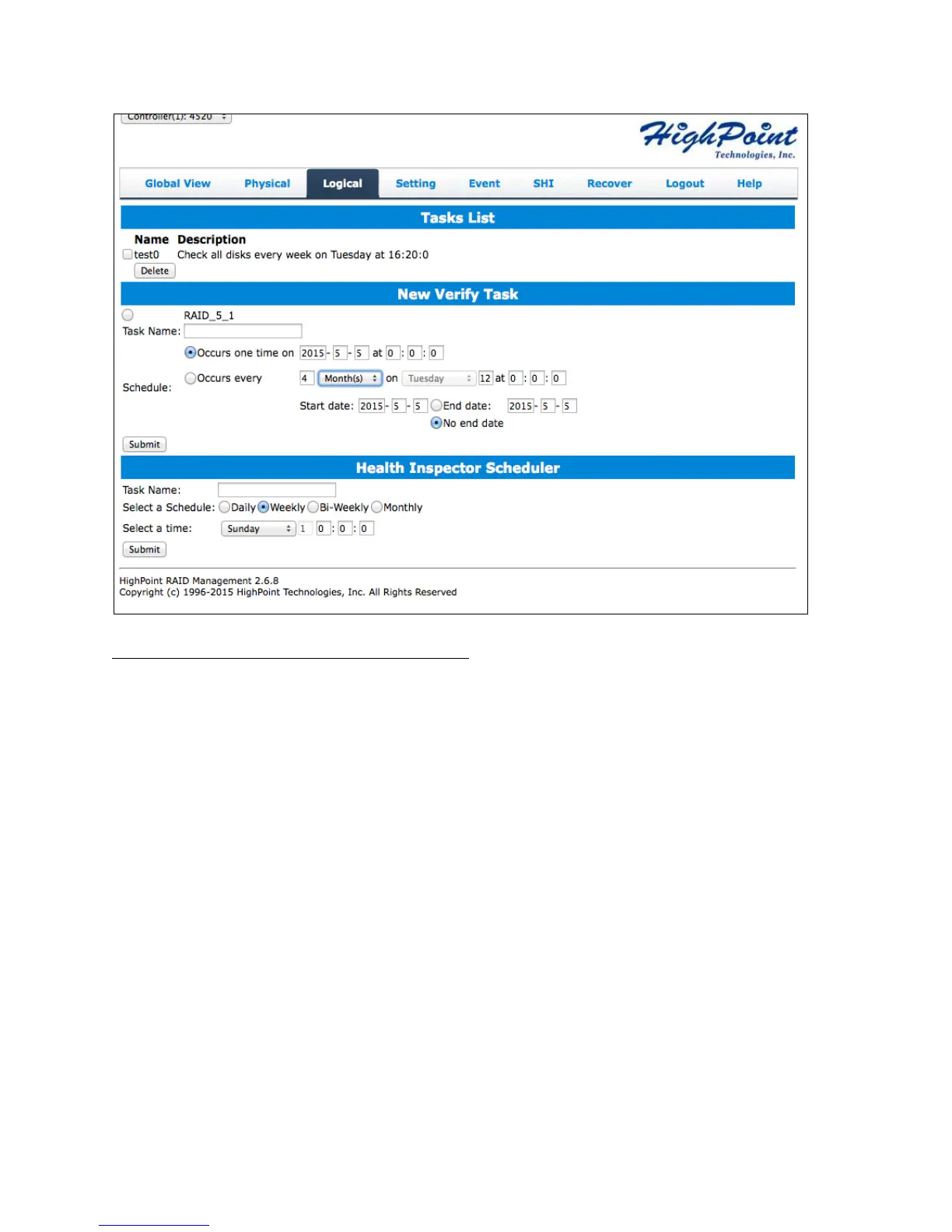
All arrays will appear under New Verify Task
1. Log in to WebGUI.
2. Select the proper controller from the top left drop down.
3. Click SHI.
4. Click Schedule.
5. Select the array you want to schedule the verify task.
6. Type the name in Task Name entry box.
7. Choose whether you want to schedule.
One time verify task on specific date (YYYY-MM-DD) at (HH:MM:SS, 24-hr clock).
Or a specific schedule you can adjust based on Daily, Weekly, or Monthly
options.
8. Click Submit.
9. Your entry will appear under Tasks List.
Note: New Verify Task box only appears if you have normal status arrays. If you have a
critical array, New Rebuild Task will replace New Verify Task.



 To Next Page