31
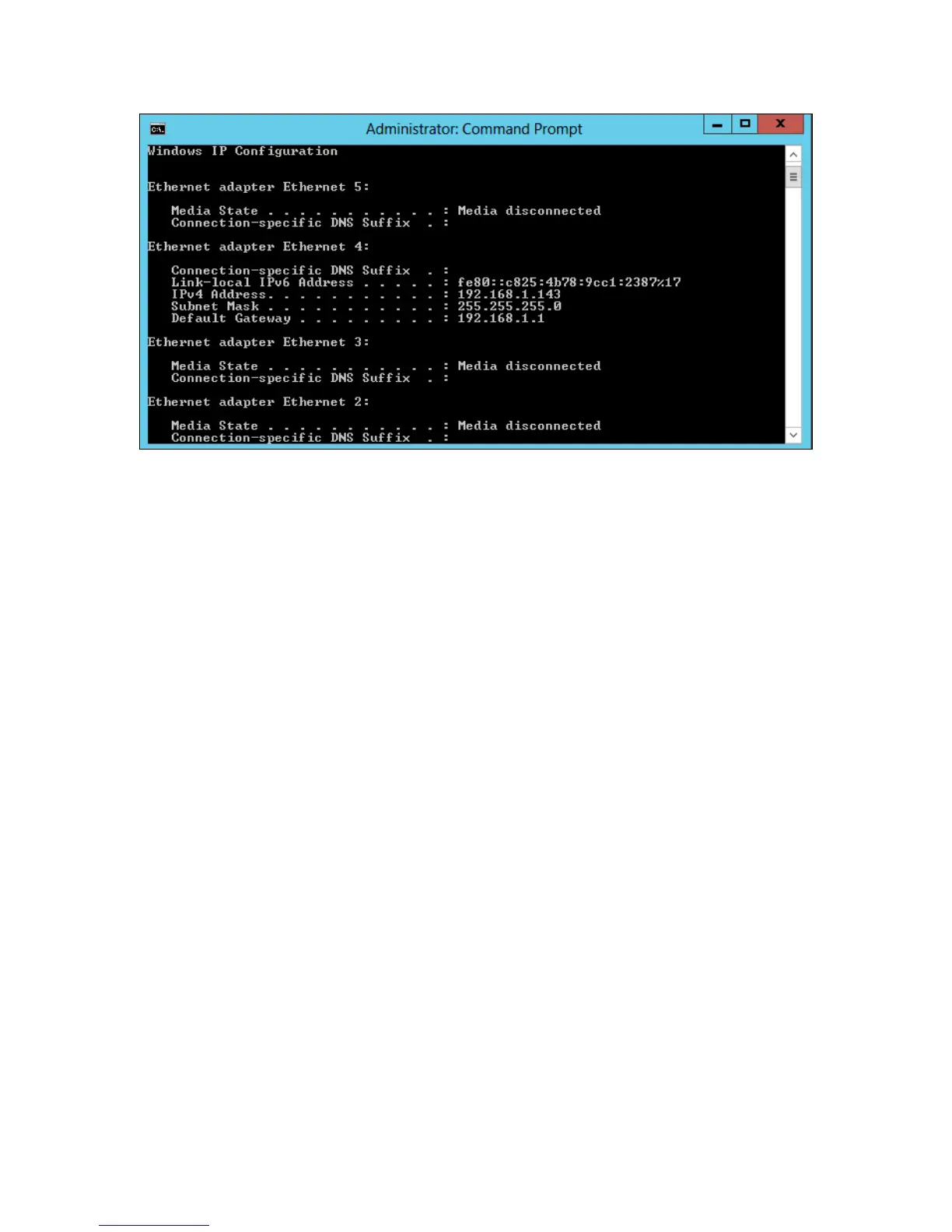
Example: The IPv4 address is under Ethernet adapter Ethernet 4 and is 192.168.1.143
Note: Make sure Restrict to localhost access is disabled in WebGUI Setting (Refer to
setting)
You can then remotely access the WebGUI using any other computer that is in your
local network by opening any web browser and typing http://{IP address of host
computer}:7402 (default port is 7402)
For Mac Users:
1. Open a terminal window on the host computer (computer that is connected to the
RocketStor 6414TS enclosure)
2. Type ifconfig.
3. Look for the connection that has status: active
4. Write the IP address located after inet:



 To Next Page