26
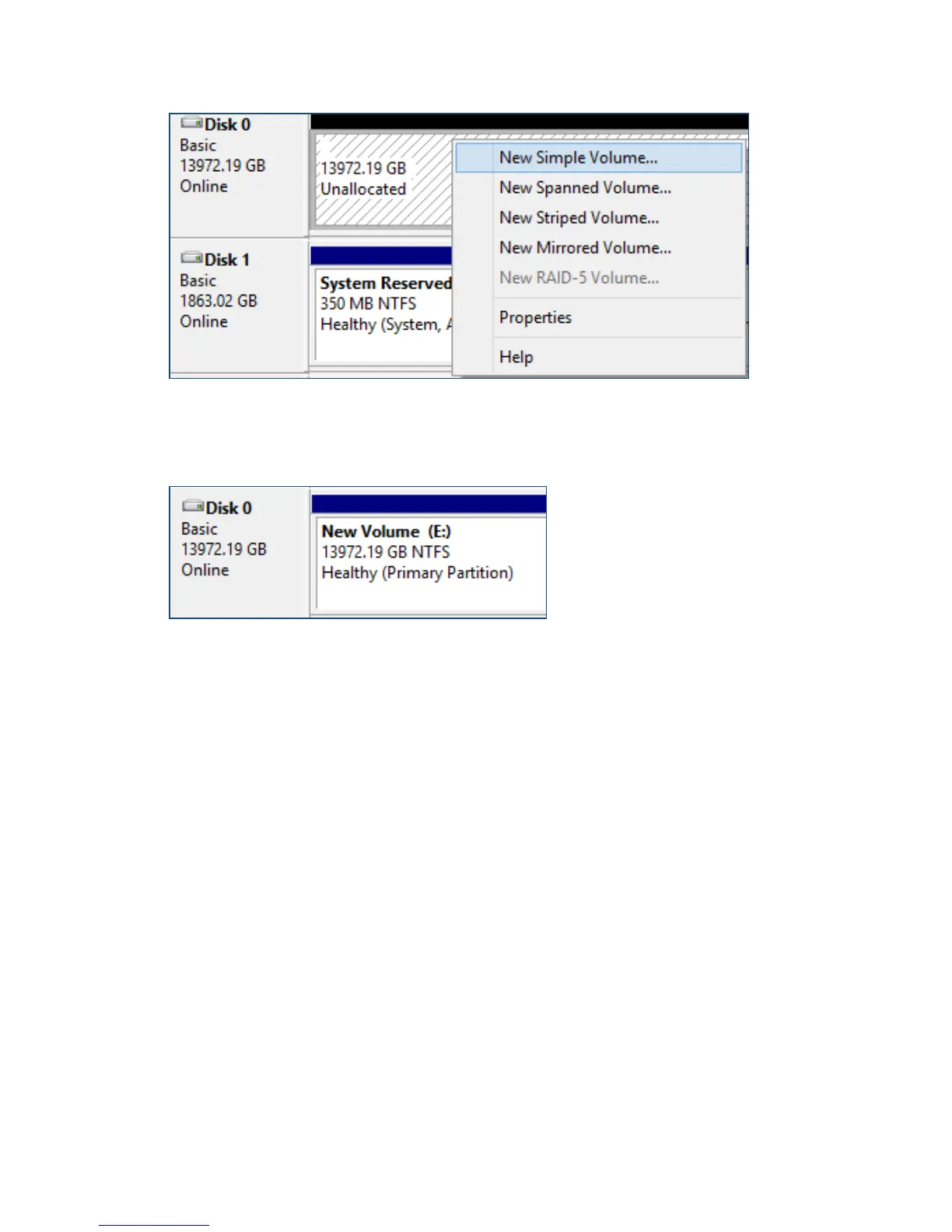
Right Click unallocated space, then click New Simple Volume.
6. Follow the on-screen instructions to configure and format the drive.
7. Once finished, the new volume will receive a drive letter and be available for use.
RAID array is now formatted as NTFS and drive letter E:
For Mac Users:
1. After creating a RAID array, click Initialize when prompted. (Note: If you
ignored the prompt, simply open Disk Utility).



 To Next Page