52
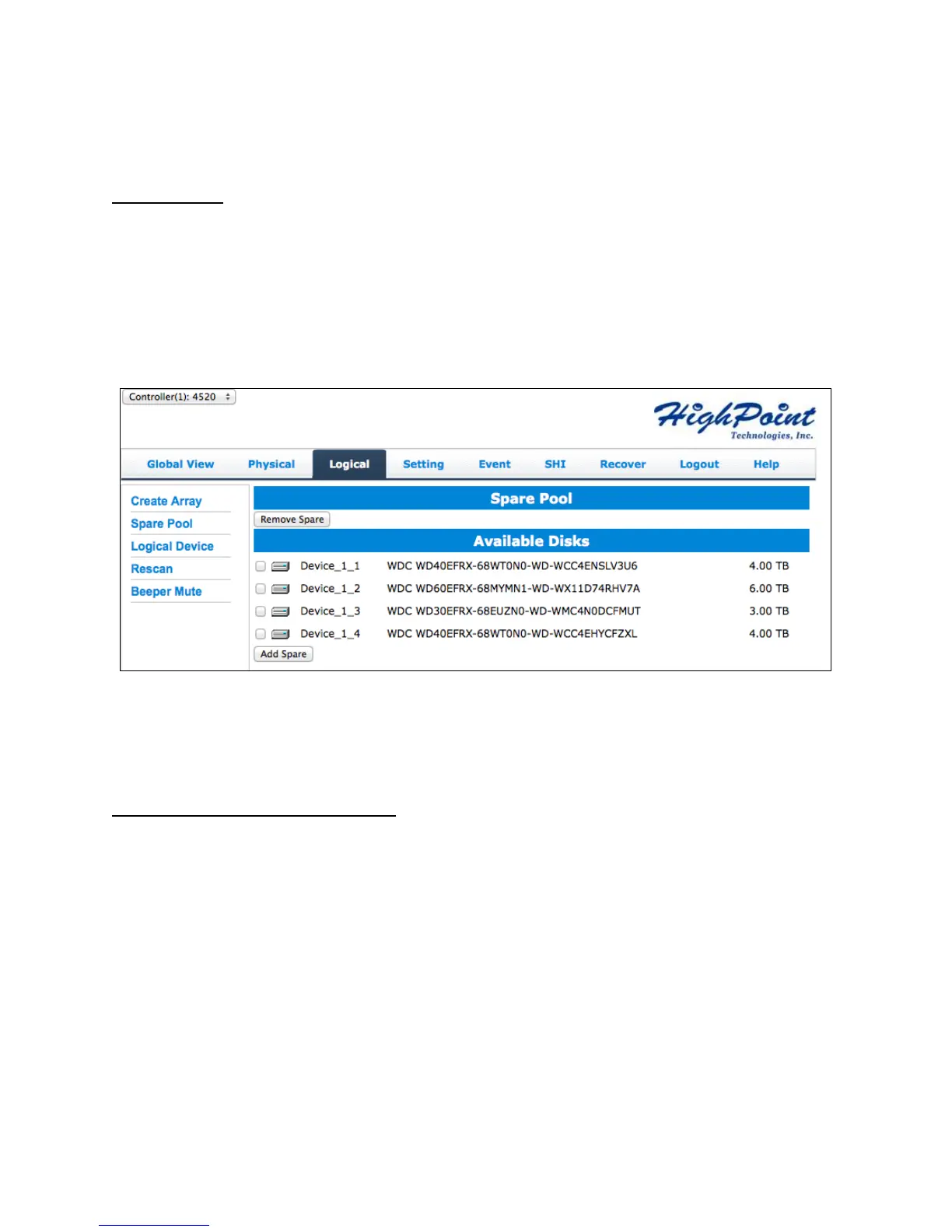
Spare Pool
Spare disks are physical disks that will immediately replace critical disks in an array.
Only redundant RAID arrays (RAID 1, 5, 6, and 10) support spare drives.
Physical drives marked as a spare will automatically be added to an array whenever
there is a disk failure. Having this feature minimizes the chances of a data loss by
reducing the time an array is in critical status.
Disks added to the spare pool will show under Spare Pool and can be removed by
checking the disk checkbox from Spare Pool > Click Remove Spare
Logical Device Information
Logical device tab is the default page upon clicking the Logical tab of the WebGUI. This
page contains information about your RAID arrays and individual disks your system
detects.
Logical Device Information
Arrays you create and the properties associated with them will appear here.
Maintenance
Once an array has been created, you have the option maintain it.
Array Information



 To Next Page