54
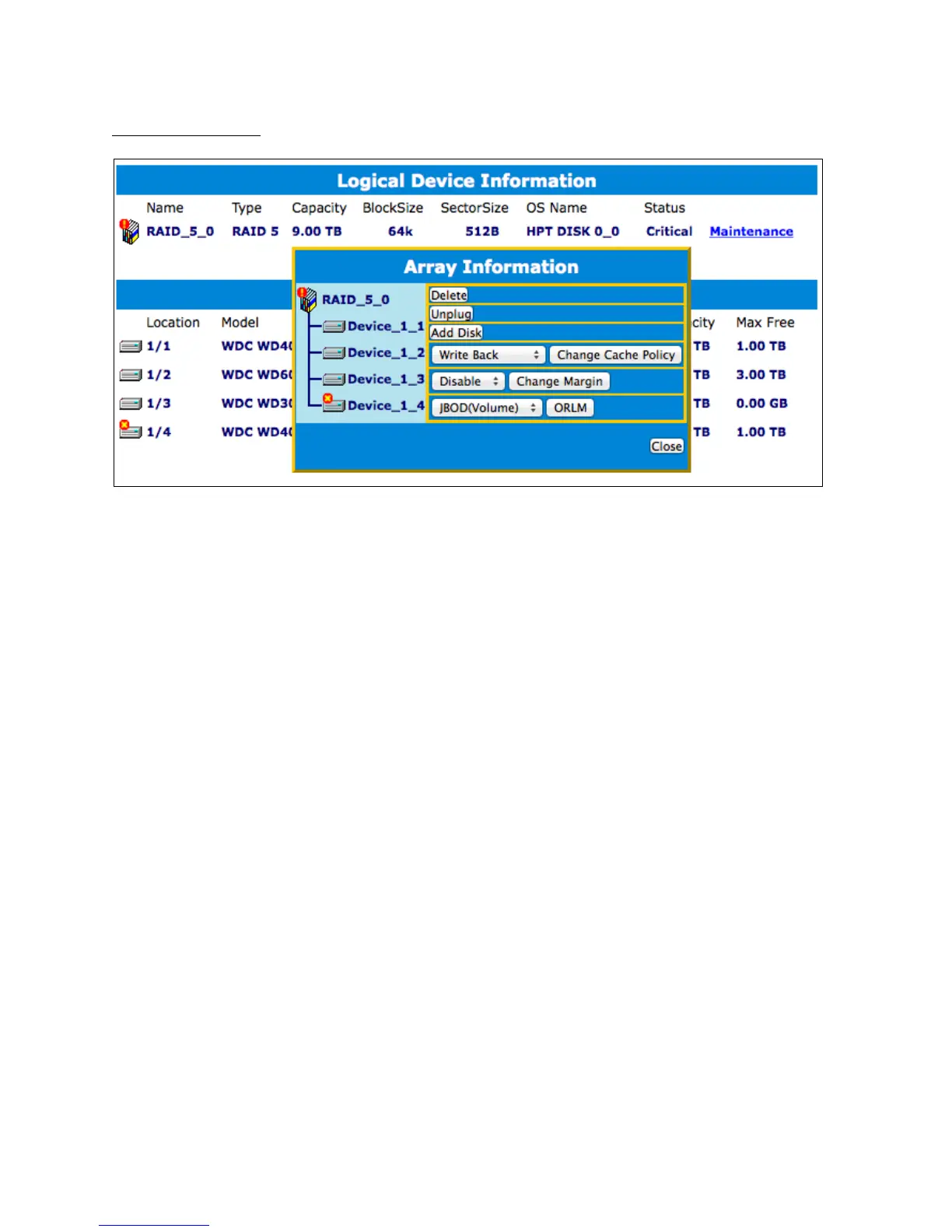
Critical Status
Maintenance options for Critical Arrays.
A critical status array has all the normal status options except the following:
The Array can no longer be renamed
Add Disk replaces the Verify disk option
Once array status changes to critical, the faulty disk will be taken offline and you can
either:
Reinsert the same disk
Insert new disk
Reinserting the same disk should trigger rebuilding status, since data on the disk
would be recognized.
If you insert a new disk, clicking add disk will give you the option to select that disk
and add it to the array.



 To Next Page