56
Physical Device Information
Location – which controller and port the drive is located in
Model – model number of the drive connected
Capacity – total capacity of the drive
Max Free – total capacity that is not configured
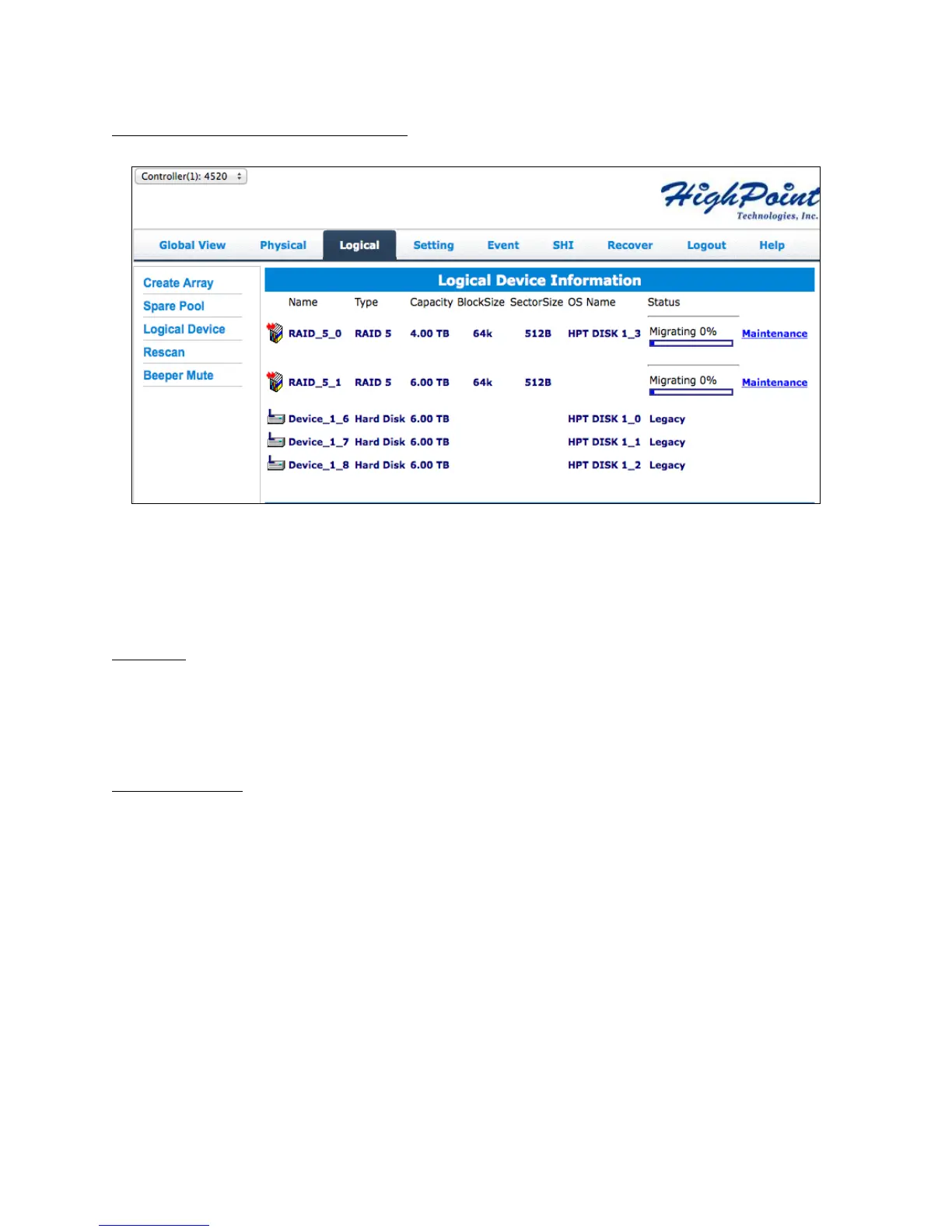
Rescan
Clicking rescan will force drivers to report array status. For any disk(s) you hot plug
into the device, do not click rescan until all physical drives are detected and appear
under Logical Device Information.
Beeper Mute
The controller emits a beeping sound whenever an
Array falls into critical status
Array falls into disabled status
You unplug a disk
Your disk fails due to bad sectors
SMART sensors anticipate drive failure
If device is currently beeping, clicking Beeper Mute will mute the sound immediately.
Note: This button does not permanently mute the alarm. In order to permanently mute
the alarm, go to Setting > Enable audible alarm > Disabled.



 To Next Page