9
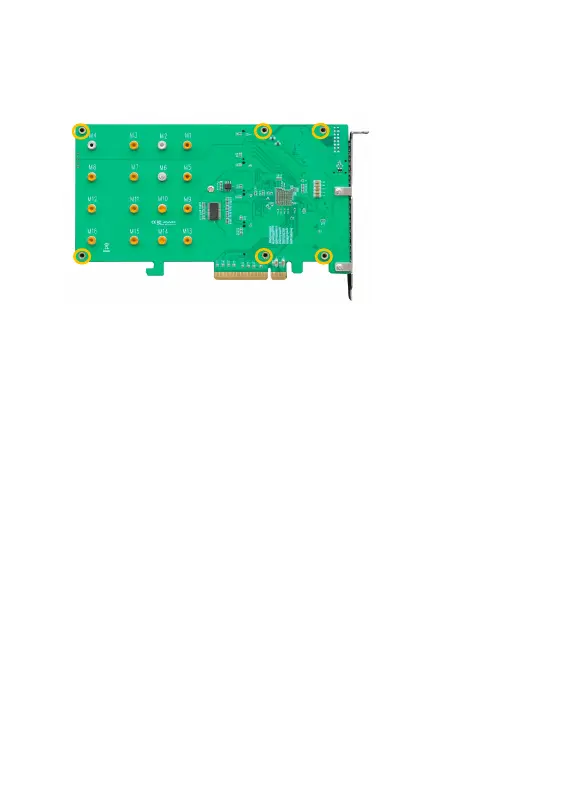
Step 8. On the rear of the SSD7204, refasten the six screws that were
removed in step 1.
Note
:
Make sure the aluminum heatsink is properly aligned with the
controller board (PCB), and that it makes full contact with the thermal
pad, before refastening it to the SSD7204. If the heatsink is improperly
installed, it will be unable to sufficiently cool the NVMe SSD’s and
controller componentry, which may result in damage to the SSD’s or
controller hardware, performance loss, unstable I/O, and the loss of
data.
Note: Please be sure to connect NVMe before using the product to
reduce the occurrence of unnecessary errors!
Note:
Install the driver in the system first and then install the board!















 To Next Page