HighPoint NVMe G5 Data RAID Installation Guide (Linux)
20
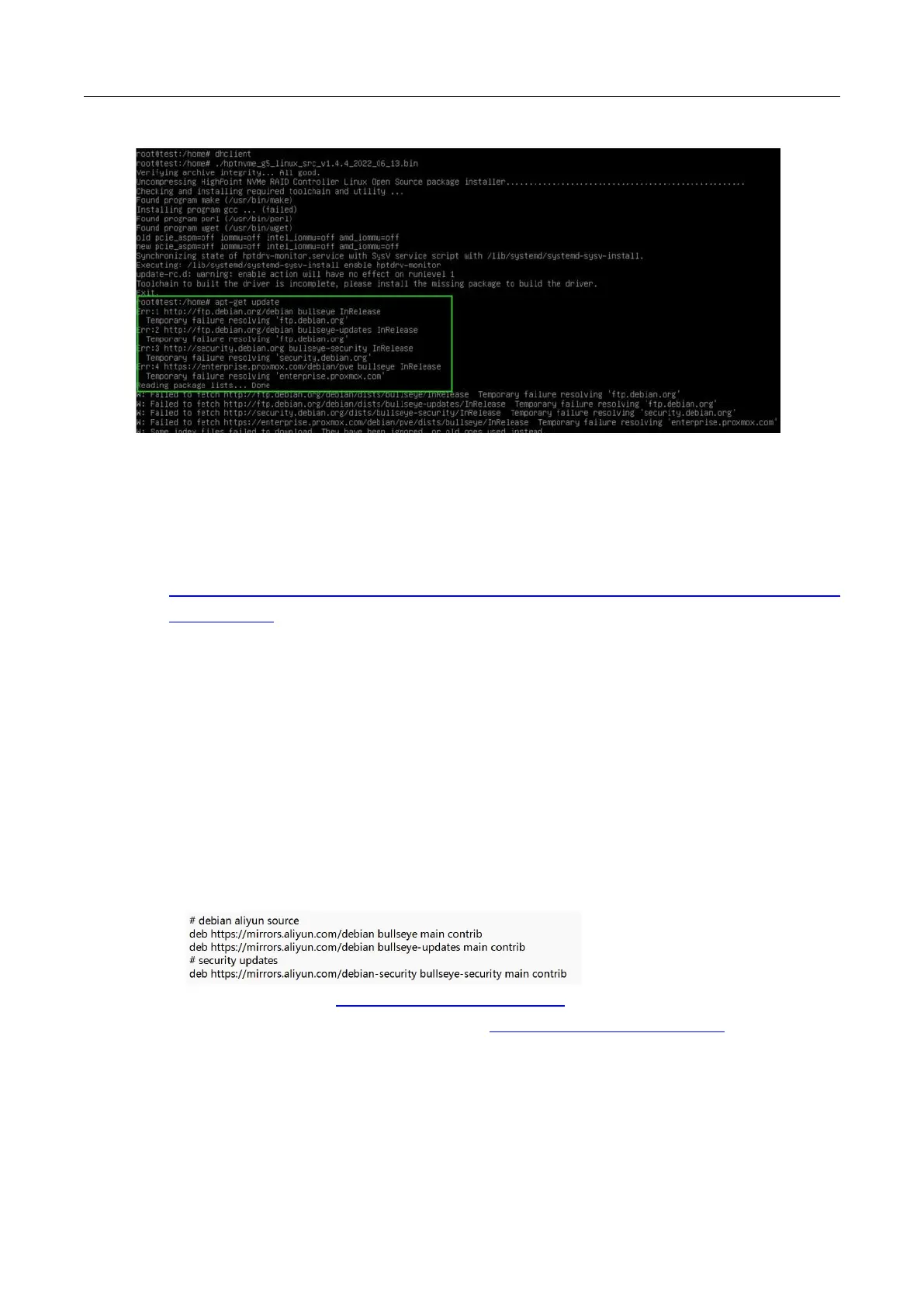
apt-get update:
This problem can be caused by
:
01. The system needs to be resourced
This article is a proxmox7.2 feeding.
The previous version of the source can refer to the official website:
https://pve.proxmox.com/wiki/Downloads#Update_a_running_Proxmox_Virtual_Environment_7.
x_to_latest_7.2
Open the system terminal with root privileges and enter the following command to delete the
source that comes with it
rm /etc/apt/sources.list.d/pve-enterprise.list
Add a domestic source:
echo 'deb http://mirrors.ustc.edu.cn/proxmox/debian/pve bullseye pve-no-
subscription' >> /etc/apt/sources.list.d/pve-no-subscription.list
Edit the source file: /etc/apt/sources.list
nano /etc/apt/sources.list
Replace the contents of the file with the following illustration
Note: You can replace https://mirrors.aliyun.com/debian with the name of a faster
Debian mirror near you. See the mirror list at https://www.debian.org/mirror/list for more
information.















 To Next Page