HighPoint NVMe G5 Data RAID Installation Guide (Linux)
7
Driver Installation
Installing the Open-Source Driver
1. Power on the system and boot the Linux distribution.
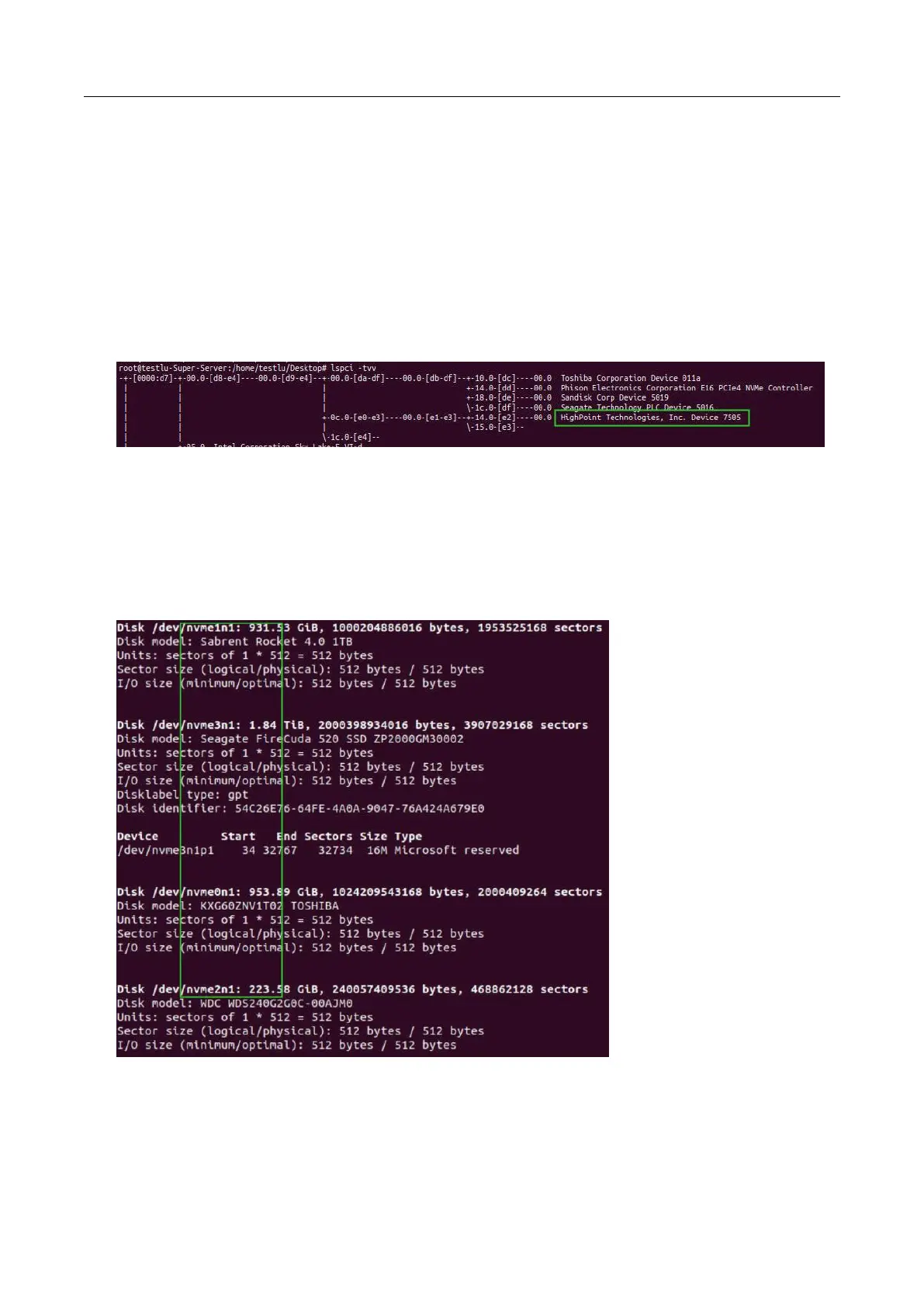
2. Open a system terminal with root privileges, and verify that NVMe product is detected by using the
following command:
lspci -tvv
Example screenshot
Note: the picture is only for reference, please make the object as the standard.
Additionally, you can verify that the NVMe drives are detected by using the following command:
fdisk -l
Example screenshot
Note: the picture is only for reference, please make the object as the standard.
3. Download the appropriate driver from the Software Downloads web page.















 To Next Page