9
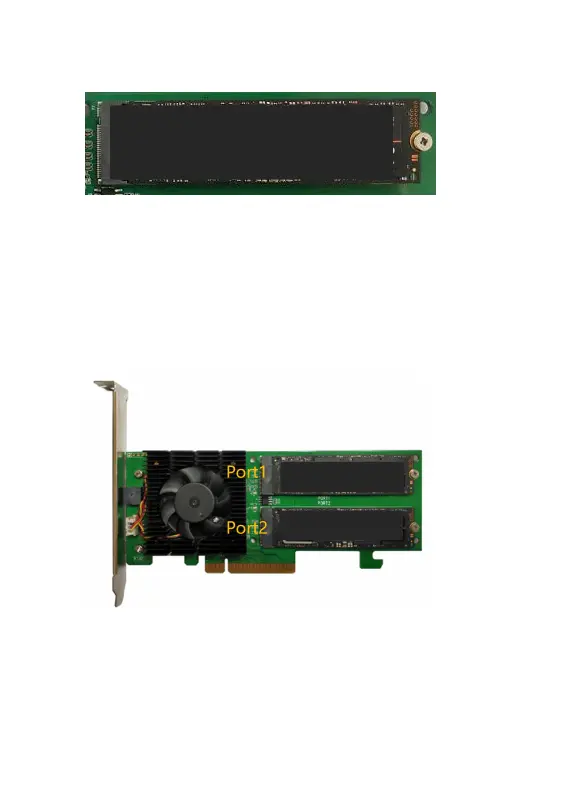
Step 6. Refasten the screw to secure the SSD.
Repeat Steps 4 to 6 to install the remaining SSD.
Note: Make sure the SSD’s are carefully, but securely installed into
each M.2 port. Loose connections can cause a variety of stability
and performance issues, and may ultimately result in data loss.
The following example shows two M.2 SSDs installed into Ports 1-2
:
Step 7. Replace the heat sink after installing all SSDs
Step 8. On the rear of the SSD7202, refasten the 4 screws that were
removed in step 1.















 To Next Page