SSD7540 Linux CentOS8.2 Installation Guide
- 8 -
f. Select “Continue” to continue installing the system.
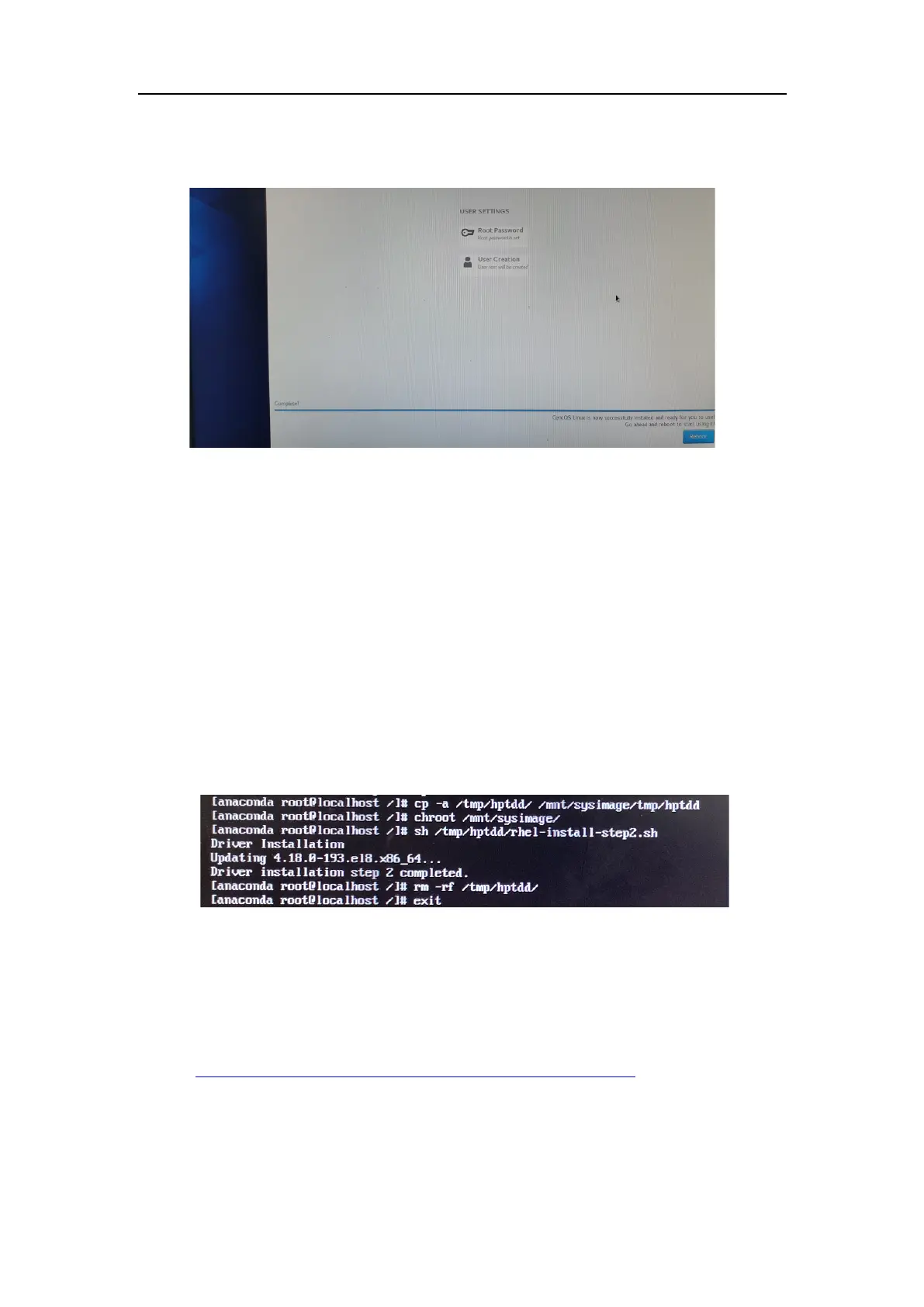
g. When the installation prompts "Reboot";
Press Ctrl + ALT + F2 and execute the following command to install the driver on Linux
CentOS on the SSD7540 array.
# cp -a /tmp/hptdd /mnt/sysimage/tmp/hptdd
← Copy the driver installation file to SSD7540.
# chroot /mnt/sysimage ← Switch to the top(/)
directory in the SSD7540 system.
# sh /tmp/hptdd/rhel-install-step2.sh
← Install SSD7540 driver.
# rm -rf /tmp/hptdd ← Delete the driver file in SSD7540.
# exit ← Exit the top(/) directory of the SSD7540 system.
h. Press Ctrl+ALT+F6 and Select "Reboot" to complete the installation。
i. Open source driver needs to be installed after system installation.
Linux open source driver link, open the following link to enter the "Software Download"
page to download:
https://highpoint-tech.com/USA_new/series-ssd7540-overview.htm
Run the .bin file to install the driver package.
# sh hptnvme_g5_linux_src_vxx.x.x_xx_xx_xx.bin















 To Next Page