
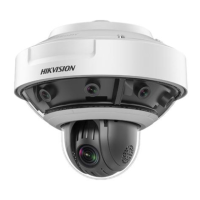
 Need help?
Do you have a question about the HIKVISION DS-2DP1636Z-D and is the answer not in the manual?
 General
| Brand | HIKVISION |
|---|---|
| Model | DS-2DP1636Z-D |
| Category | Security Camera |
| Language | English |
Details activation via web browser, SADP, and client software.
Covers basic and advanced network settings like TCP/IP, DDNS, ports, SNMP, FTP, Email.
Details the live view interface, its icons, and operational steps.
Covers basic PTZ operations like setting/calling presets, patrols, and patterns.
Details advanced PTZ settings including limits, park action, privacy mask, and tracking.
Manages storage devices, HDD, and schedules for recording and snapshots.
Sets up motion detection, video tampering, video loss, and alarm input/output.
Enables intelligent video analysis like behavior analysis, face capture, and rule-based detection.
Details authentication, IP address filtering, and security service settings.


 To Next Page