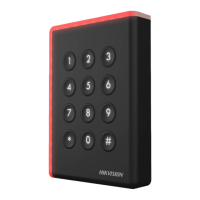
15
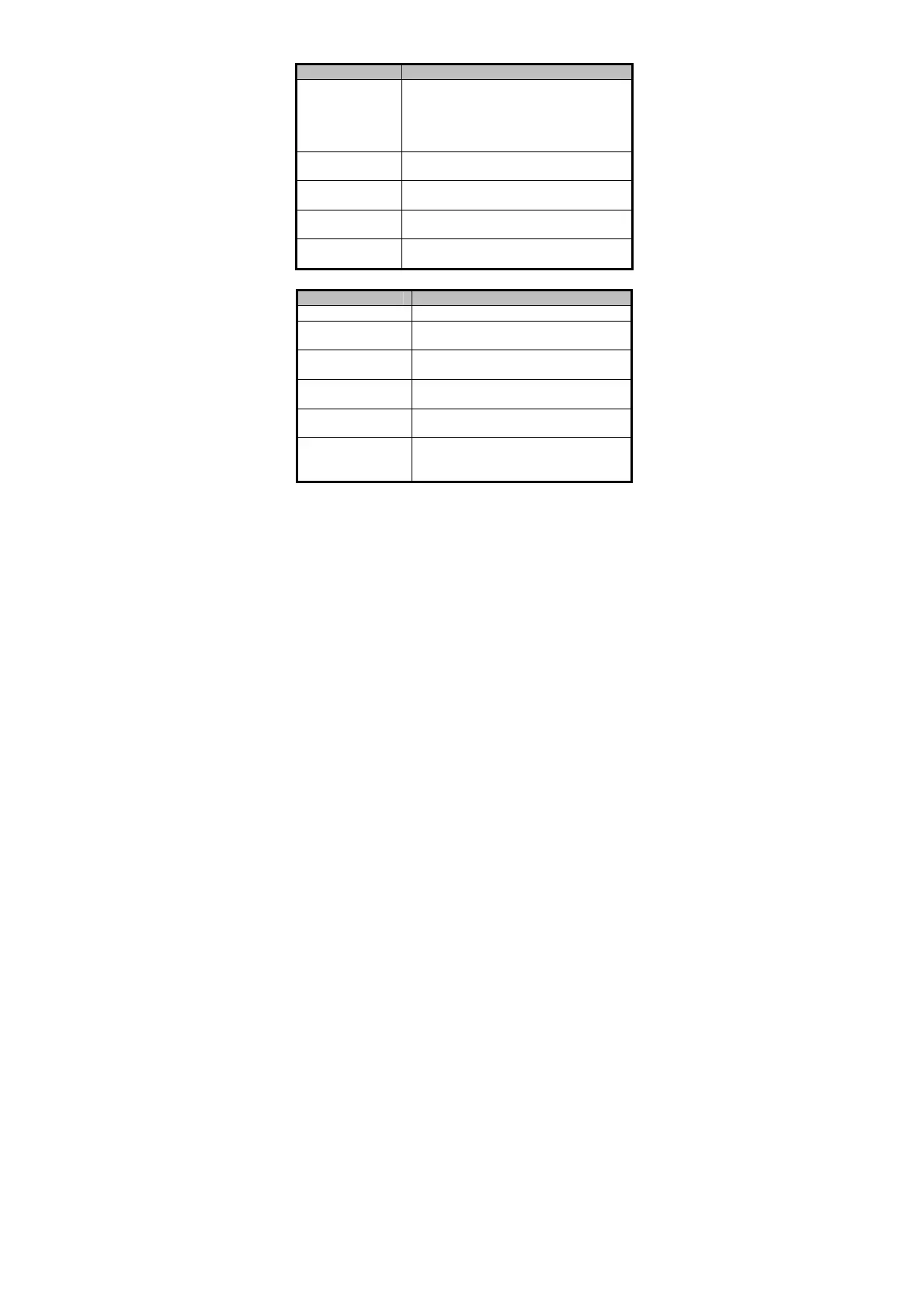
Table 4-1 Description of Prompt Sound
One beep
Swiping card prompt; Time out prompt for
pressing keys or swiping card.
Wiegand protocol: Pressing keys prompt;
Swiping card prompt.
Two rapid beeps
card is valid.
Three slow beeps
card is invalid.
continuous beeps
Alarm of tamper-proof.
beeps
The card reader is unencrypted.
Table 4-2 Description of LED Indicator
Solid blue
The operation of pressing keys or swiping
card is valid.
Solid red
The operation of pressing keys or swiping
card is invalid.
Red and blinking
card reader is offline.
rapidly blinking
or reading file mode of CPU
card: PSAM is not inserted or undetected.
rapidly blinking and
slowly beeps
Failed to get key files of PSAM card; Failed
to detect the PSAM card.



 To Next Page
 Loading...