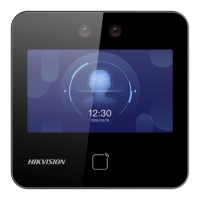
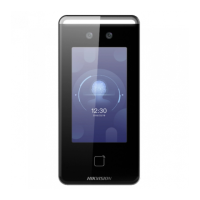
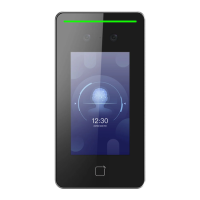
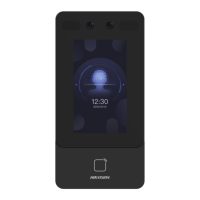
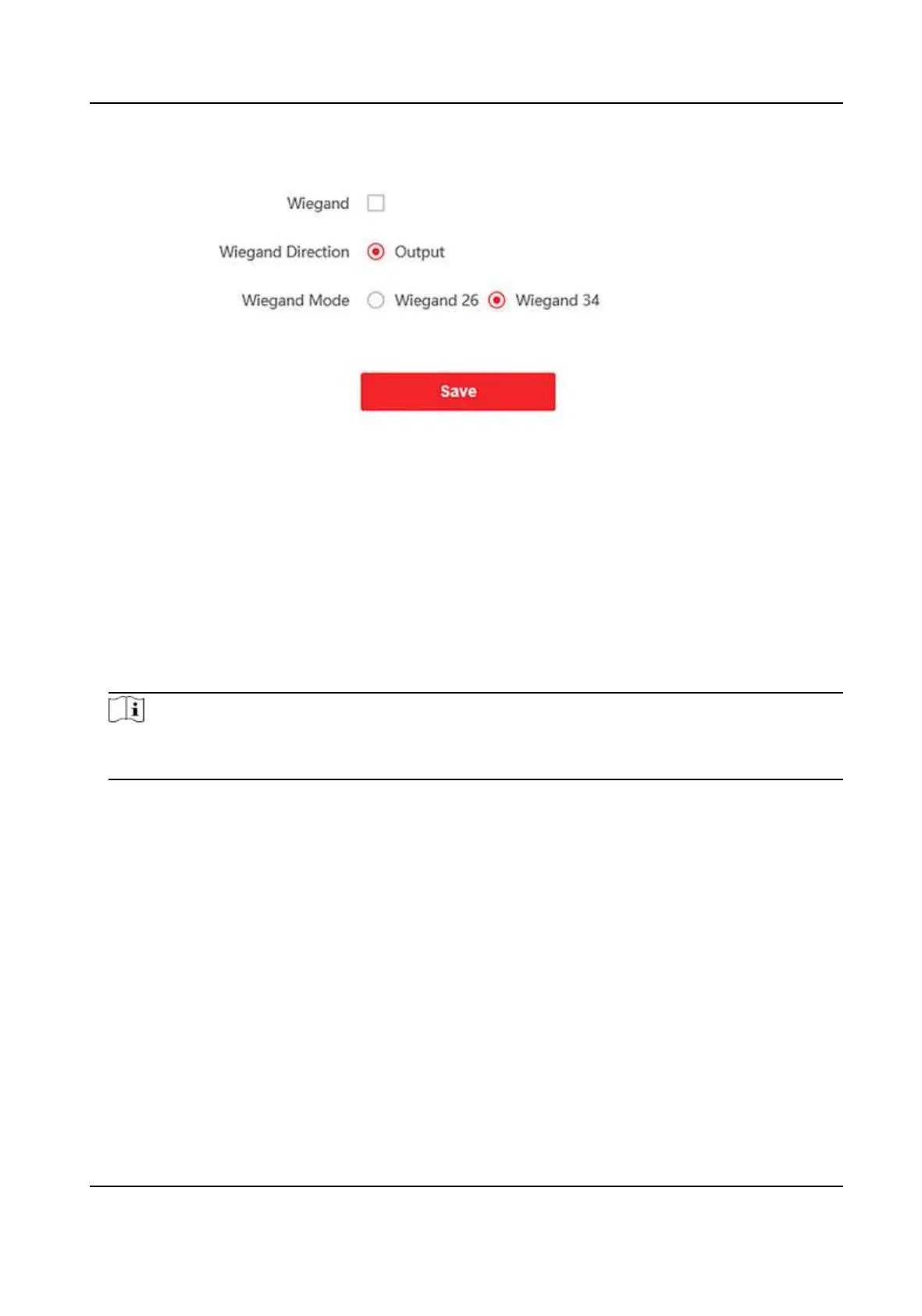
Figure 9-13 Wiegand
2.
Check Wiegand to enable the Wiegand funcon.
3.
Set a transmission direcon.
Output
The can connect an external access controller. And the two devices will transmit the card No.
via Wiegand 26 or 34.
4.
Click Save to save the sengs.
Note
If you change the peripheral, and aer you save the device parameters, the device will reboot
automacally.
9.5.21 Set Biometric Parameters
Set Basic Parameters
Click Conguraon → Smart → Smart .
DS-K1T342 Series Face Recognion Terminal User Manual
147


 To Next Page
 Loading...