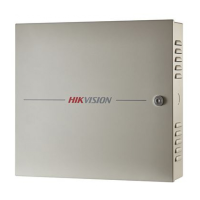
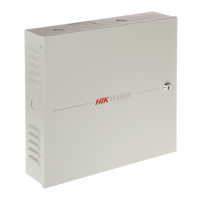
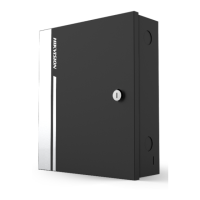
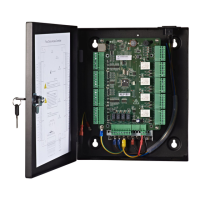
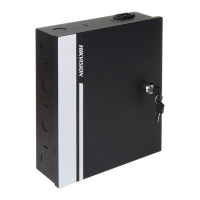
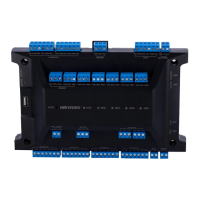
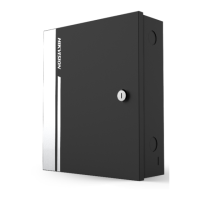
DS-K2600 Series Access Controller
27
5 Settings
5.1 Initializing the Hardware
Option 1:
Steps:
1. Remove the jumper cap from the Normal terminal.
2. Disconnect the power and restart the access controller. The controller buzzer buzzes a
long beep.
3. When the beep stopped, plug the jumper cap back to Normal.
4. Disconnect the power and restart the access controller.
Option 2:
Steps:
1. Jump the jumper cap from Normal to Initial.
2. Disconnect the power and restart the access controller. The controller buzzer buzzes a
long beep.
3. When the beep stopped, jump the jumper cap back to Normal.
4. Disconnect the power and restart the access controller.
Figure 5-1 Initialization Dial-up
Note: The initializing of the hardware will restore all the parameters to the default setting
and all the device events are wiping out.
5.2 Relay Input NO/NC
5.2.1 Lock Relay Output
Lock Relay Normally Open Status


 To Next Page
 Loading...