RS-485
Click System Sengs → RS-485 to enter the sengs page. Select the No.
and Working Mode from the drop-down list.
Click Save to enable the sengs.
Maintenance
Click Maintenance → Upgrade & Maintenance to enter the sengs page.
Figure 5-3 Maintenance
•
Reboot: Click Reboot to reboot the device.
•
Restore
Click Restore to reset all the parameters, except the IP parameters
and user informaon, to the default sengs.
Default
Click Default to restore all parameters to default sengs.
•
Export parameters:
1. Click Device Parameters to pop up the dialog box.
2. Set and conrm the encrypon password.
3. Click OK to export parameters.
•
Import
Cong. File:
1. Click Browse to select the conguraon le.
2. Click Import and enter the encrypon password to import.
•
Upgrade: Click Browse to select the upgrade le.
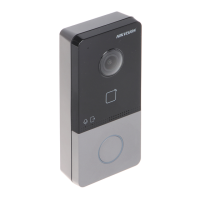
Video Intercom Villa Door
Staon User Manual
17


 To Next Page
 Loading...