Chapter 6 Network Conguraon
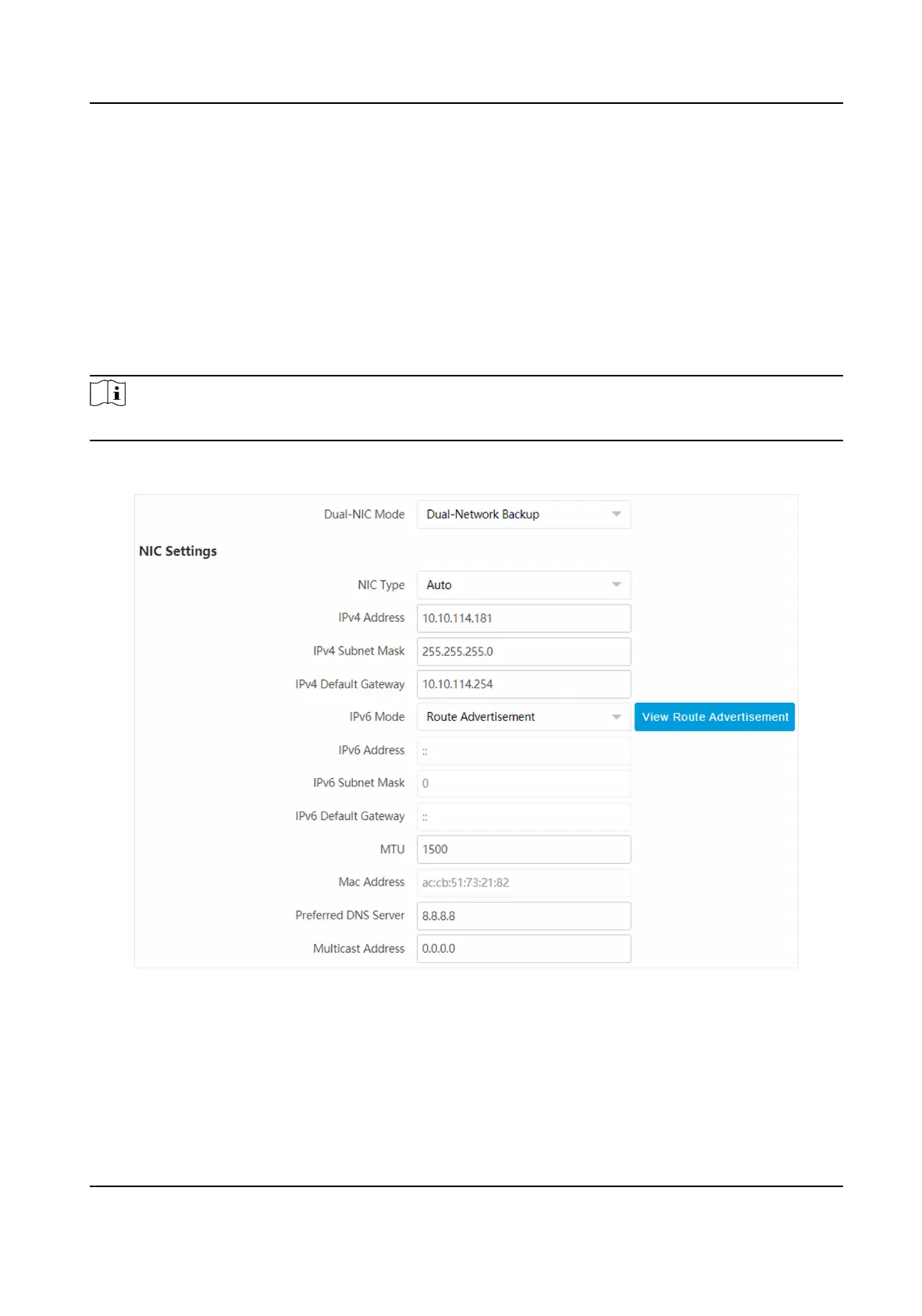
6.1 Set IP Address
IP address must be properly congured before you operate the device over network. IPv4 and IPv6
are both supported. Both versions can be congured simultaneously without conicng to each
other.
Steps
Note
The supported parameters vary with dierent models. The actual device prevails.
1.
Go to Conguraon → Network → Network Parameters → Network Interface .
Figure 6-1 Set IP Address
2.
Select Dual-NIC Mode.
Dual-Network Backup
Network Trac Camera Operaon Manual
30



 To Next Page
 Loading...









