Chapter 7 Serial Port Conguraon
7.1 Set RS-485
Set RS-485 parameters if the device needs to be connected to other peripheral devices controlled
by RS-485 serial port.
Before You Start
The corresponding device has been connected via the RS-485 serial port.
Steps
Note
The number of available RS-485 serial port varies with dierent models.
1.
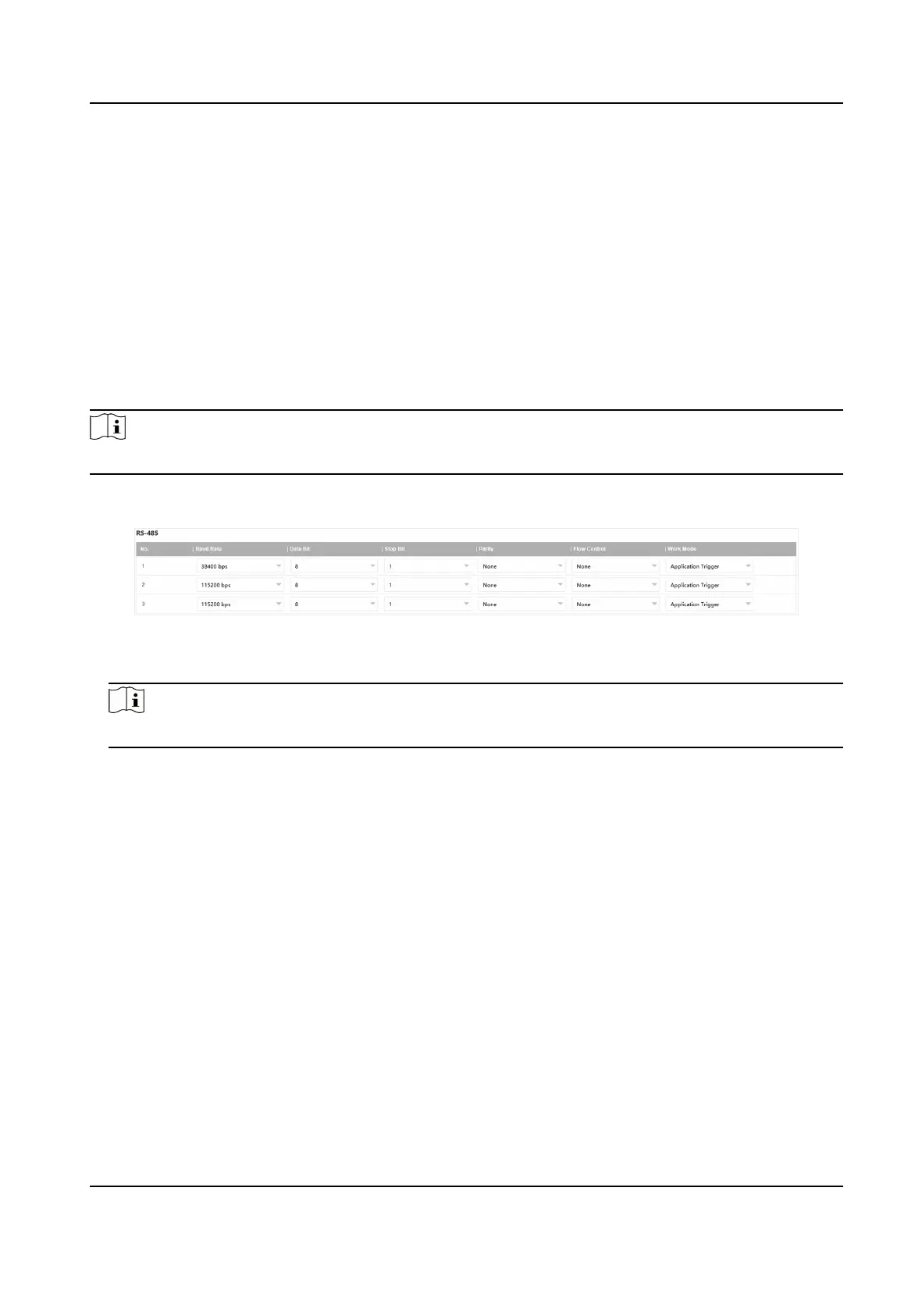
Go to Conguraon → System → System Sengs → Serial Port → RS-485 .
Figure 7-1 Set RS-485
2.
Set Baud Rate, Data Bit, Stop Bit, etc.
Note
The parameters should be same with those of the connected device.
3.
Set Work Mode.
Applicaon Trigger
Select it when the signal trigger devices (such as radar) are connected to the RS-485 serial
port of the device.
Transparent Channel
Select it when the other peripheral devices are connected to the RS-485 serial port of the
device for
communicaon transmission.
4.
Click Save.
7.2 Set RS-232
Set RS-232 parameters if you need to debug the device via RS-232 serial port.
Before You Start
The debugging device has been connected via the RS-232 serial port.
Network Trac Camera Operaon Manual
38



 To Next Page
 Loading...









