Features
14 Affinity® Three Birthing Bed and Affinity® Four Birthing Bed User Manual (USR025 REV 6)
Head Section
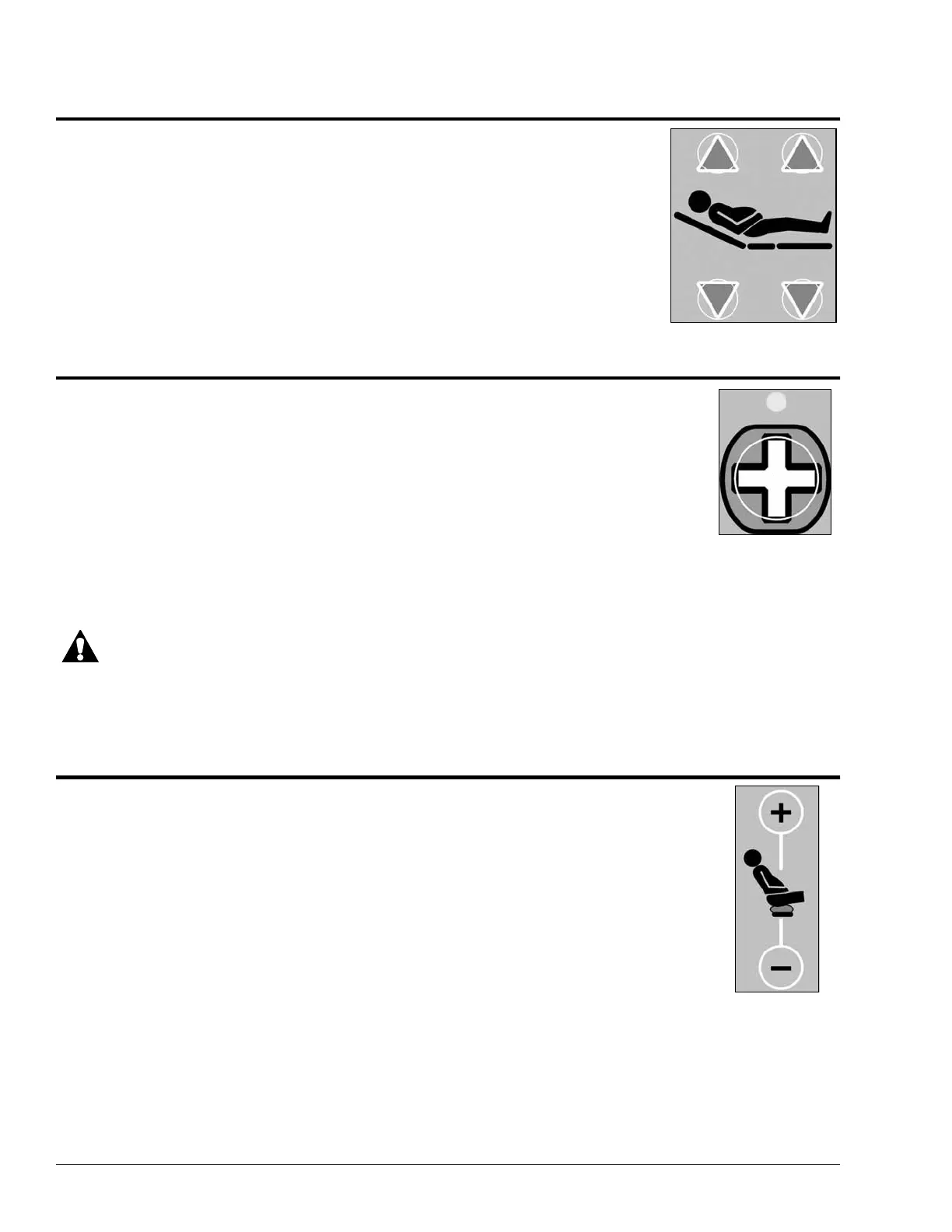
The Head Up/Head Down controls located on both siderails enable you to raise or lower
the head section of the bed. The head section can be raised to any angle of inclination
up to 63°.
Location: Caregiver and patient siderails (right hand and left hand)
The Head Up/Down buttons are the arrows located on the left side of
the label.
To Activate:
• Press and hold the Head Up button to raise the head section of the bed.
• Press and hold the Head Down button to lower the head section of the bed.
Nurse Call (Optional)
On beds equipped with the optional nurse call feature, use the Nurse Call button to place a call
to the nurse call system. Above the Nurse Call button, the Call indicator light illuminates and
flashes on the patient’s siderail controls, indicating a call has been made.
Location: Caregiver and patient siderails (right hand and left hand)
To Activate:
• Press and release the Nurse Call button.
• The LED indicator above the switch will flash indicating that the patient placed a
nurse call. When the nurse answers, the LED indicator will turn on solid. The nurse may then talk to you
and you may speak into the speaker /microphone.
CAUTION:
If power to the bed is lost, the nurse call function can still operate up to 4 hours depending on the charge of
the battery. Before becoming completely non-functional, the system will place a non-cancellable nurse call.
NOTE:
The Nurse Call controls cannot be locked out.
Seat Section Mattress Control (Optional)
The Seat Section Mattress Control enables you to inflate or deflate the seat section mattress in
order to attain a degree of firmness or softness.
Location: Caregiver and patient siderails (right hand and left hand)
To Activate:
• To auto-inflate the seat section, press the Caregiver Seat Inflate Button (plus sign).
To cancel the auto-inflate function, press the Caregiver Seat Inflate Button (plus
sign) again.
• To auto-deflate the seat section, press the Caregiver Seat Deflate Button (minus
sign). To cancel the auto-deflate function, press the Caregiver Seat Deflate Button
(minus sign) again.
• To inflate or deflate the seat section from the patient controls, press and hold the Patient Seat Inflate
Button (plus sign) or the Patient Seat Deflate Button (minus sign).
NOTE:
The auto-inflate function runs for 20 to 25 seconds before shutting off.
Head Section Controls
Nurse Call Button
Seat Section
Mattress Controls



 To Next Page