Features
Affinity® Three Birthing Bed and Affinity® Four Birthing Bed User Manual (USR025 REV 6) 15
TV On/Off (Optional)
The TV on/off button turns on and off the audio for the television and radio.
Location: Patient siderail control panel (right hand and left hand)
To Activate: Press and release the TV button. The television and radio audio come on. The
television and radio volume controls on the patient siderail control panels are now
operational.
To Deactivate: Press and release the TV button. The green indicator light goes off, and the
television and radio audio are muted.
Mattress Models
The bed is available in two options: the V-Cut or Straight-Cut.
Central Brake and Steer
CAUTION:
Make sure the bed does not touch the wall at the head end. When the bed is raised, it moves slightly
towards the head end. If the bed is too close to the wall, damage could occur.
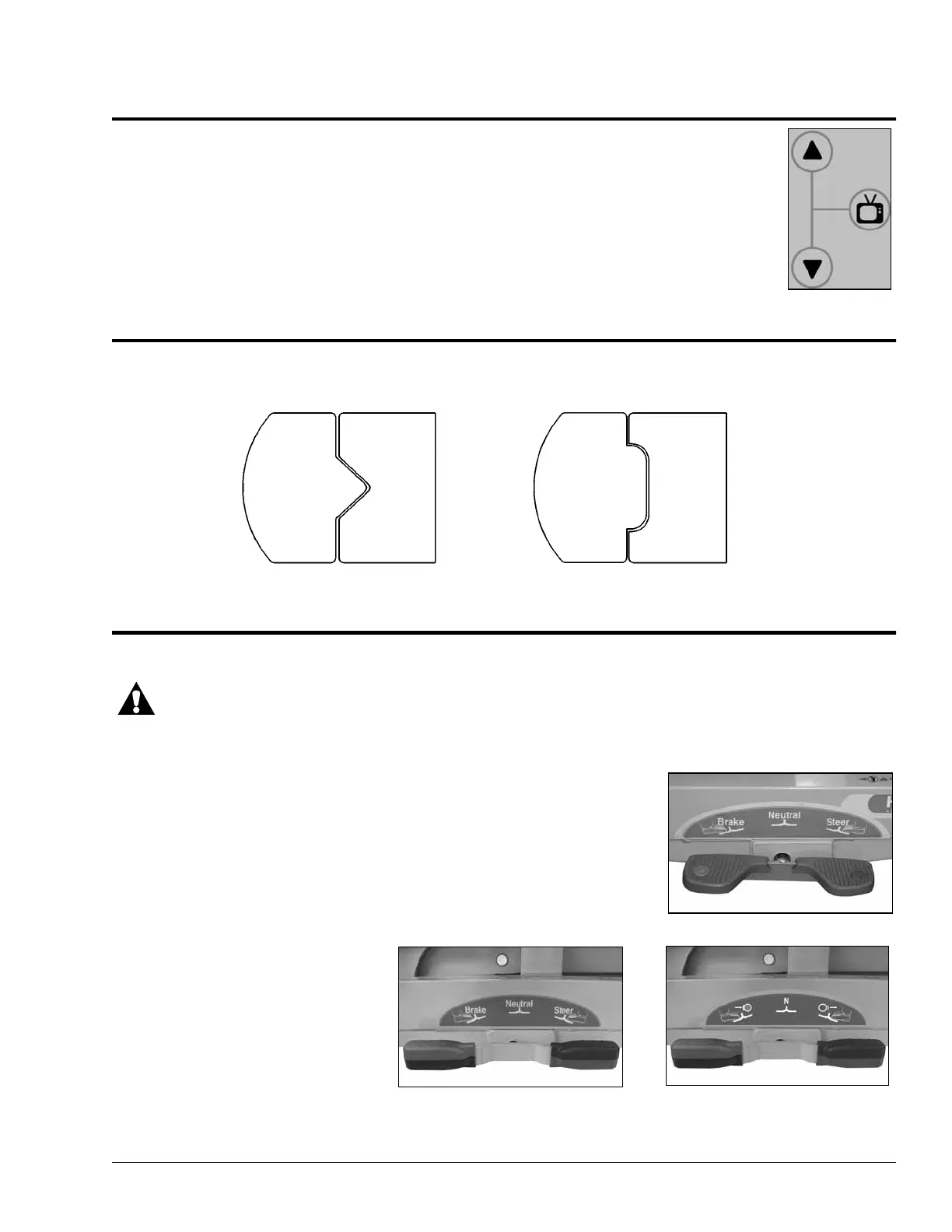
The Affinity® Three Birthing Bed is equipped with 2-wheel braking and
1-wheel steering.
The Affinity® Four Birthing Bed is
equipped with 4-wheel braking and
1-wheel steering.
On/Off Buttons
V-Cut
Straight-Cut
Affinity® Three
Affinity® Four
or



 To Next Page