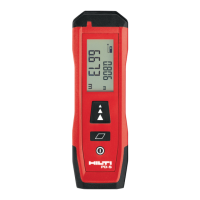
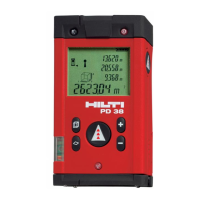
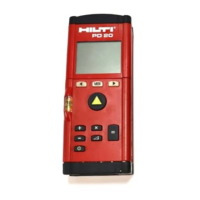
m
MENU
2. When the tool is switched off, press the “On / off”
button: The tool switches on.
The laser beam is switched off.
3. When the tool is switched on, press the “On / off”
button: The tool switches off.
4. When the tool is switched off, press the “Measure”
button: The tool and the laser beam switch on.
6.3 First distance measurements
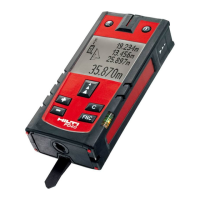
1. Press the “Measure” button once.
If switched off, the tool will be switched on and
the laser beam activated.
If the tool is already switched on, the laser beam
will be activated.
2. Aim the tool by positioning the visible laser spot
on a white surface at a distance of approx. 3 ಣ 10
m.
3. Press the “Measure” button again.
The distance will be displayed in less than a
second, e.g. 5.489 m.
You have just taken your first measurement with
the tool.
6.4 Settings menu
1. With the tool switched off, press the “On / off”
button for approx. 2 seconds to enter menu mode.
2. Press the “Plus” button to switch the beep signal
on or off.
3. Press the “Minus” button repeatedly to scroll
through the choice of units.
4. Press the “On / off” button briefly to close the
menu.
The tool is switched off and all the settings shown
will be saved.
6.5 Measuring references
NOTE
The tool can take measurements from 4 different
reference (contact) points. The “Reference” button
on the left on the front of the tool is used to switch
between the front and rear references (front or rear
edge of the tool). The reference is set automatically
to the tip of the spike when the spike is folded
out through 180°. When the measuring extension is
screwed into place, this is detected automatically by
the tool and indicated by the long extension symbol
in the display.
Front edge
Rear edge
Spike
PDA 71 measuring extension: is detected automatic-
ally when screwed in.
6.6 Measuring distances
NOTE
When the spike is folded back in, the measuring
reference is always reset to the rear edge of the tool
irrespective of how far the spike was folded out or to
which point on the tool the measuring reference was
previously set.
en
25


 To Next Page
 Loading...