8 When playing a movie, you can use UP/DOWN Key to adjust the vertical position of the subtitle.
9 When playing a movie, you can use LEFT/RIGHT Key to rewind/ fast-forward 10 seconds.
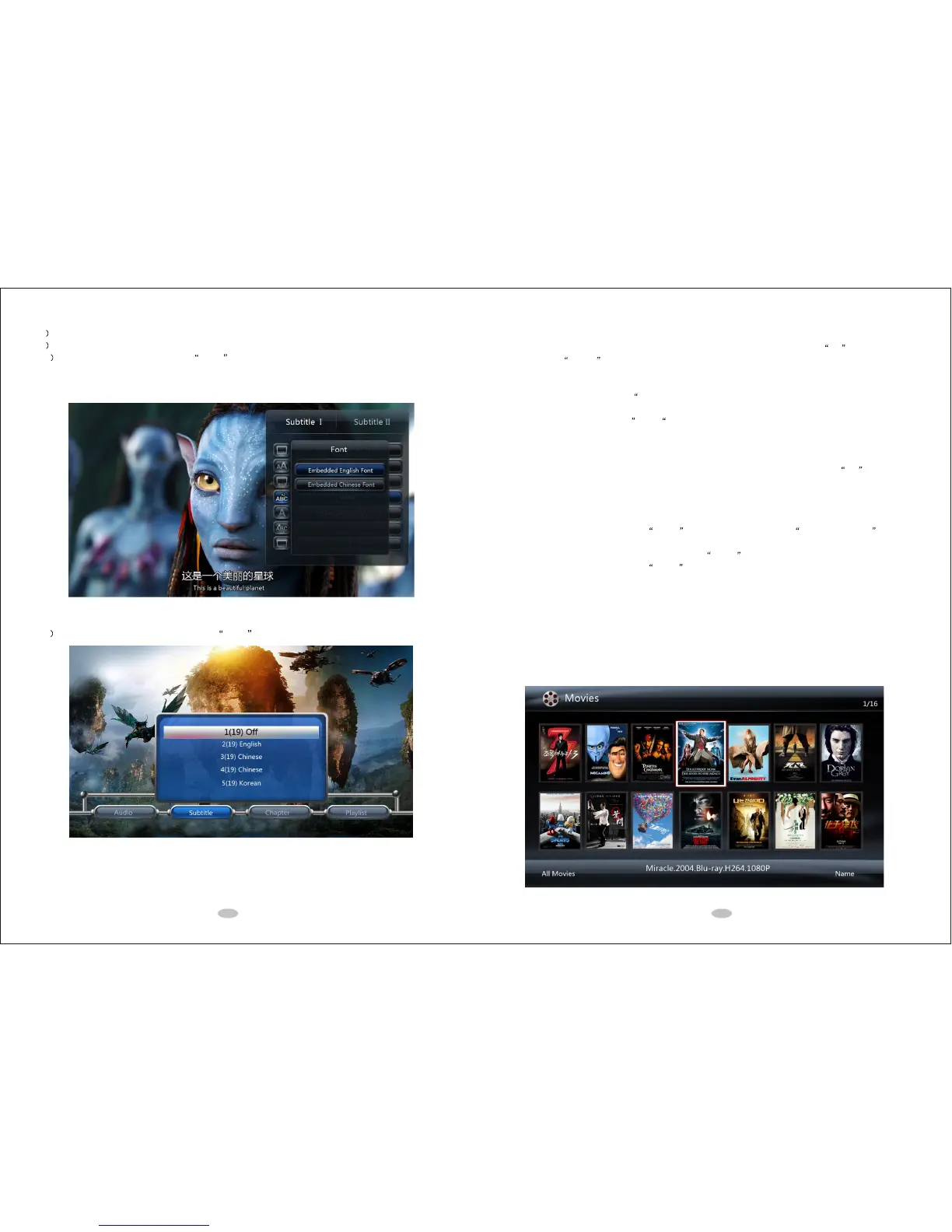
10 When playing a movie, you can use MENU button to bring up a setup menu. Under the setup menu,
you can enter the subtitle sub menu and have two different sets of settings for two external subtitle 1 and
subtitle 2. You can use LEFT/RIGHT Key to switch between subtitle 1 and subtitle 2.
11 When playing a BDMV folder, you can use MENU button to show BD Lite Navigation menu.
8.3 Play Music
Method 1: Open MUSIC media library through main menu, select music, and then press OK to play the music.
Method 2: Use MUSIC button to realize One-Touch-Music-Playback.
Method 3: Open file manager, enter a storage device, and select music to play.
When playing music, you can use MENU button to select different repeat modes for playing such as play once,
repeat the single, play one by one, random playback.
When playing music, you can use INFO button to show the information of the playing music.
8.4 Play Photo
Method 1: Open PHOTO media library through main menu, select a photo, and then press OK to play.
Method 2: Open file manager menu, enter a storage device, and then selectc a photo to play.
1) When playing a photo, you can use LEFT/RIGHT Key to jump to the last/next photo.
2) When playing a photo, you can use UP/DOWN Key to rotate the photo.
3) When playing a photo, you can use ZOOM button to enlarge photo and Directional Keypad to pan
the photo.
4) When displaying a photo in full screen, you can use MENU button to select the background music.
5) When playing a photo, you can use MENU button to set photo transition effect, slide show timing and
background music etc.
The default settings for photo playback are 5 seconds time interval, random transition effect and repeat all mode.
8.5 Cover file
In the media library or file manager, the corresponding cover pictures stored in the file folders will be displayed
when Media Cover Mode is selected.
19 20



 To Next Page