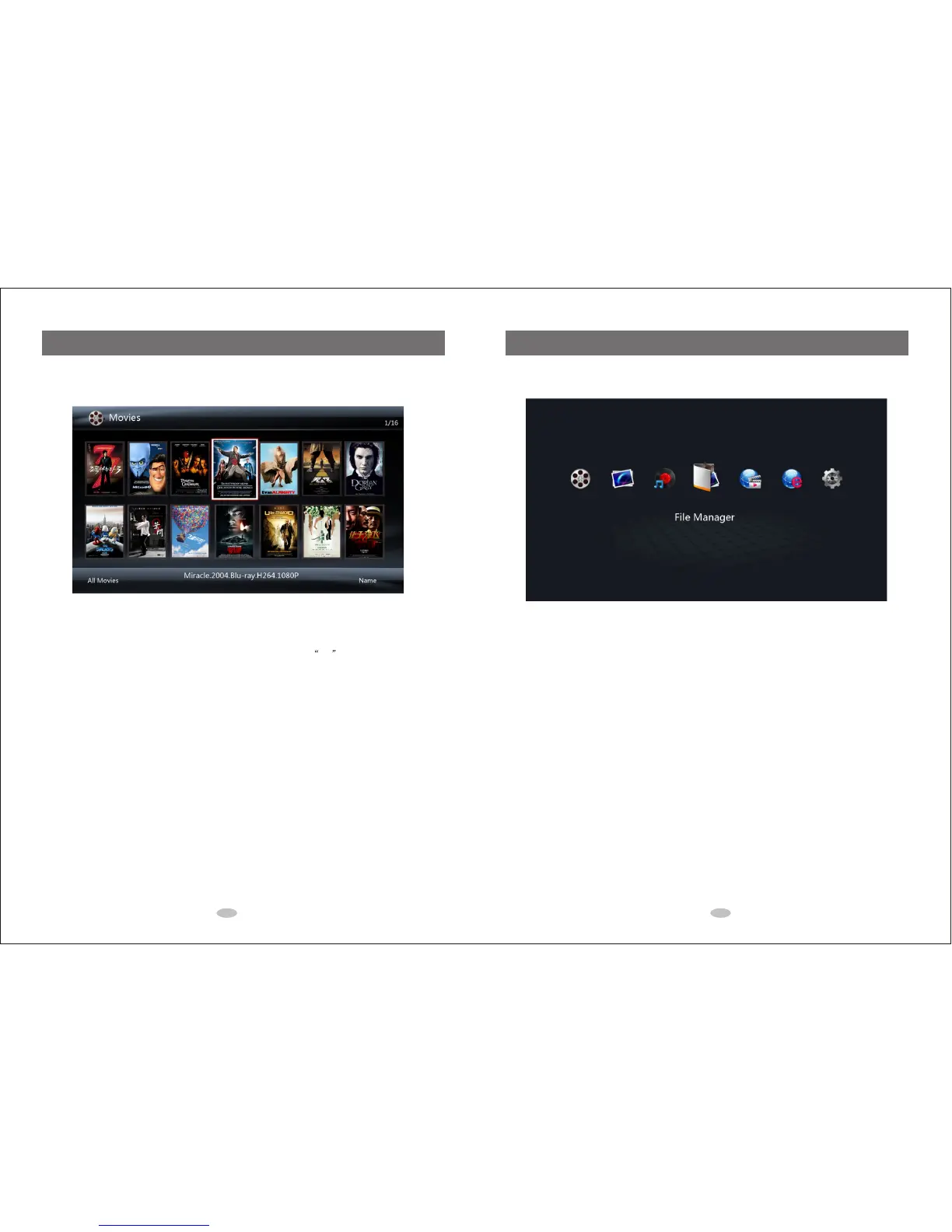
5.0 Media Library
You can go to Movies, Music and Photo Media Library through the main menu or using the shortcut buttons on
the remote control.
In the media library, you can use the following buttons.
Directional Keypad: Navigates and high-lightens media files, and press OK to play the selected file.
Green Button: Shows up the operation menu to add files to or delete the files in the media library. ('Delete'
only removes the file from the media library. It does not delete the file from the storage device).
MENU Button: Changes view mode (such as thumbnail, list, or preview mode), file filtering mode (such as All
Movie or Only BD/DVD), and file sorting mode for displaying the media library.
SEARCH Button: Shows up the file searching menu for you to search the files in the media library.
6.0 File Manager
You can go to File Manager through the main menu.
In the file manager, you can use the following buttons.
Directional Keypad: Navigates and high-lightens media files, and press “OK” to enter the selected file
folder or to playback the selected file.
Green Button: Shows up the operation menu to copy, delete, move, rename and add the selected file/folder
to the media library.
MENU Button: Changes view mode (such as thumbnail, list, or preview mode) and file filtering mode (such
as All Media Files, Only Movies, Only Music or Only Photo).
RETURN Button: Returns to the parent directory or to the main menu.
11 12



 To Next Page