3.5 Intelligent Settings
Automatically recognizes subtitle encoding type, such as BIG5, GB2312, UTF8 etc.,
and display it correctly.
On: The group of files in the same directory such as
xx_yy_zz_01.ts, xx_yy_zz_02.ts and, xx_yy_zz_03.ts will be playback seamlessly.
Note: It's only valid for TS/PS file and not working for AVI, MKV files.
Off: Plays files one by one with 2 seconds interval between two files
On: When browsing file, pressing OK on the BDMV folder will play BDMV folder
and pressing Play button will play BDMV file.
Sets the default subtitle language track for playing BDM.
Sets the default audio language track for playing BDMV.
Sets the font's path for external subtitle.
Subtitle Automation
Recognition
TS Seamless Playback
BDMV Folder Auto-Play
BDMV default subtitle
BDMV default audio
Subtitle Font Directory
3.6 MISC Settings
Shows firmware version info.
Please check Chapter 9.0 Upgrade Firmware .
Version Info
USB upgrade
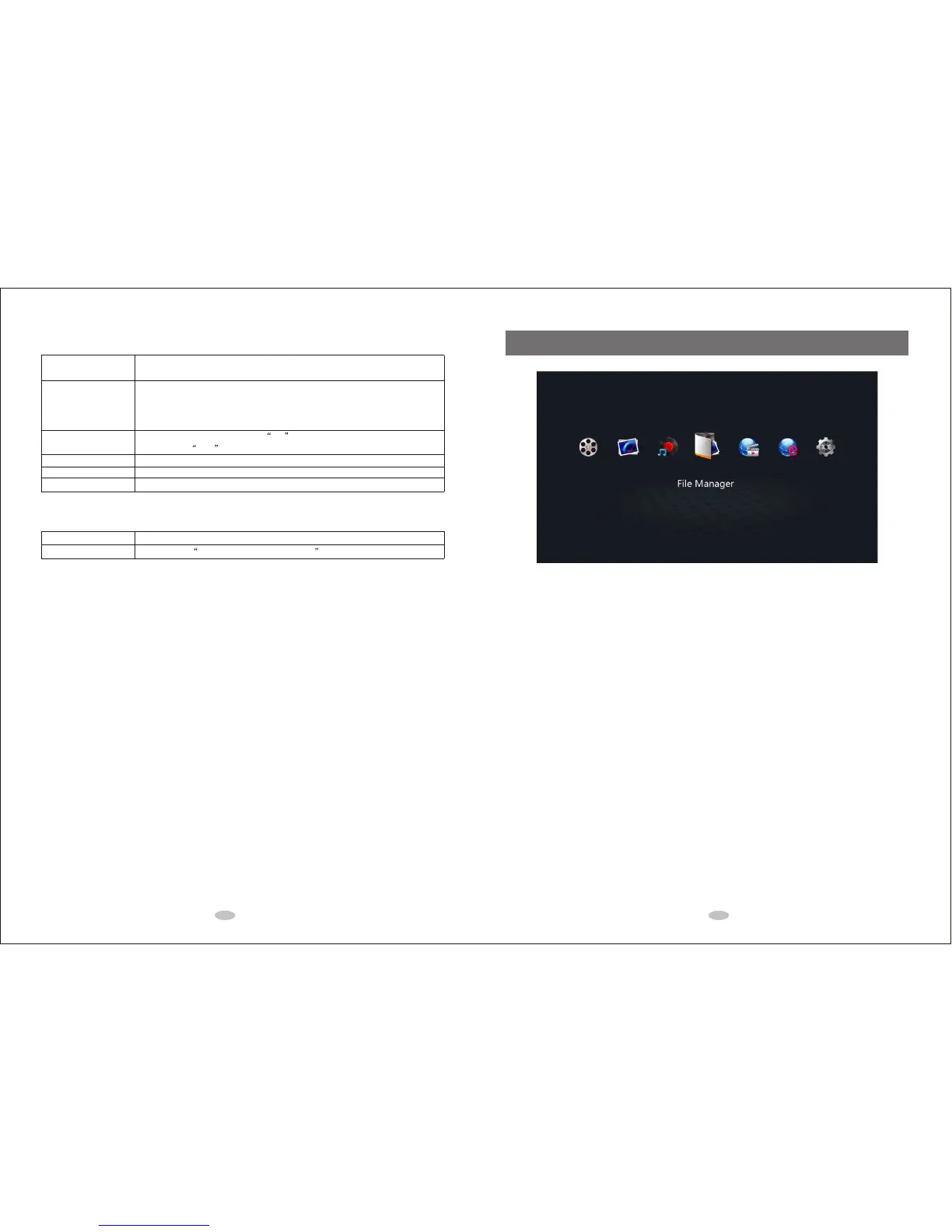
4.0 Main Menu
Movies
Go to movie media library.
Music
Go to music media library.
Photo
Go to photo media library.
File Manager
Go to file manager to manage movie, music and photo files in USB, CARD, HDD, Network (SAMBA/UPNP), etc.
Internet Media Service
If the wired or wireless network is connected, various internet services such as YouTube and Video Podcast
are available.
Web Browser
You need to connect a mouse and keyboard to use the web browser to browse internet.
Setup
Go to setup menu to change settings for System, Audio, Video, Network, MISC etc.
9 10



 To Next Page