©2021 Hinkley Lighting, Inc.
|
hinkley.com
|
17
SCAN FOR ADDITIONAL DETAILS
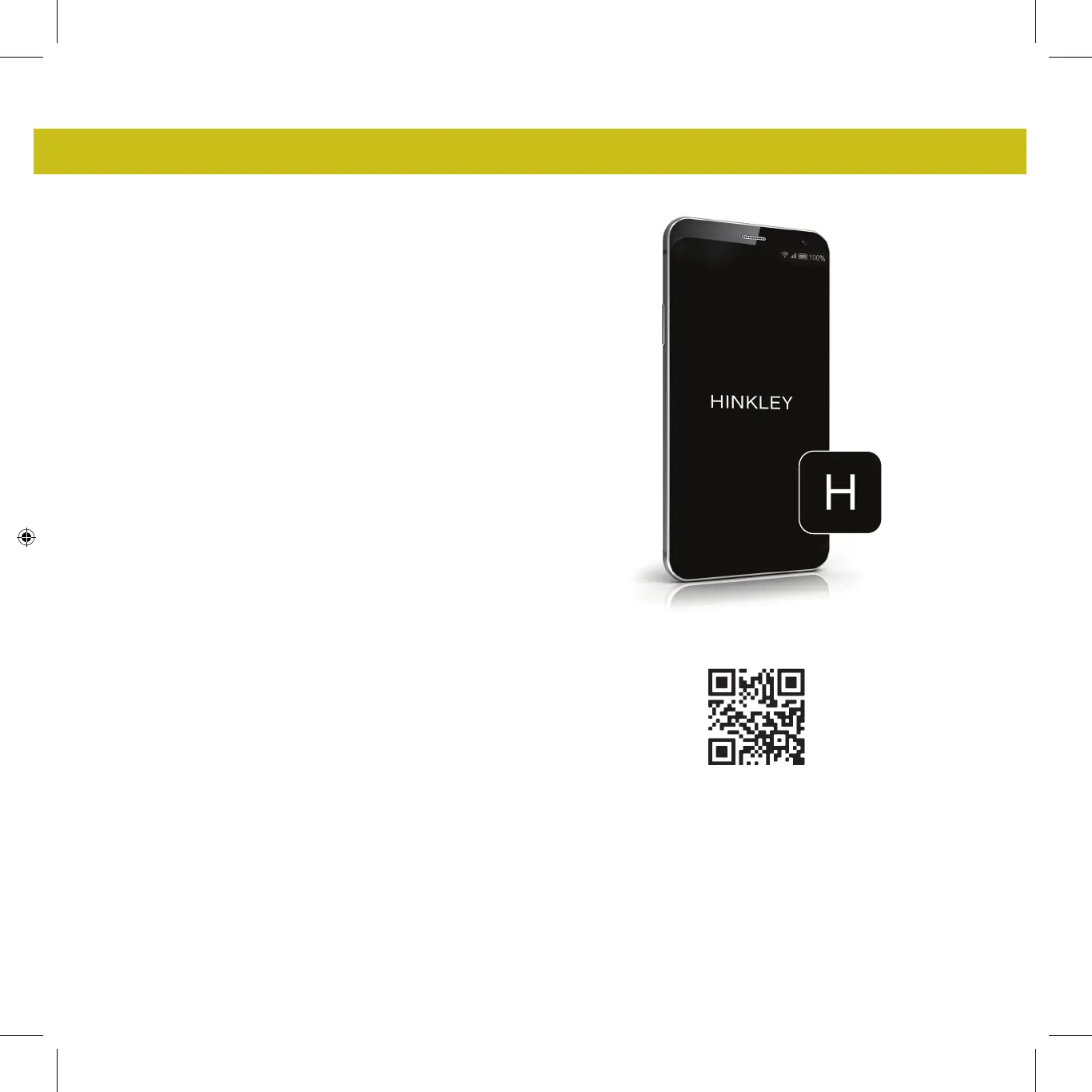
DOWNLOADING THE HINKLEY APP
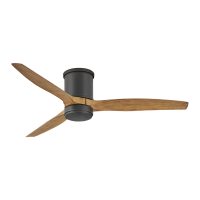
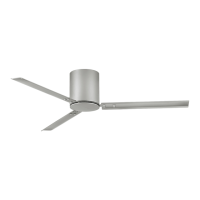
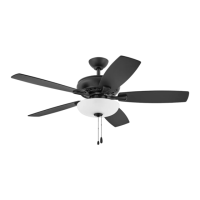
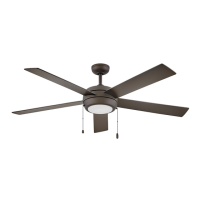
HINKLEY SMART FAN OPTIONS:
In addition to the included wall control, you can control your Hinkley
fan through the Hinkley app.
• To use the Hinkley app, download it for free from the App Store or
Google Play.
• Open the Hinkley app where you will be prompted to create an
account.
• Enter all necessary information to create an account.
• After account is created you will receive a verification code email to
finish setting up the Hinkley app (Check spam folder if email is not
received).
• Confirm Bluetooth is enabled to allow the fan and Hinkley app to
connect to each other.
• Click add a device on the home screen and select desired fan.
• The Hinkley app will then have you enter in WiFi name and
password.
• Click done on the Hinkley app to complete connecting the fan.
• The Hinkley app will have options on the main screen for fan
speeds, dimming and setting timers.
• Scan the QR code below for more information on the Hinkley app
operation.



 To Next Page