3
Getting Started
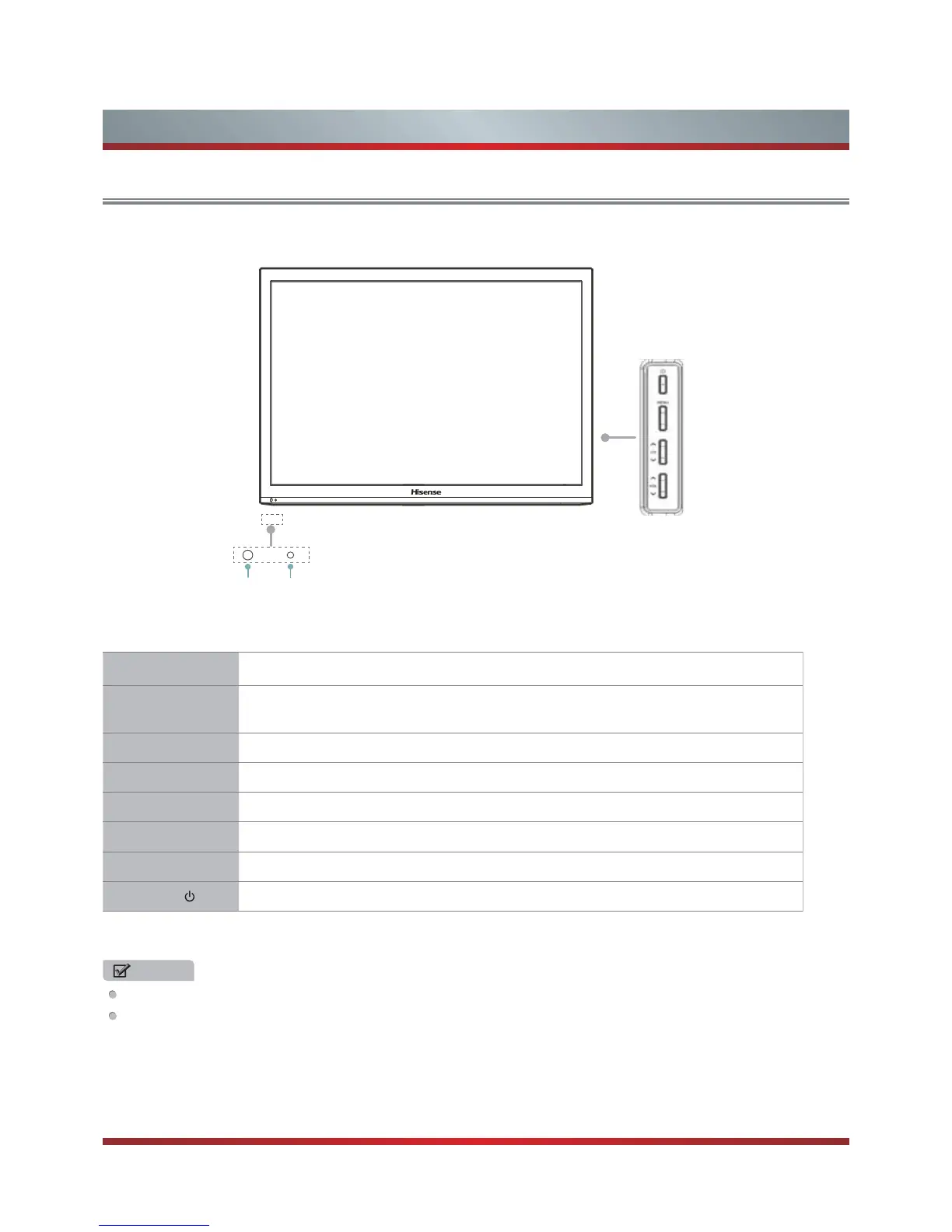
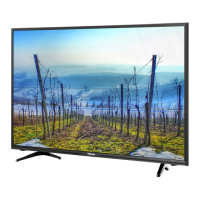
Viewing the Control Panel
Remote sensor Power indicator
Item Description
Power Sensor
Receives remote signals from the remote control.
Do not put anything near the sensor, as its function may be affected.
Power Indicator The light is red in standby mode,and it's green when your TV turns on.
MENU Open or close the OSD menu.
INPUT Select among the different input sources.
CH
V
/ CH
V
Select the channel.
VOL
V
/ VOL
V
Adjust the volume.
INPUT also have the “OK” function in some cases.
STANDBY
Turn on the TV or put the TV in standby mode.
NOTES
FOR ILLUSTRATION ONLY.
Powering up or down the TV requires several seconds of processing time. Do not rapidly turn the TV on/off as abnormal
operation may occur.
MENU
INPUT
CH
V
CH
V
VOL
V
VOL
V
INPUT



 To Next Page