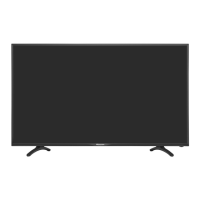
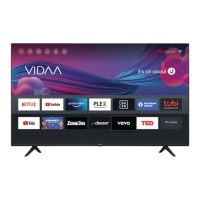
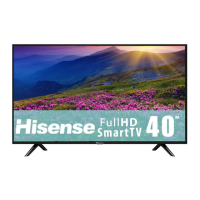
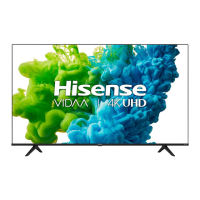
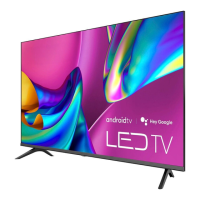
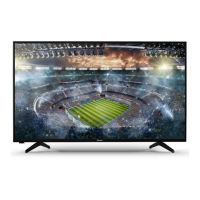
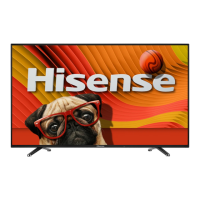
This document is a Quick Setup Guide for the Hisense 49R4 television, providing essential information for initial setup, safety, and basic operation. It also includes a warranty and disclaimer, important safety precautions, and detailed specifications.
Function Description:
The Hisense 49R4 is a television designed for home entertainment. It allows users to watch broadcast television channels (analog and digital), connect to external AV equipment via HDMI and AV inputs, and access digital audio systems. It also supports USB devices for media playback and recording live TV programs (PVR function). Network connectivity is available through both wired (LAN) and wireless (Wi-Fi) connections, enabling access to online services like Freeview Plus (in Australia). The TV features a remote control for easy navigation and control of its functions.
Important Technical Specifications:
- Model: 49R4
- Active Screen Size (Diagonal): 49 inches
- Screen Resolution: 1920 × 1080 (Full HD)
- Audio Power: 8W + 8W
- Power Supply: 100-240V ~ 50/60Hz
- Power Consumption: Please refer to the rating label for specific details.
- Standby Power: 0.5W
- Receiving Systems (Analog): PAL-D/K, B/G, I SECAM-D/K, B/G, L/L'
- Receiving Systems (Digital): DVB-T/T2, DVB-C
- HDMI Input Support:
- 60 Hz (640×480, 800×600, 1024×768)
- 60 Hz (480 I, 480 P, 720 P, 1080 I, 1080 P)
- 50 Hz (576 I, 576 P, 720 P, 1080 I, 1080 P)
- Wall-Mount Hole Pattern: 200 × 200 mm
- Wall-Mount Screw Size: M6
- Dimensions (W × H × D):
- Without Stand: 1103 × 642 × 86 mm
- With Stand: 1103 × 699 × 217 mm
- Weight:
- Without Stand: 8.6 kg
- With Stand: 8.7 kg
- Environmental Conditions:
- Temperature: 5°C - 45°C
- Humidity: 20% - 80% RH
- Atmospheric Pressure: 86 kPa - 106 kPa
- Wireless LAN Adapter: Supports IEEE 802.11 b/g/n communication protocols.
- USB Support: USB1.1 and USB2.0 devices (hard drives, USB sticks, digital cameras). Max supported current for USB devices is 500mA or 5V.
Usage Features:
- Quick Setup Guide: Provides step-by-step instructions for initial setup, including installing the stand, connecting cables, and configuring basic settings like language, location, time zone, and network connection.
- Multiple Input Sources: Supports ANT (VHF/UHF antenna or cable), HDMI (with ARC support on HDMI 2), AV (composite video and stereo audio), and USB.
- Remote Control: A comprehensive remote control is included, featuring buttons for power, input selection, channel navigation, volume control, quick setup, special functions, media playback control, and direct access to applications. It also includes buttons for Timeshift, Subtitle display, and EPG (Electronic Program Guide).
- On-Screen Display: The TV features an on-screen menu for configuration and navigation, accessible via the remote control.
- Freeview Plus (Australia only): Offers an advanced Electronic Program Guide and seamless access to catch-up TV services from free-to-air networks via broadband connection.
- USB Media Playback and PVR: Allows users to browse photos, listen to music, and watch recorded movies from USB devices. The PVR function enables recording live TV programs (details in User Manual).
- Network Connectivity: Supports both wired (Ethernet/LAN) and wireless (Wi-Fi) connections for internet access and online services. DHCP is recommended for automatic network configuration.
- Audio Output: Includes a headphone jack and a DIGITAL AUDIO OUT (optical) for connecting external audio systems.
- Standby/Source Button: A single button on the TV allows for powering on/off and switching between input sources.
Maintenance Features:
- Cleaning: Unplug the TV before cleaning. Use a lightly dampened cloth; avoid liquid, abrasive, or aerosol cleaners.
- Power Cord Protection: Ensure power cords are routed to prevent walking on or pinching. The MAIN plug serves as the disconnect device and should remain readily operable.
- Lightning Protection: Unplug the TV and disconnect the antenna/cable system during lightning storms or prolonged disuse to prevent damage.
- Ventilation: Maintain a minimum 10cm gap around the unit and 6cm from the wall to ensure proper ventilation and prevent overheating. Do not cover ventilation openings.
- Battery Safety: Do not mix old and new batteries or different types. Dispose of depleted batteries properly. Avoid exposing batteries to excessive heat. Clean battery compartments if leakage occurs.
- Servicing: Do not attempt to service the TV yourself. Refer all servicing to qualified personnel. Unplug the TV and seek service if the power cord/plug is damaged, liquid or objects fall into the TV, or if it has been exposed to rain/water.
- Disposal: Packaging and electrical goods should be recycled appropriately. Do not treat as household waste. Dispose of the equipment at an applicable collection point for electrical and electronic waste recycling. Batteries should also be disposed of in a designated area.

 Need help?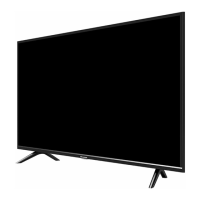

 To Next Page
 General