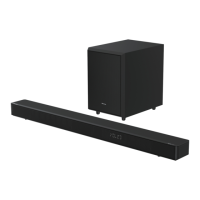
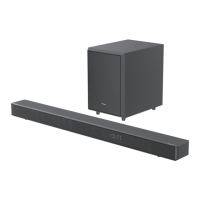
3
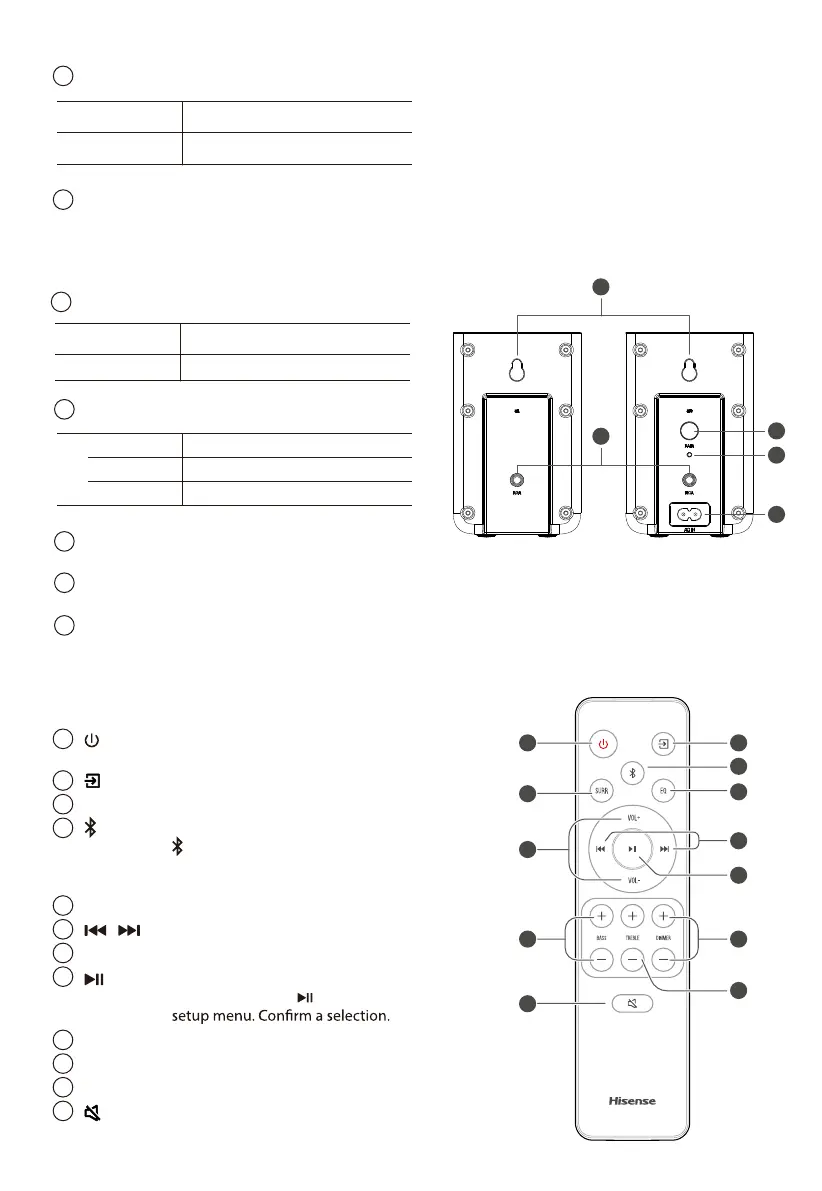
AC IN Socket
Connect to power supply.
• Fast blink Rear speakers in pairing mode
• Constant on Connected / Paired successfully
• Slow blink Connection / Pairing failed
2
PAIR Button
2 seconds Pairing mode
5 seconds Clear the pairing record
1
PAIR Button
2 seconds Pairing mode
5 seconds
Clear the pairing record
1
2
4
3
5
3.3 Wireless Rear Surround Speakers
2
3
RCA Socket
Connect the left and right rear surround speakers.
4
AC IN Socket
Indicator
Connect to power supply.
5
Wall Mount
Install the wall screws and brackets
into the back of the rear surround speakers.
1
3
7
9
2
4
5
6
8
11
10
12
3.4 Remote Control
1
Switch the unit between ON and STANDBY
mode.
2
(SOURCE)
Select the play mode.
3
SURR Adjust the surround ON/OFF.
4
(BT) Select the Bluetooth mode. Press and hold the
(BT) button to activate the pairing function
in Bluetooth mode or disconnect the existing
paired Bluetooth device.
5
EQ
6
/ Skip to previous/next track in BT / USB mode.
Select MUSIC/MOVIE/NEWS/SPORT/NIGHT/GAME/AI
7
VOL+/VOL- Increase/decrease the volume level.
8
Play/pause/resume playback in BT / USB mode.
Press and hold the
button for 3s to enter
9
BASS+/- Adjust bass level.
10
TREBLE+/- Adjust treble level.
11
DIMMER+/- Adjust display brightness.
12
(MUTE)
Mute or resume the sound.
9


 To Next Page
 Loading...