EasyManua.ls Logo

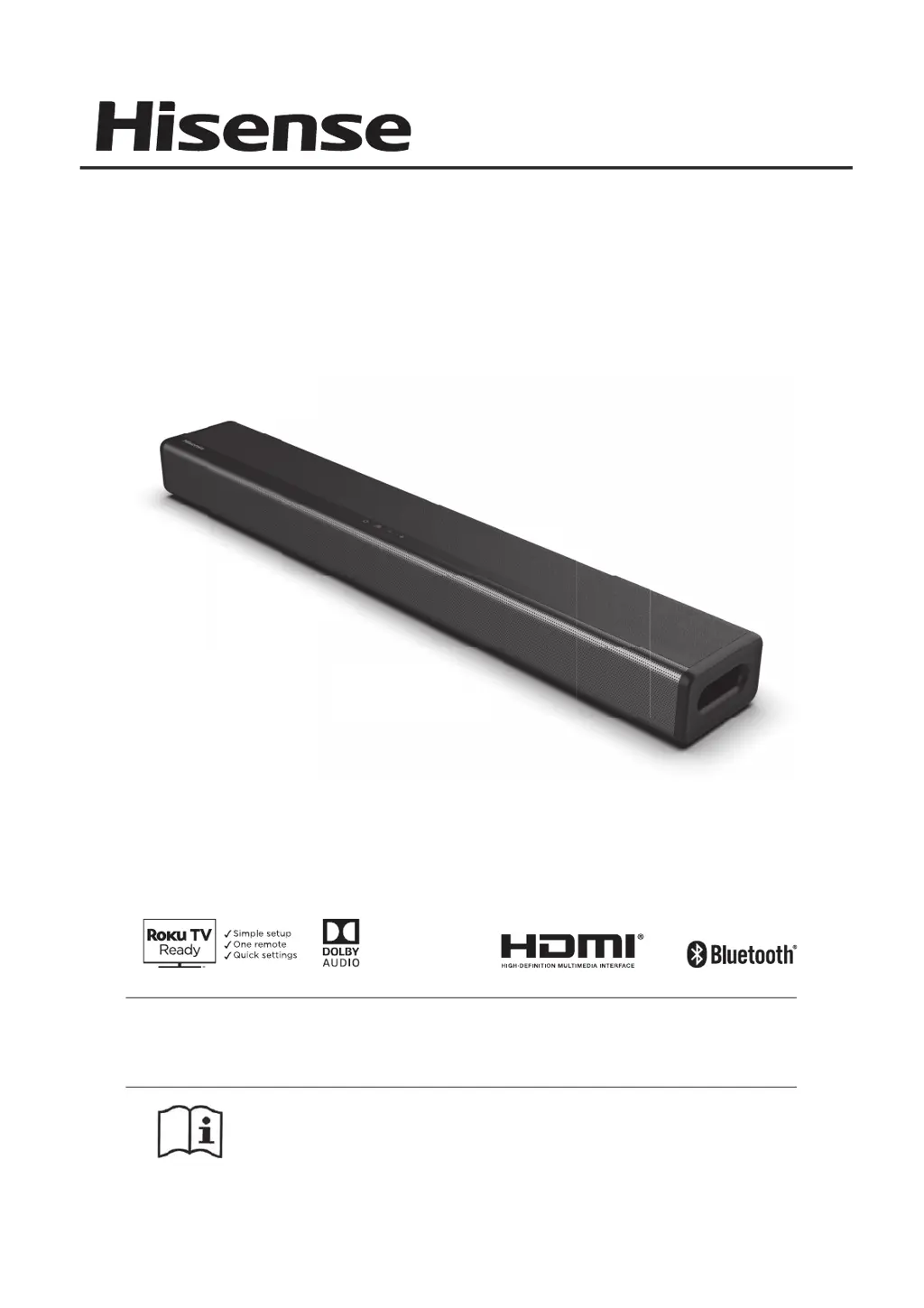
Hisense HS214 - User Manual

Hisense HS214
17 pages
Print Icon
To Next Page IconTo Next Page
Loading...
USER MANUAL
Before using the sound bar, please read this manual
thoroughly and retain it for future reference.
Model: HS214
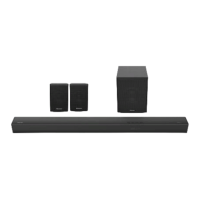
2.1 Channel Sound Bar Home Theater System
Manufactured under license
from Dolby Laboratories. Dolby,
Dolby Audio, and the double-D
symbol are trademarks of Dolby
Laboratories.
Roku TV Ready and the Roku TV Ready logo are trademarks of Roku, Inc.

Other manuals for Hisense HS214

Questions and Answers

  • R
    Rachel GarciaJul 27, 2025
    What to do if my Hisense Speaker System has no sound?
    • C
      Christine ThomasJul 27, 2025
      If your Hisense Speaker System isn't producing any sound, there are several things you can check: * Increase the volume using the VOL+ button on the remote or the + button on the unit itself. * Make sure the soundbar isn't muted by pressing the mute button on the remote. * Try setting the TV output to PCM. * If connected to a TV, ensure the audio output setting is set to FIXED or STANDARD, not VARIABLE. Refer to your TV’s user manual for details. * If using Bluetooth, check that the volume on your source device is turned up and that the device isn't muted. * If you're connecting directly to a Blu-ray player or another source, be aware that some TVs might not pass through digital audio.
  • D
    Debra CarrollJul 31, 2025
    How to fix a Hisense Speaker System with no power?
    • D
      davisjeffreyJul 31, 2025
      If your Hisense Speaker System isn't powering on, ensure the AC power cord is properly connected to the unit and that the AC outlet has power. Also, try pressing the standby button to turn the unit on.
  • J
    Jacob WeberAug 4, 2025
    Why is my Hisense Speaker System remote control not working?
    • G
      gcooperAug 5, 2025
      If the remote control for your Hisense Speaker System isn't working, try the following: * Ensure that you press any playback control button. * Reduce the distance between the remote control and the unit. * Make sure you've inserted the batteries with the correct polarities (+/-) as indicated. * Try replacing the batteries with new ones. * Aim the remote control directly at the sensor on the front of the unit, ensuring there are no obstacles blocking the signal.
  • P
    Patricia RichardsonAug 9, 2025
    How to fix a Hisense Speaker System that has no power?
    • S
      Sean MilesAug 9, 2025
      If your Hisense Speaker System isn't turning on, please check these items: * Ensure the AC power cord is properly connected to the unit. * Verify that the AC outlet has power. * Press the standby button to turn the unit on.
  • M
    Molly SmithAug 13, 2025
    What to do if my Hisense Speaker System turns off after 15 minutes?
    • D
      Debbie GarzaAug 13, 2025
      Your Hisense Speaker System may turn off automatically after 15 minutes as part of an ERPII power-saving standard. This happens when the unit's external input signal level is too low. To prevent this, increase the volume level of your external device.
  • M
    Mr. Robert Little DDSAug 18, 2025
    What to do if Hisense Speaker System remote control does not work?
    • M
      Michael SuarezAug 18, 2025
      If the remote control for your Hisense Speaker System isn't working, try these steps: * Ensure you are doing actions before pressing any playback control button. * Reduce the distance between the remote and the unit. * Make sure the batteries are inserted with the correct polarities (+/-). * Replace the batteries. * Aim the remote directly at the sensor on the front of the unit, ensuring there are no obstacles in the way.
  • J
    Jason LevineAug 22, 2025
    Why can't I find the Bluetooth name of Hisense Speaker System on my device?
    • W
      williamsrichardAug 22, 2025
      If you can't find the Bluetooth name of your Hisense Speaker System on your Bluetooth device, ensure that the Bluetooth function is activated on your device and that you have paired the unit with your Bluetooth device.

Summary

Important Safety Instructions

Safety Guidelines

Essential safety precautions for using the soundbar.

Product Warnings

Crucial warnings to prevent damage or injury during product use.

FCC Compliance

Information regarding the device's compliance with FCC regulations.

Package Contents

Included Items

Lists all items included in the package, like main unit, remote, cables, and accessories.

Product Diagram

Main Unit Diagram

Detailed diagram and labels for the main soundbar unit.

Remote Control Diagram and Functions

Details the buttons, operation, and diagram of the remote control.

Instructions

Remote Control Setup and Battery

Steps for preparing, setting up, and replacing batteries in the remote control.

Battery Handling Precautions

Guidelines for handling and storing batteries safely to prevent damage or leaks.

Placement and Mounting

Unit Placement Options

Guidance on where to position the soundbar for optimal use on a table or wall.

Wall Mounting Guide

Instructions and considerations for safely mounting the soundbar on a wall.

Connections

Audio Input and Power Connections

How to connect audio sources like coaxial, HDMI ARC, AUX, Optical, and power.

Basic Operation

Power and Standby Control

How to turn the unit on, off, and manage standby modes.

Volume and Sound Effect Adjustment

Adjusting volume levels and selecting preset sound effects.

Automatic Functions

Information on Auto Wake and Automatic Power Off features.

OPTICAL; COAXIAL; HDMI ARC; AUX Operation

Selecting and Using Input Modes

How to switch between different audio input modes and relevant usage tips.

Bluetooth Operation

Pairing Bluetooth Devices

Steps to connect a Bluetooth device to the soundbar for the first time.

Playing Music via Bluetooth

How to stream music from a connected Bluetooth device using the unit's controls.

Disconnecting Bluetooth

Instructions on how to disconnect from a paired Bluetooth device.

USB Operation

Connecting and Playing USB Devices

How to connect and use a USB device for music playback.

Supported USB Formats and Capacity

Details on file formats and memory capacity supported by USB playback.

Troubleshooting

Bluetooth Pairing Issues

Solutions for problems encountered when pairing Bluetooth devices.

Remote Control Not Working

Troubleshooting steps for a non-functional remote control.

No Sound Output Issues

Steps to resolve problems with no audio output from the soundbar.

Specifications

Soundbar Technical Details

Technical details of the soundbar, including power, dimensions, and impedance.

Wireless and Bluetooth Specifications

Details on Bluetooth version, maximum power transmitted, and frequency bands.

Remote Control Specifications

Information on the remote control's distance, angle, and battery type.

Hisense HS214 Specifications

General IconGeneral
EqualizerYes
Audio decodersDolby Digital
RMS rated power108 W
Audio output channels2.1 channels
Internet TVNo
Sustainability compliance-
Cables includedAC
Product colorGray
LED indicatorsStand-by
Country of originChina
Recommended usageTV
Number of speakers3
HDMI in0
Bluetooth version4.2
Number of HDMI outputs1
USB 2.0 ports quantityUSB 2.0 ports have a data transmission speed of 480 Mbps, and are backwards compatible with USB 1.1 ports. You can connect all kinds of peripheral devices to them.
Connectivity technologyWired & Wireless
AC input voltage240 V
Soundbar power consumption20 W
Power consumption (standby)0.5 W
Package typeBox
Package depth158 mm
Package width782 mm
Package height128 mm
Package weightWeight of the packaged product in gram.
UK Trade Tariff code8519813900
Weight and Dimensions IconWeight and Dimensions
Depth93.9 mm
Width650 mm
Height58.4 mm
Soundbar weight2700 g

Related product manuals