EasyManua.ls Logo

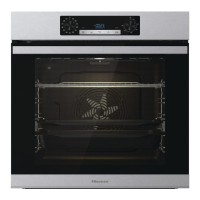
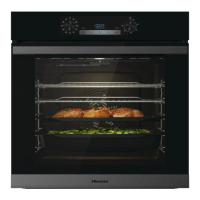
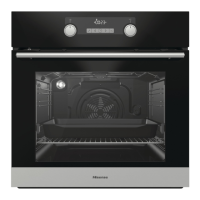
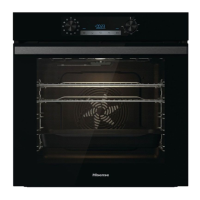
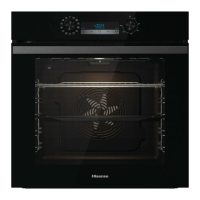
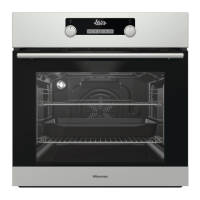
Hisense BSA5221AXUK - User Manual

Hisense BSA5221AXUK
56 pages
Print Icon
To Next Page IconTo Next Page
Loading...
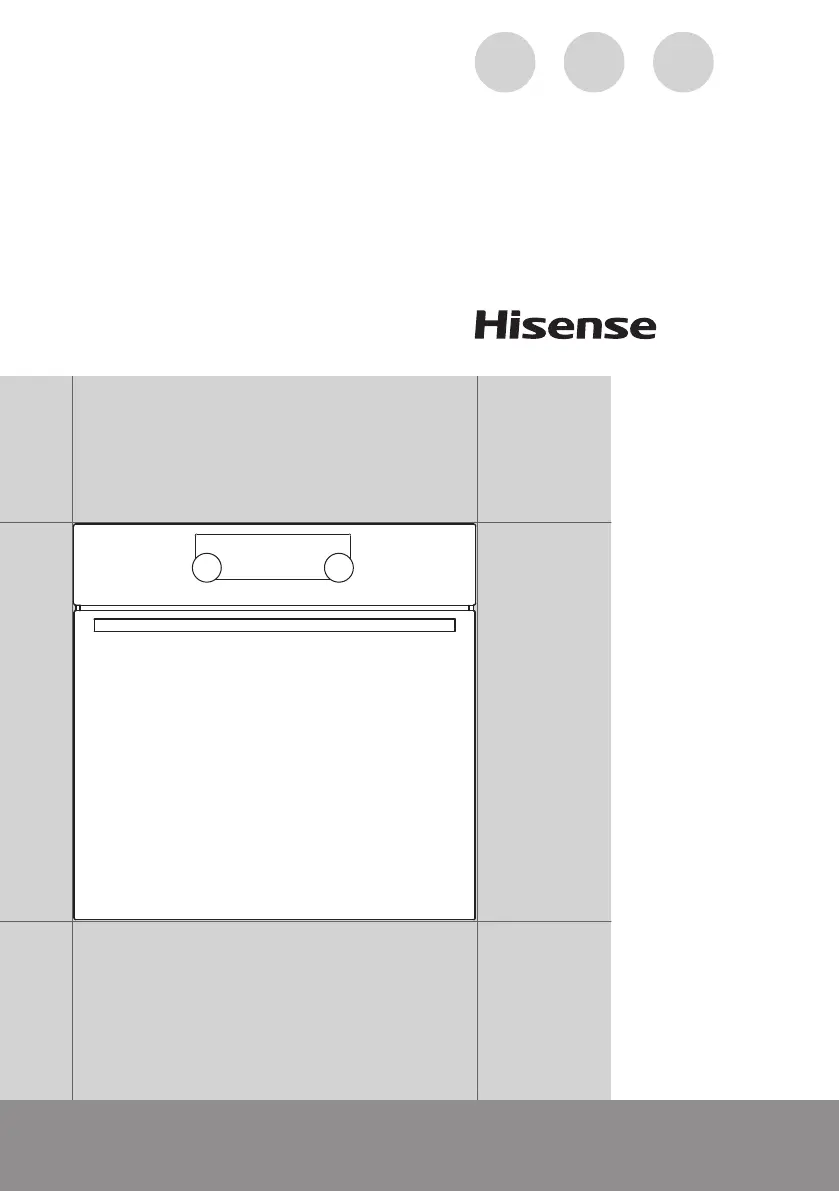
DETAILED
INSTRUCTIONS
FOR USE OF THE
ELECTRIC OVEN
GB IE MT

Questions and Answers

  • L
    lewisadamAug 6, 2025
    What to do if Hisense Oven displays an error code (E1, E2, E3 etc.)?
    • B
      Brady KochAug 6, 2025
      If your Hisense Oven is displaying an error code such as E1, E2, or E3, this indicates an error in the electronic module operation. Try disconnecting the oven from the power mains for a few minutes, then reconnect it and set the time. If the error persists, it may require a service technician.
  • R
    randy42Aug 14, 2025
    What to do if there is no response of the sensors and the display is frozen on Hisense BSA5221AXUK Oven?
    • K
      Karen ConleyAug 14, 2025
      If the sensors of your Hisense Oven are unresponsive and the display is frozen, disconnect the appliance from the power mains for a few minutes by either undoing the fuse or switching off the main switch. After a few minutes, reconnect the appliance and switch it back on.
  • J
    Jessica HernandezAug 21, 2025
    Why is my pastry underdone in Hisense BSA5221AXUK?
    • R
      Ryan DunnAug 21, 2025
      If your pastry is underdone in the Hisense Oven, ensure that you have selected the correct temperature and heating system for your recipe. Also, verify that the oven door is completely closed during operation.
  • M
    Matthew PrattAug 29, 2025
    Why does the main fuse in my home trip often when using Hisense BSA5221AXUK Oven?
    • C
      cindyfloresAug 29, 2025
      If the main fuse in your home trips often when you are using your Hisense Oven, you should call a service technician.

Summary

DETAILED INSTRUCTIONS FOR USE OF THE ELECTRIC OVEN

IMPORTANT SAFETY INSTRUCTIONS

BEFORE CONNECTING THE APPLIANCE

Instructions for safe connection before initial use and warranty considerations.

THE ELECTRIC OVEN

OVEN COMPONENTS AND ACCESSORIES

Description of oven parts like guides, sensors, fans, and included accessories.

CATALYTIC INSERTS

Explanation and cleaning of catalytic inserts for fat absorption.

TECHNICAL SPECIFICATIONS

CONTROL UNIT

BEFORE USING THE APPLIANCE FOR THE FIRST TIME

COOKING PROCESS STEPS

Setting Up and Clock

Initial power-on, setting the time of day, and clock functions.

Choosing Cooking Systems

Selecting cooking modes and their suggested temperatures.

Adjusting Settings and Timers

Temperature adjustment and timer functions for cooking.

Additional Functions

Child lock, oven lighting, acoustic signals, and standby modes.

Starting and Stopping Cooking

Procedures for initiating, running, and ending the cooking process.

COOKING MODES AND TABLES

UPPER AND BOTTOM HEATER

Uses dual heaters for even heat distribution and baking.

GRILL FUNCTIONS

Instructions for large grill, small grill, and grill with fan.

HOT AIR COOKING

Using hot air convection for roasting and baking.

STEAM COOKING MODES

Cooking with steam using various heater combinations.

GENTLE BAKE AND DEFROSTING

Slow baking and thawing functions.

MAINTENANCE & CLEANING

GENERAL CLEANING GUIDELINES

Advice on cleaning oven finishes, components, and accessories.

SPECIFIC CLEANING PROCEDURES

Methods for conventional and steam cleaning the oven interior.

DOOR AND BULB MAINTENANCE

Procedures for door removal, lock operation, and bulb replacement.

TROUBLESHOOTING TABLE

DISPOSAL

Hisense BSA5221AXUK Specifications

General IconGeneral
TypeBuilt-in
Energy RatingA
Cleaning TypeCatalytic liners
TimerYes
GrillYes
Defrost FunctionYes
Cool Touch DoorYes
ColorStainless Steel
Dimensions (H x W x D)595 x 595 x 568mm
Thermostat Range50-250°C

Related product manuals