19
Sending message
Tap the message icon .
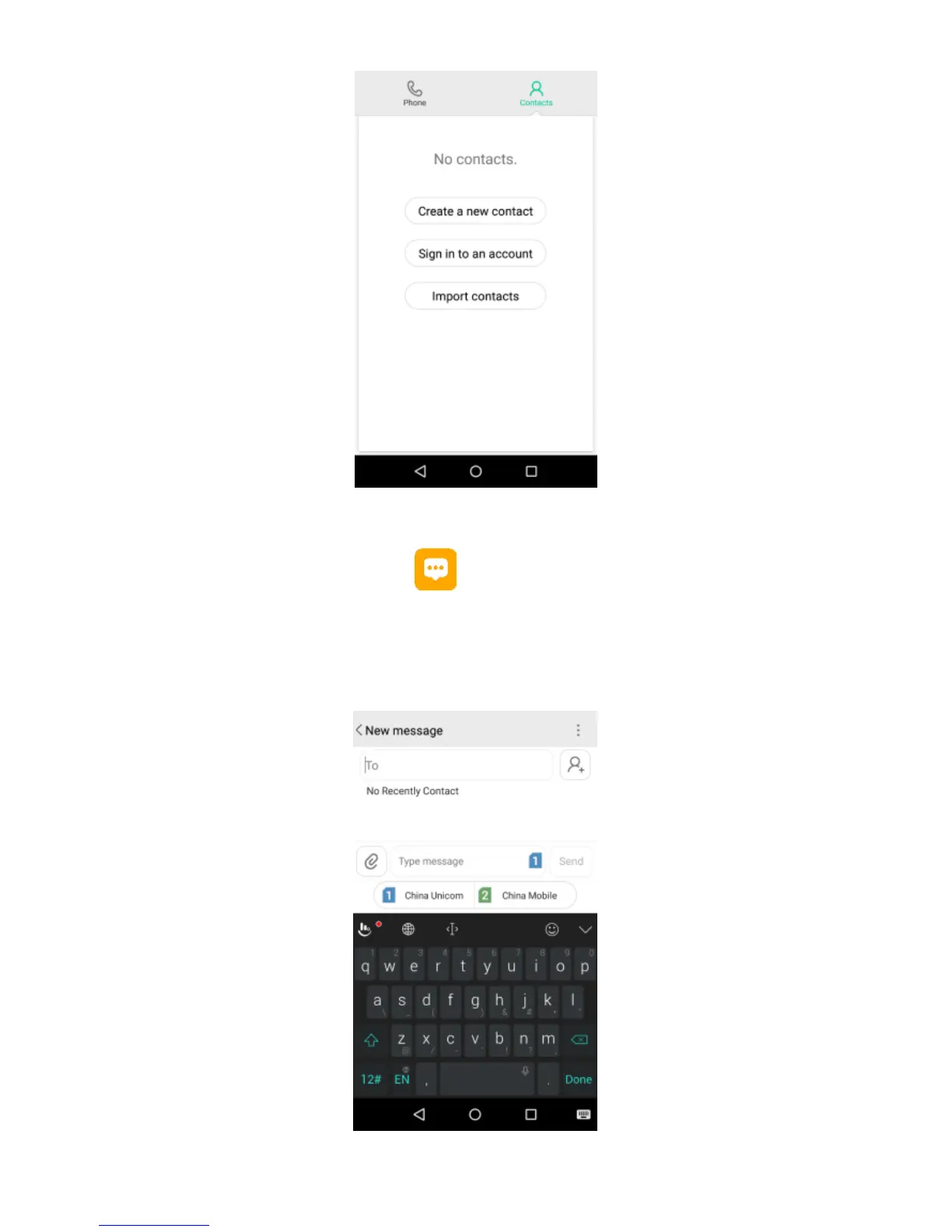
Click “New message” to create a message. Input
receiver’s phone number or name to search in contacts.
Click “Type message” to edit the message.
When you are ready to send the message, click card 1 or
card 2, then select “Send”.


 To Next Page