EasyManua.ls Logo

Hisense F20 - Phone Power and Charging Issues; Messaging, File, and Screen Issues; Sound and System Stability; Contact and Computer Connectivity

Hisense F20
16 pages
Print Icon
To Next Page IconTo Next Page
To Previous Page IconTo Previous Page
Loading...
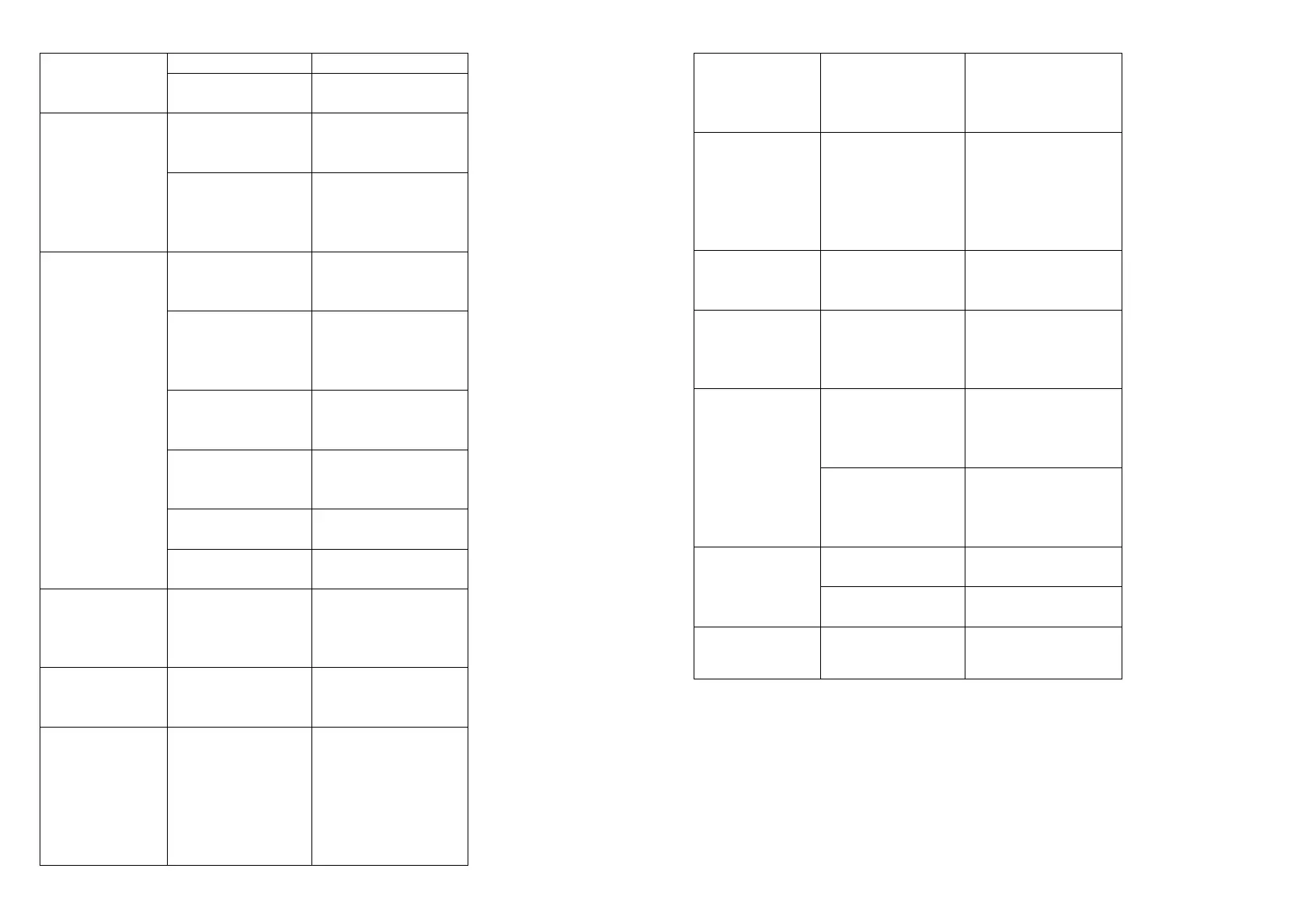
24
inserted. restrictions.
Pre-paid charge
limit reached.
Contact service
provider.
Phone cannot
be switched
on
Power key
pressed too
briefly.
Press the Power
key for at least
two seconds.
Battery is not
charged.
Charge battery.
Check the
charging indicator
on the display.
Charge error
Outside
temperature is too
hot or cold.
Charge battery.
Outside
temperature is too
hot or cold.
Make sure phone
is charging at a
normal
temperature.
Contact problem
Check the charger
and its connection
to the phone.
No voltage.
Plug the charger
into a different
socket.
Charger defective.
Replace the
charger.
Wrong charger.
Use only original
accessories.
Impossible to
receive / send
SMS &
photos
Memory full.
Delete some
messages from
your phone.
Files do not
open
Unsupported file
format.
Check the
supported file
formats.
The screen
does not turn
on when I
receive a call.
Proximity sensor
problem.
If you use a
protection tape or
case, make sure it
has not covered
the area around
the proximity
sensor. Make
25
sure that the area
around the
proximity sensor
is clean.
No sound
Vibration mode or
silent mode.
Check the
settings status in
the sound menu
to make sure you
are not in vibration
or silent mode.
Hangs up or
freezes
Intermittent
software problem.
Try to perform a
software update
via the website.
Contacts
display
doubly
Contacts are
saved in both
phone and SIM
card.
Check contacts
saved.
App not
installed
Not supported by
service provider or
registration
required.
Contact your
service provider.
Your mobile
phone has
insufficient
memory.
Delete some
messages from
your phone.
Unable to
connect to
computer
Data cable
defective.
Change data
cable.
Defective
computer port.
Change computer
port.
Call logs are
not saved
Time is wrongly
set.
Check the time
setting.

Other manuals for Hisense F20

Related product manuals