Using the Boost function
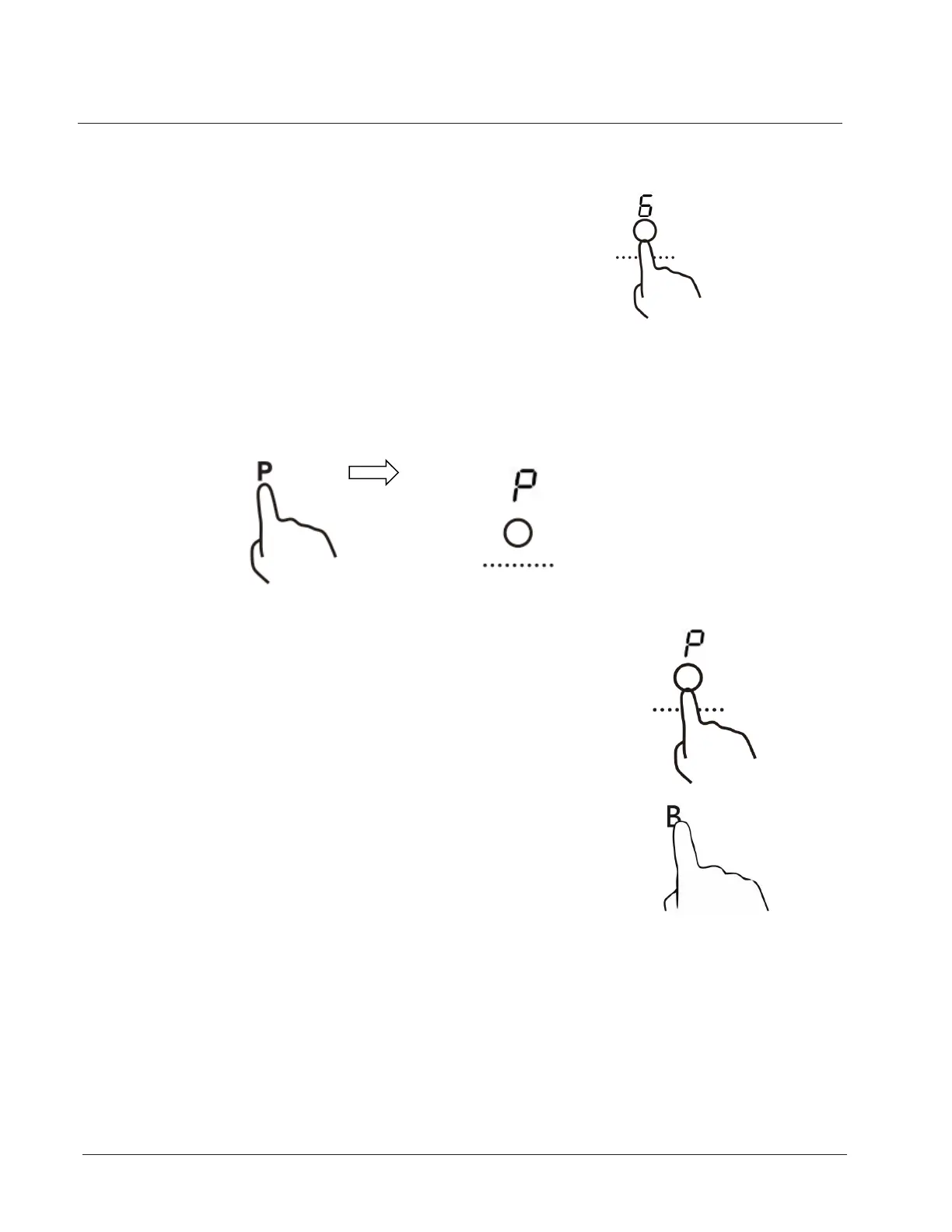
Actived the boost function
1. Touching the heating zone selection control
2. Touching the boost control ,the zone indicator show “P” and the power
reach Max.
Cancel the Boost function
1. Touching the heating zone selection control that
you wish to cancel the boost function
2. Touching the "Boost" control B to cancel the Boost
function, then the cooking zone will revert to its original
setting.
Using your Freestanding Cooker
27



 To Next Page