17
785435
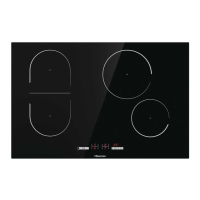
BRIDGED COOKING ZONE (depending on the model)
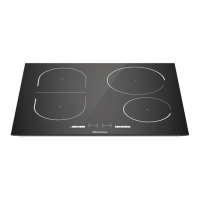
• Some models allow combining two cooking zones into a single large connected cooking
zone. Thus, a large oval pan or a griddle can be placed on the combined cooking field.
The pan has to be large enough to cover the centres of the upper and lower cooking
zone.
• Maximum pan size: 40 x 25cm. For even heat distribution, we recommend using a
heavy-bottom baking dish or pan. During cooking, the dish or pan will heat up. Be
careful to prevent burns.
• When placing the baking dish on the hob, make sure it does not cover the control
module.
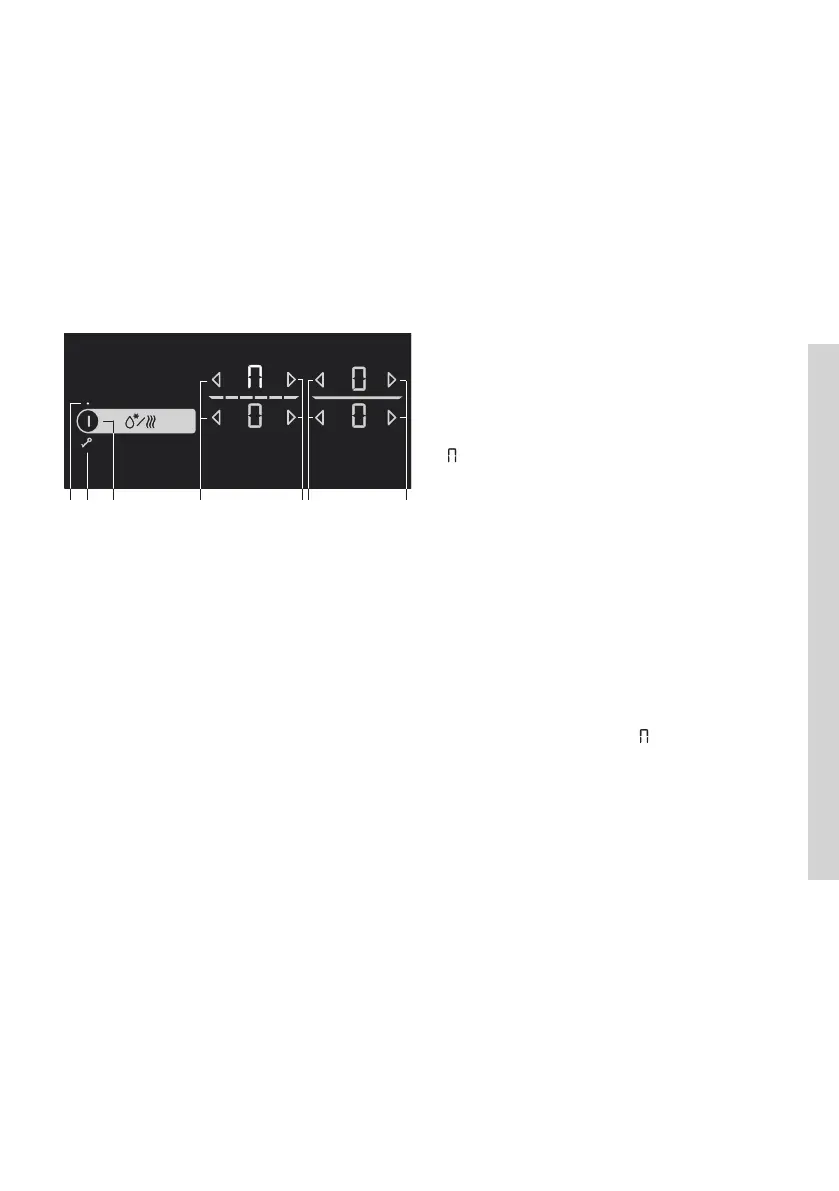
Activating the bridged cooking zone
• Switch on the cooking hob by pressing
the on/off sensor (A).
• Simultaneously touch the two sensors
and hold them for 3 seconds (H). The sign
will appear on the display unit for the
rear field to indicate that the two cooking
zones are bridged.
• Set the desired cooking power for the
bridged cooking zone.
• To change the bridged zone's cooking
power later on, use the (H) or (I) key for
the lower cooking zone.
Note: The bridged zone does not allow
the Rapid Boil setting P. Maximum
available power level is 9.«
H IB
1 A IH
Deactivating the bridged cooking zone
• Reduce the power of the bridged zone to 0. The bridged zone symbol will disappear
and heating will be switched off.
• Both cooking zones will operate independently.


 To Next Page