- 16 -
c. Close the OSD menu after 5 seconds.
d. Restart the TV.
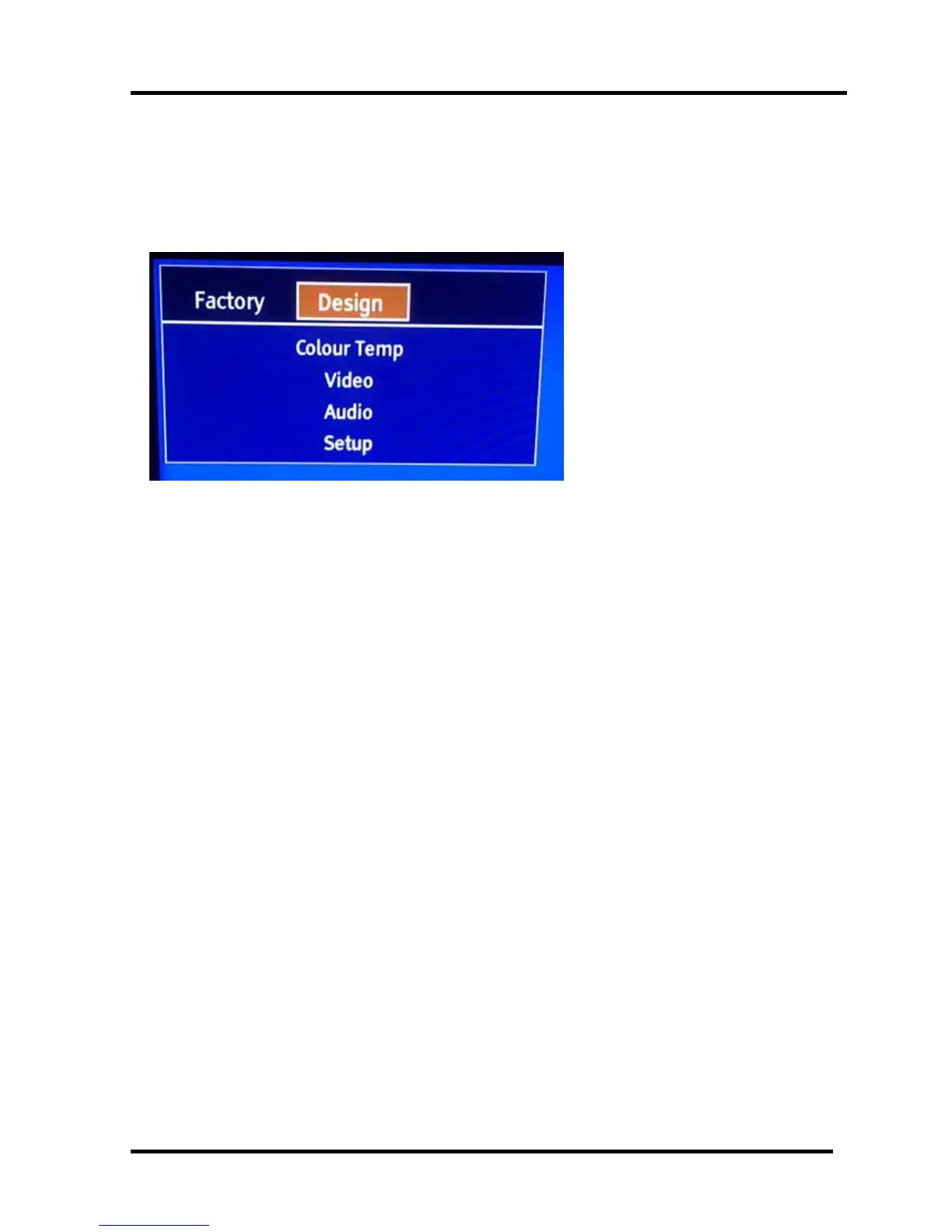
3.3 Designer Menu
Note:
Above “Factory/Service OSD Menu”is reference for chassis MTK5651 , please refer to the
actual units to determine the appearances.
4. Software Upgrading
Before upgrading, read the following.
First: Upgrade the software.
Second: To clear the EEPROM .
A Select the item “Clear Unprotected”.
B Press VOL+ button to clear the EEPROM data.
C Close the OSD menu after 5 seconds.
D Restart the TV.
Last: After the operation above all, necessarily, Re-search the channels for the users
4.1 USB Software Upgrading directly
The software can be upgraded by USB Disk.
First, copy the upgrade_loader.pkg file to USB Disk;.
Second, make sure there is no other .pkg file in the root directory of USB Disk .
Insert USB Disk to USB port, and then turn on the TV.
The TV will identify the software and upgrade automatically.



 To Next Page