- 17 -
4.2 USB upgrading unsuccessfully
If USB upgrading unsuccessfully, then need burning the Nand Flash program file“ *.bin ”to the
Nand Flash.
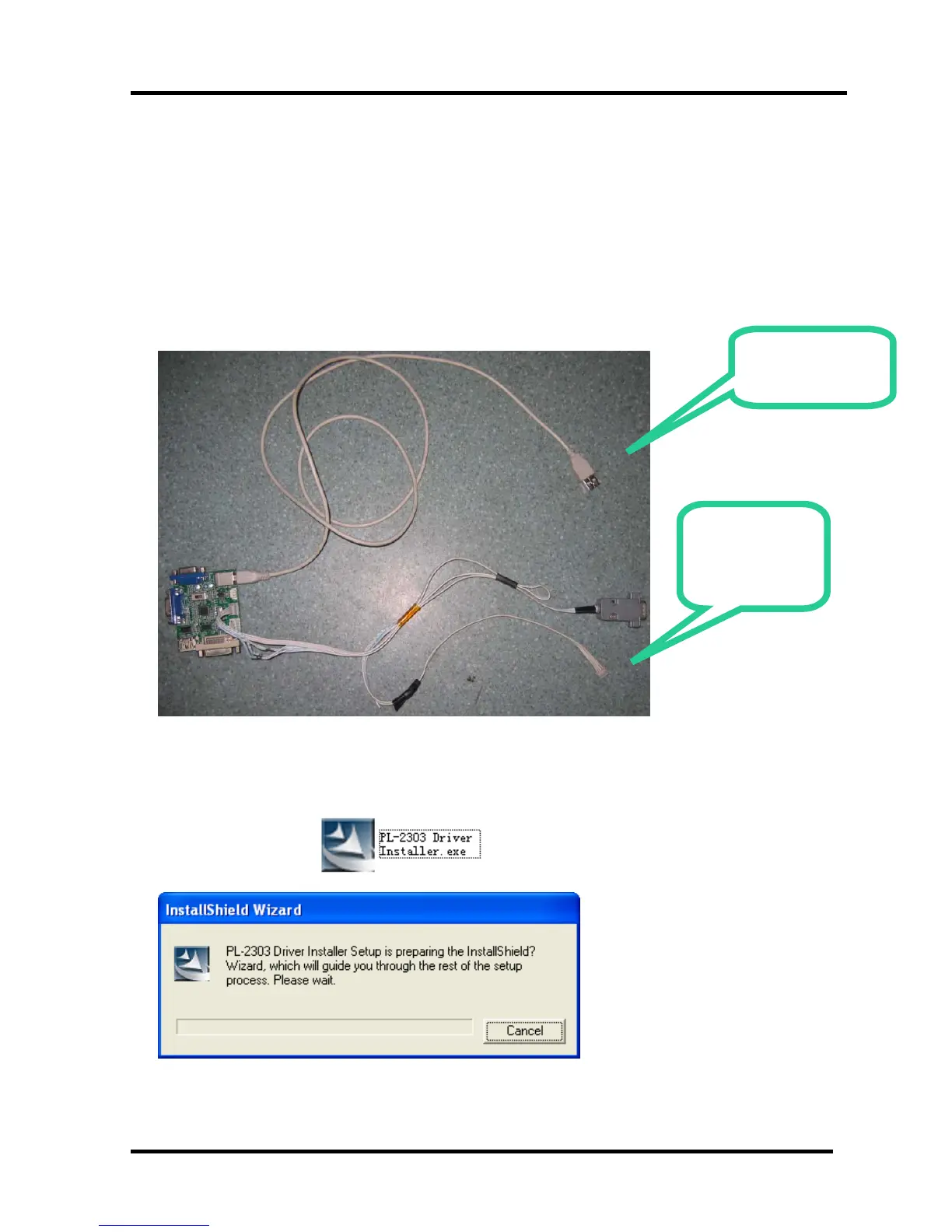
Hardware connecting
Connect the unit to your pc with a USB-to-serial port cable. USB port connects to your PC and
serial port to the TV’s RS232 port. As following
4.2.1 Install the driver
Double click the icon , install the driver.
Select the default value, the driver will be installed step by step.
Connect to
the TV RS232
port
USB Connect to
the PC



 To Next Page