- 22 -
4.4 Network updating
Network updating includes two ways. one is “Auto Upgrade ”the other is “Internet”. Whether Auto
Upgrade is ON or Off,Network Upgrade is validated
Auto Upgrade---- When it is set to “on” , Turn on automatic check whether or not have any new
updating file in servers when connects to the network. Customer can download and update
according to the guide.
Internet” ---- Check the process and it will prompt you to upgrade the software.
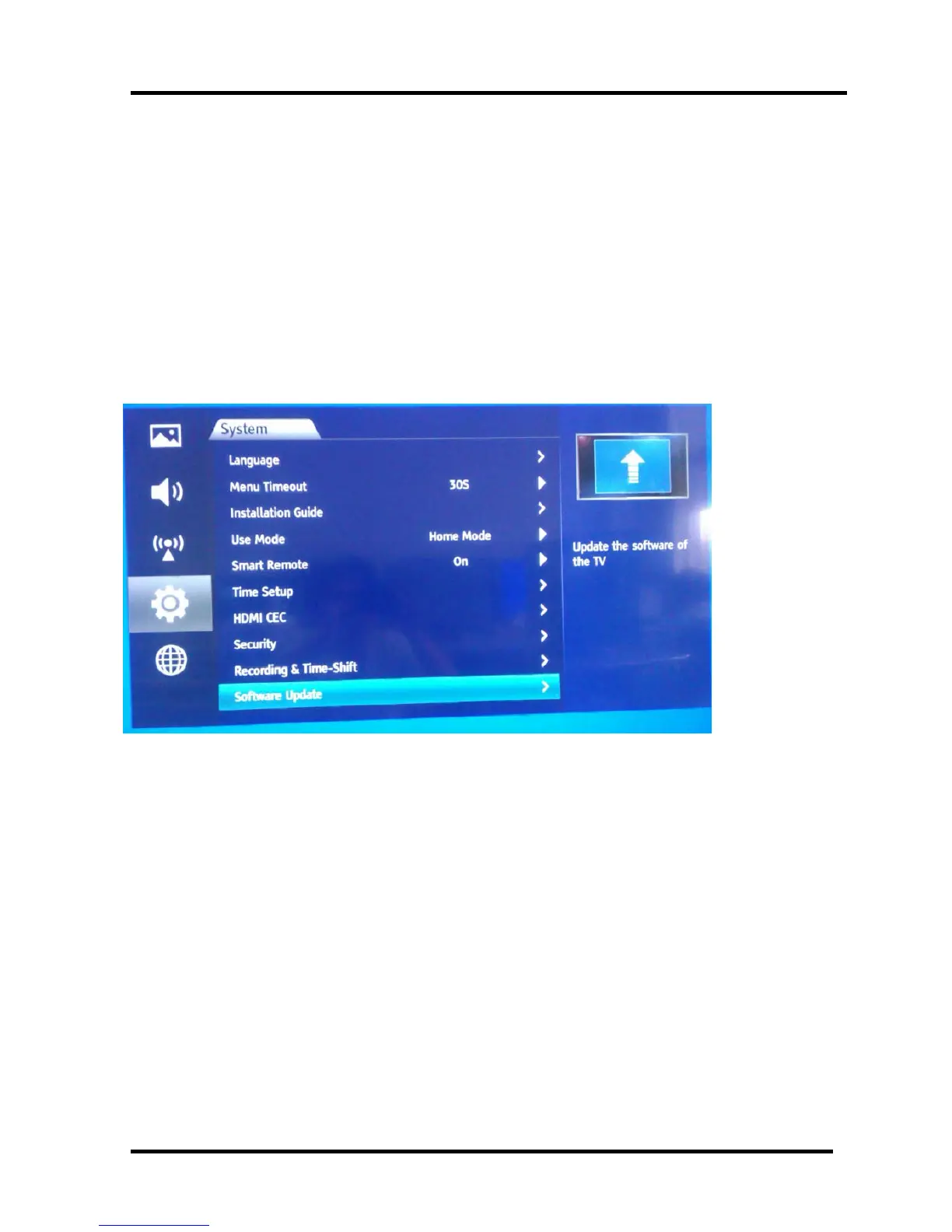
1、Internet
Power on---Press “menu” key on RC, select as following.
Figure-1




 To Next Page