14
2.5
Using the Network Menu
Set up the network to gain full
access of Smart TV features.
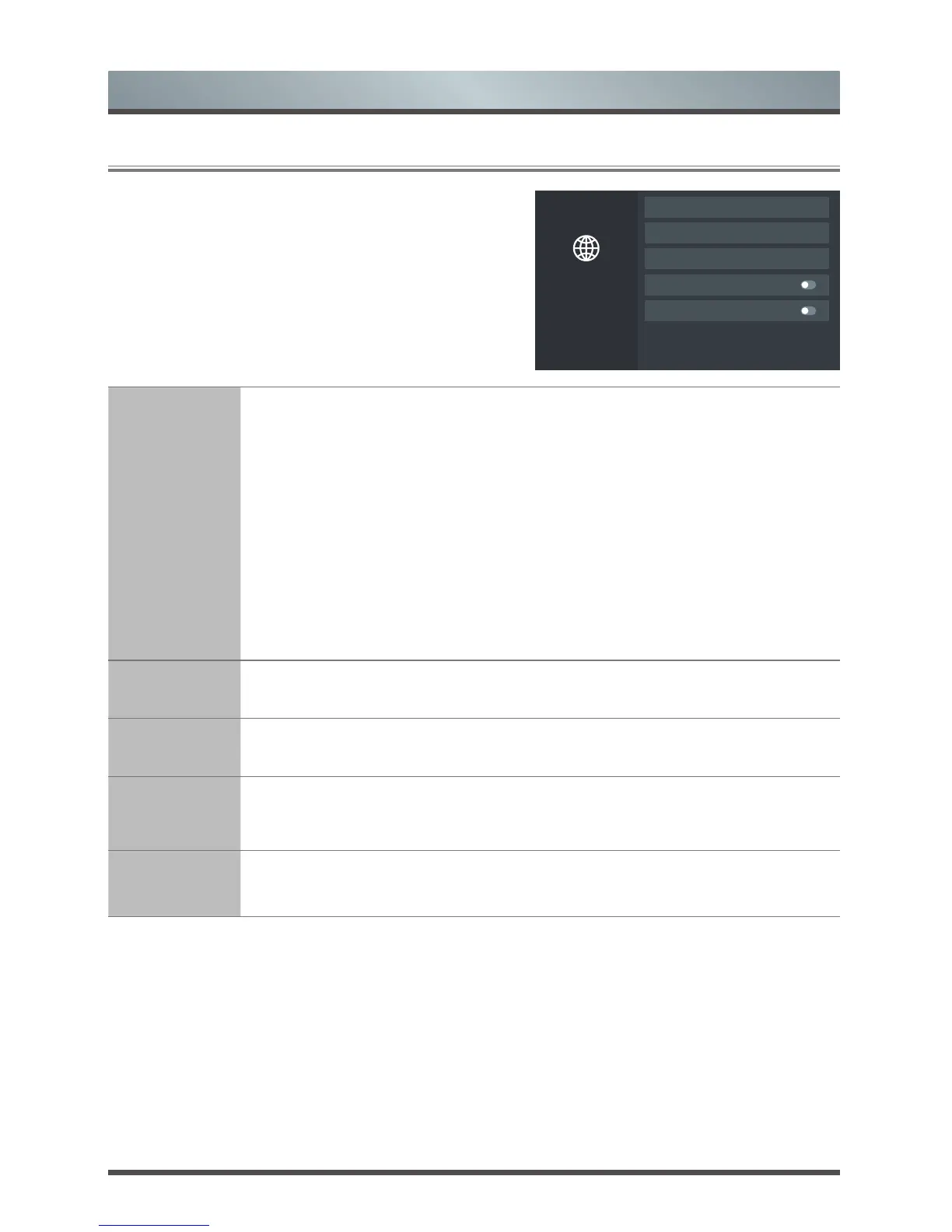
Network
Network Information
Wake on Wireless Network
Wake on LAN
Network Conguration: Connected
Connection Test
Network
Conguration
Set up the network to gain full access of Smart TV features.
• Connection Type: Ethernet
Choose a wired network connection to access the Internet.
IP Setting: Configure the IP setting for your network connection.
• Connection Type: Wireless
Choose a wireless network connection to access the Internet.
Advanced Settings: Configure the advanced wireless network settings for the TV.
Refresh: Refresh wireless network.
Add: You can add wireless network.
• Connection Type: Off
Turn off the Internet connection.
Connection
Test
Start a network connection test.
Network
Information
View information about your network connection.
Wake on
Wireless
Network
Using a wireless connection, turn on your TV with a screen-cast feature inside an app.
Wake on LAN
Using an Ethernet connection, turn on your TV with a screen-cast feature inside an app.
Menu


 To Next Page