- 31 -
4.2.2 Mstar USB-serial driver
If First use Mstar bebug Tool, you have to install drive software for bebug board.
If your PC is Windows XP system:
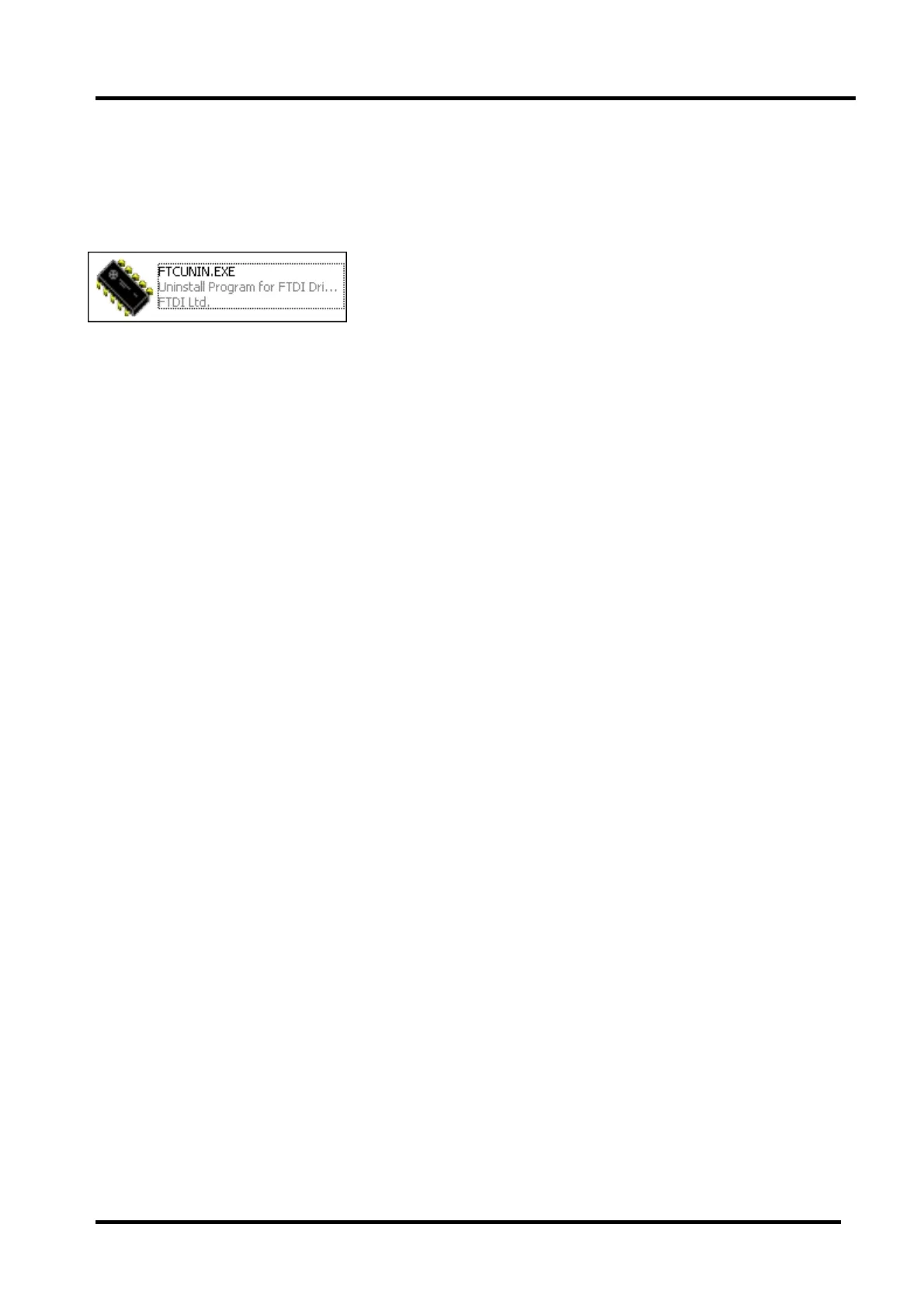
First install FTCUNIN.EXE of FTC100103(MSTAR) rar file in your PC.
This is a drive software of Mstar
Another:
If your PC is Win7 system, you will have to install CDM20802_Setup_WIN7 rar file,and then open the
software of SecureCRT in your PC.
4.2.3 Stop board serial connect with SecureCRT
Run SecureCRT,printing information includes three status:Mboot\Supernova\no print information.
Current steps:
1) Run SecureCRT.exe
2) TV power on.
3) SecureCR tool print information can appear or not.
How to distribute the three status?
1) appearing “<< MStar >>#” that meaning is in Mboot status;
2) Rolling many informmation automatically that meaning is in Supernova status;
3) No any print information that meaning the eMMC of board is no program.
Stop board serial with SecureCRT
1) In mboot status:
<< MStar >>#
Input “du” and “enter” key to ensure, then close the SecureCRT window.
2) In Supernova status:
Input “00112233”and “enter” key to ensure, then close the SecureCRT window.
3) If no any print information with SecureCRT,then can directly close the SecureCRT window.



 To Next Page