- 40 -
TV board have no mboot software:
Run SecureCRT , AC power on the TV.if nothing appears on screen then can indicates that the TV no
Mboot software, next close the SecureCRT window directly.
4.2.5 USB upgrading
Copy the main software “usb_HU55N3050UW.bin” to the USB root Disk, ensure there are no
other “*.bin” files in the root directory of USB Disk.
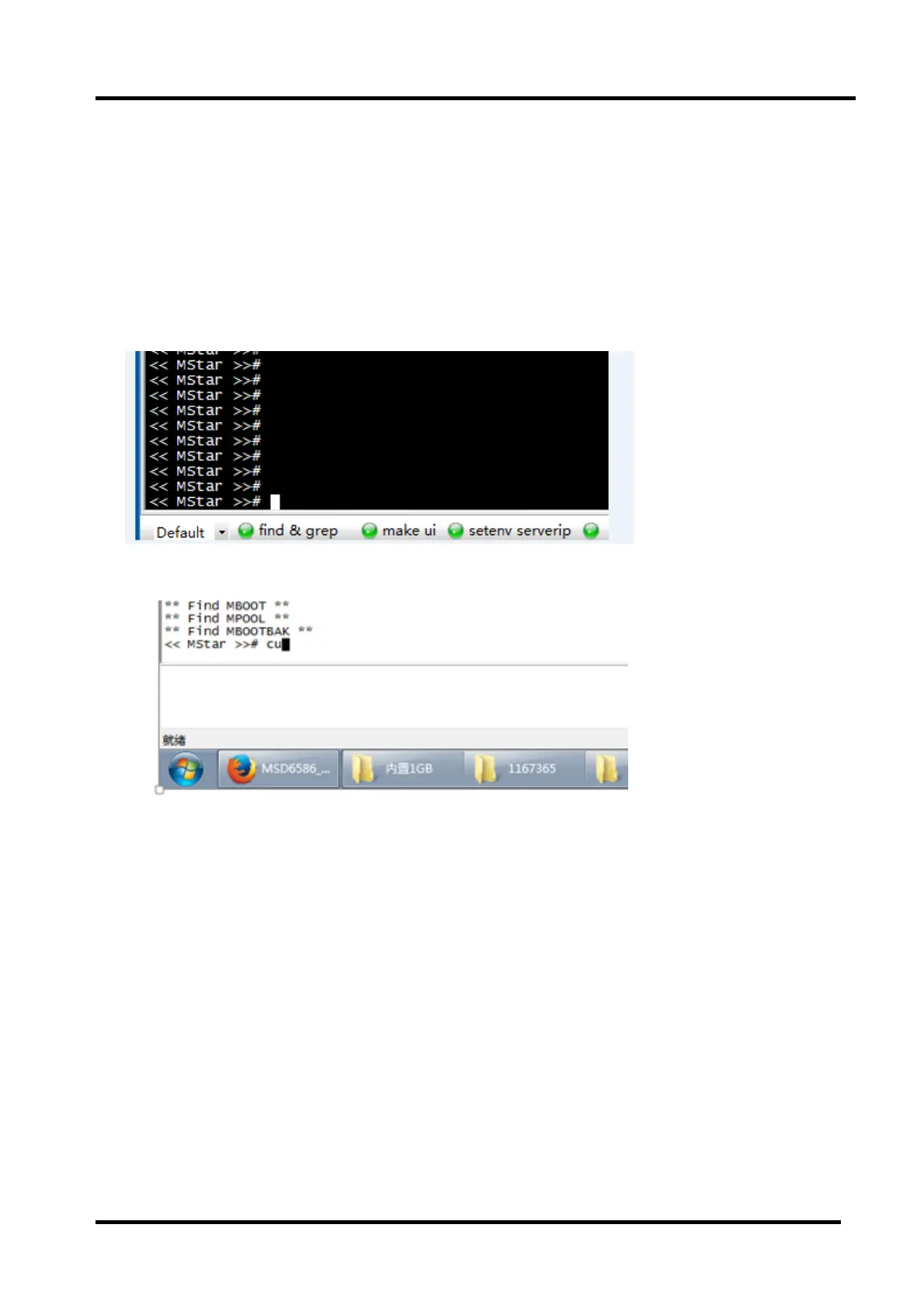
Run the SecureCRT ,Pressing the “enter” keypad and at the same time AC power on the TV, then
appear mboot interface.
Input lower-case letter “cu” then “enter” to update the main software.
When main software update successfully, the TV can automatically restart.enter the Factory OSD
Menu to check the main software version, and then choose “option”“Clear All” to do clean up.
4.2.6 Next to check the Key information under the current Version whether is OK ,if NG must rewrite
key code.
4.2.7 Before upgrade , write down the white balance data of different signal source.
4.2.8 Reset the Options of out of Factory if lost ,such as Region\Country/logo/language …….



 To Next Page