Live TV
Favorite
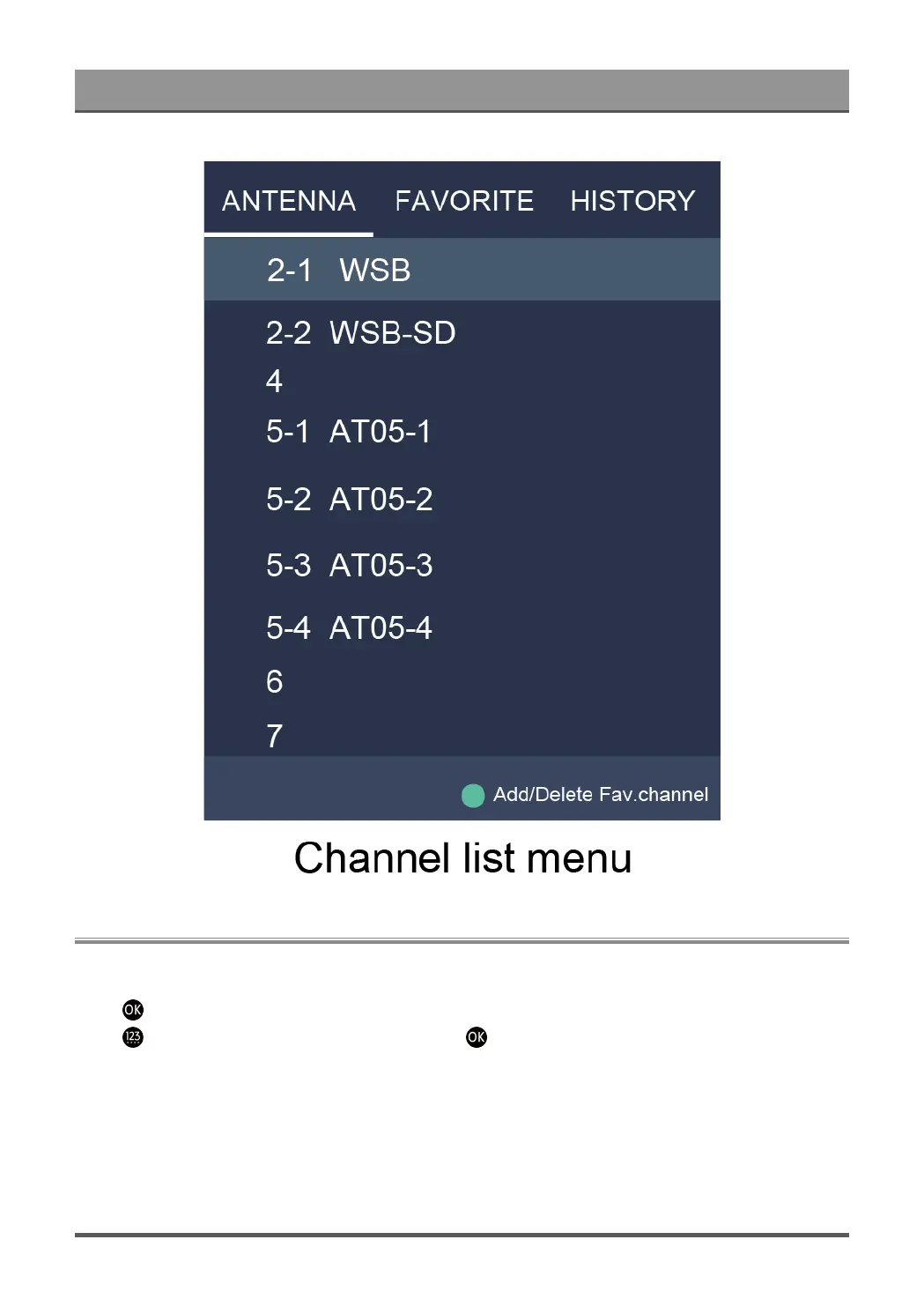
Viewing your favorite list
Press button to call out the Channel list, and the channel list appears on the right side of the screen.
Press button and select green icon and then press button, a heart-shaped icon will appear next to
your favorite channel on ANTENNA/CABLE list, and the favorite channel will appear in the favorite list.
4


 To Next Page