47
DW2U
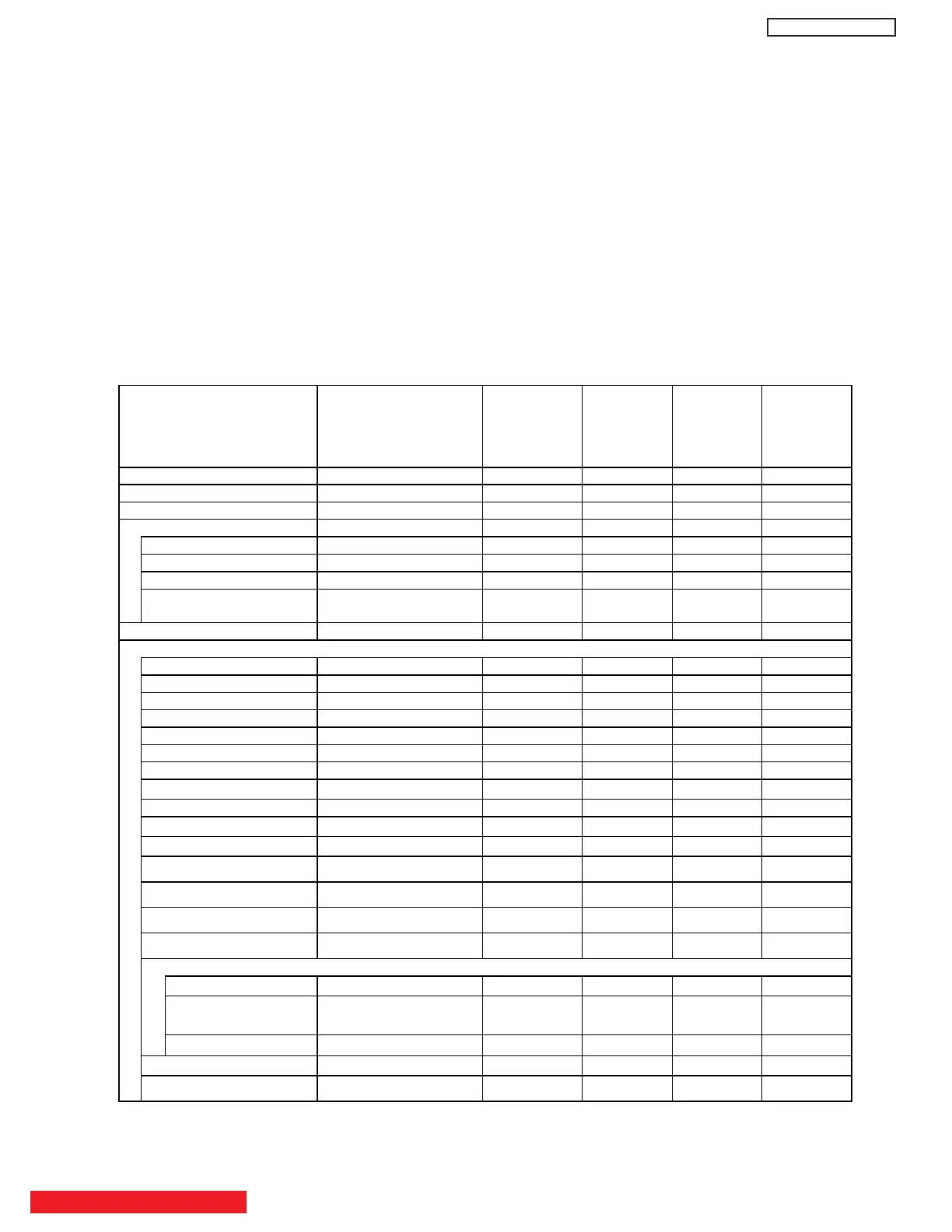
9 . DATA TABLE OF SETTING FOR DELIVERY
USER Control Initialization
Settings for delivery (FACTORY RESET)
(7) When PDP turns ON , it will tune CH03 this is the
complete operation of FACTORY RESET process.
·Process of FACTORY RESET operation.
A screen is colored magenta when FACTORY RESET
start.
A screen is colored green when FACTORY RESET
finish normally.
A screen is colored RED when FACTORY RESET
finish abnormally.
(6) After FACTORY RESET, it should be unplug AC
cord.Unplug and plug AC cord and then all settings
and data are updated.
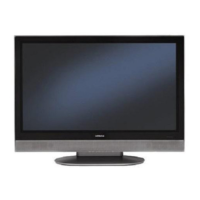
①
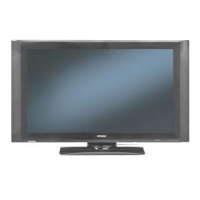
②
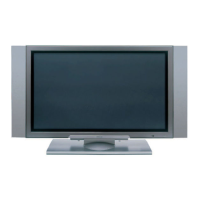
③
BACK TO ADJUSTMENTS
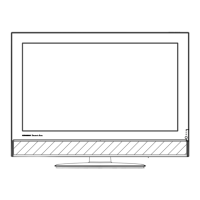
Function Initial Data Condition 42HDS69
55HDS69
42HDT79
55HDT79
42HDX99
55HDX99
Input Mode Air X X X
Channel 03-1ch X X X
Favorite Channels Not Registered X X X
PIP On/Off Off X X X
PIP Mode SPLIT X XX
POP Position Middle Right X XX
PIP Position Bottom Right X XX
Freeze Mode Main Freeze
(1pix)
X XX
Master Volume 20 Step X X X
Video
Picture Mode Dynamic X XX
Contrast(White Lebel) 100% X XX
Brightness(Black Lebel) 50% X XX
Color 50% X XX
Tint CENTER X XX
Sharpness 50% X XX
Color Temperature High X XX
Black Enhancement
High X XX
Contrast Mode Dynamic X XX
Noise Reduction
Low X XX
Auto Movie Mode Off
X
X
X
Color Management 웎
XX
웎
Color Decoding 웎
XX
웎
Auto Color Off
XX
웎
White Balance 웎
XX
웎
Aspect
Auto Aspect Off
X XX
Mode 4:3 Expanded
16:9 Standard1
X
XX
Vertical Position 0
X
XX
Black Side Panel Off X XX
Reset Video Settings
웎
X XX


 To Next Page
 Loading...