GB-19
Basic Operation
Connecting to a
Computer
Product Overview
Hints and Tips
Specications and
Safety Warning
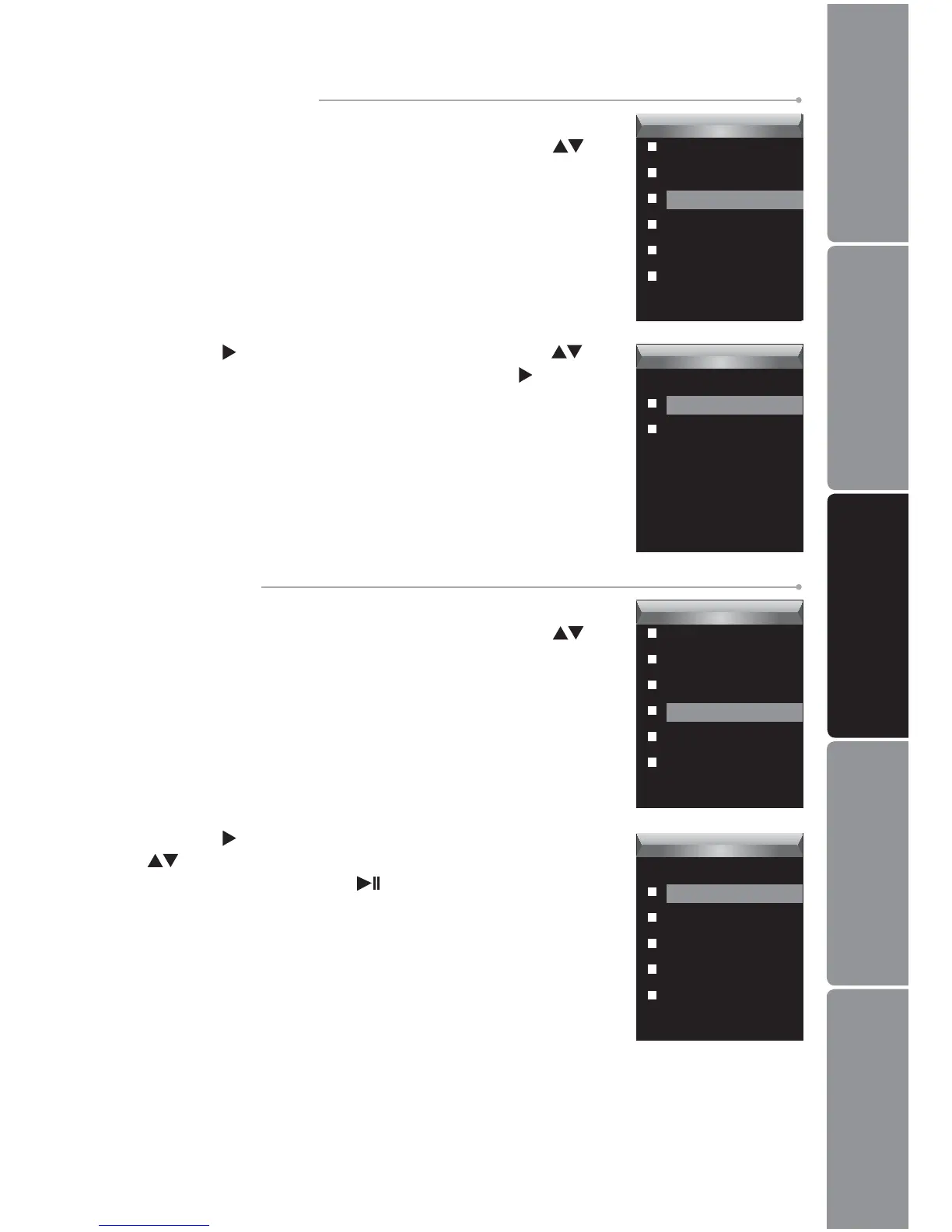
Press the 2. button to enter the Play Rate Menu. Press the
buttons to select a play rate from 1.00X, 1.14X, 1.33X,
0.67X and 0.80X. Press the
button to conrm and exit.
To Set Play Rate
Press the 1. MENU button while listening to a track. The
Voice Setup Menu appears on the screen. Press the
buttons to select Play Rate.
To Set 3D Sound Eect
Press the 1. MENU button while listening to a track. The
Voice Setup Menu appears on the screen. Press the
buttons to select 3D.
Voice
Repeat
Equalizer
3D
Play Rate
File
Record
Voice
3D
Off
On
Voice
Repeat
Equalizer
3D
Play Rate
File
Record
Voice
Play Rate
1.00X
1.14X
1.33X
0.67X
0.80X
Press the 2. button to enter the 3D Menu. Press the
buttons to select On or O, and then press the button
to conrm and exit.


 To Next Page