GB-20
Hints and TipsBasic Operation
Connecting to a
Computer
Product Overview
Specications and
Safety Warning
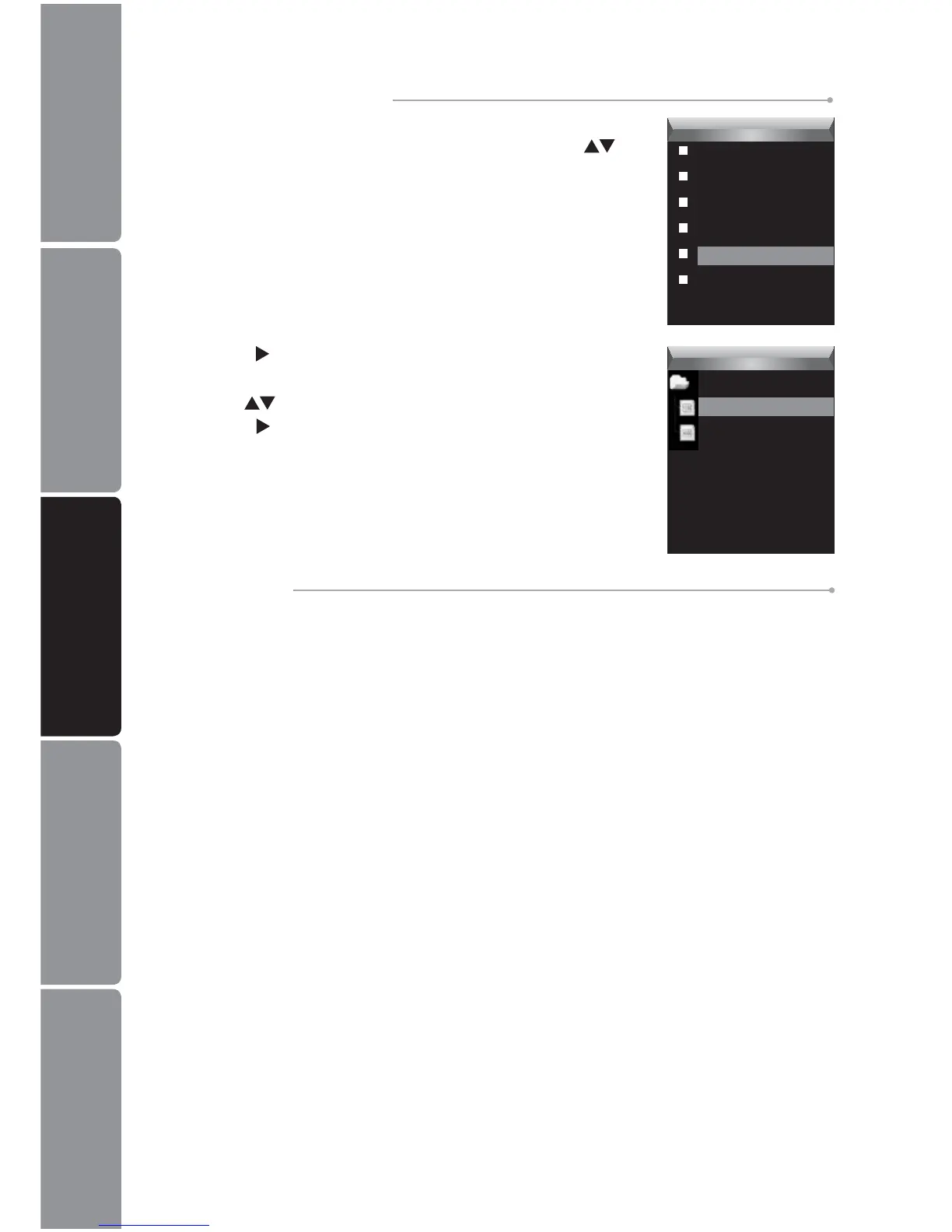
Press the 2. button. The recorded le list appears on the
screen.
Use the 3.
buttons to select a folder or le and then
press the
button to open the folder or play the selected
le.
Voice
MIC0001.WAV
MIC0002.WAV
To Record Voice
Please refer to “Voice Recording” on page 15 for details.
To Navigate Recorded Files
Press the 1. MENU button while listening to a track. The
Voice Setup Menu appears on the screen. Press the
buttons to select File.
Voice
Repeat
Equalizer
3D
Play Rate
File
Record


 To Next Page