GB-27
Basic Operation
Connecting to a
Computer
Product Overview
Hints and Tips
Specications and
Safety Warning
Record
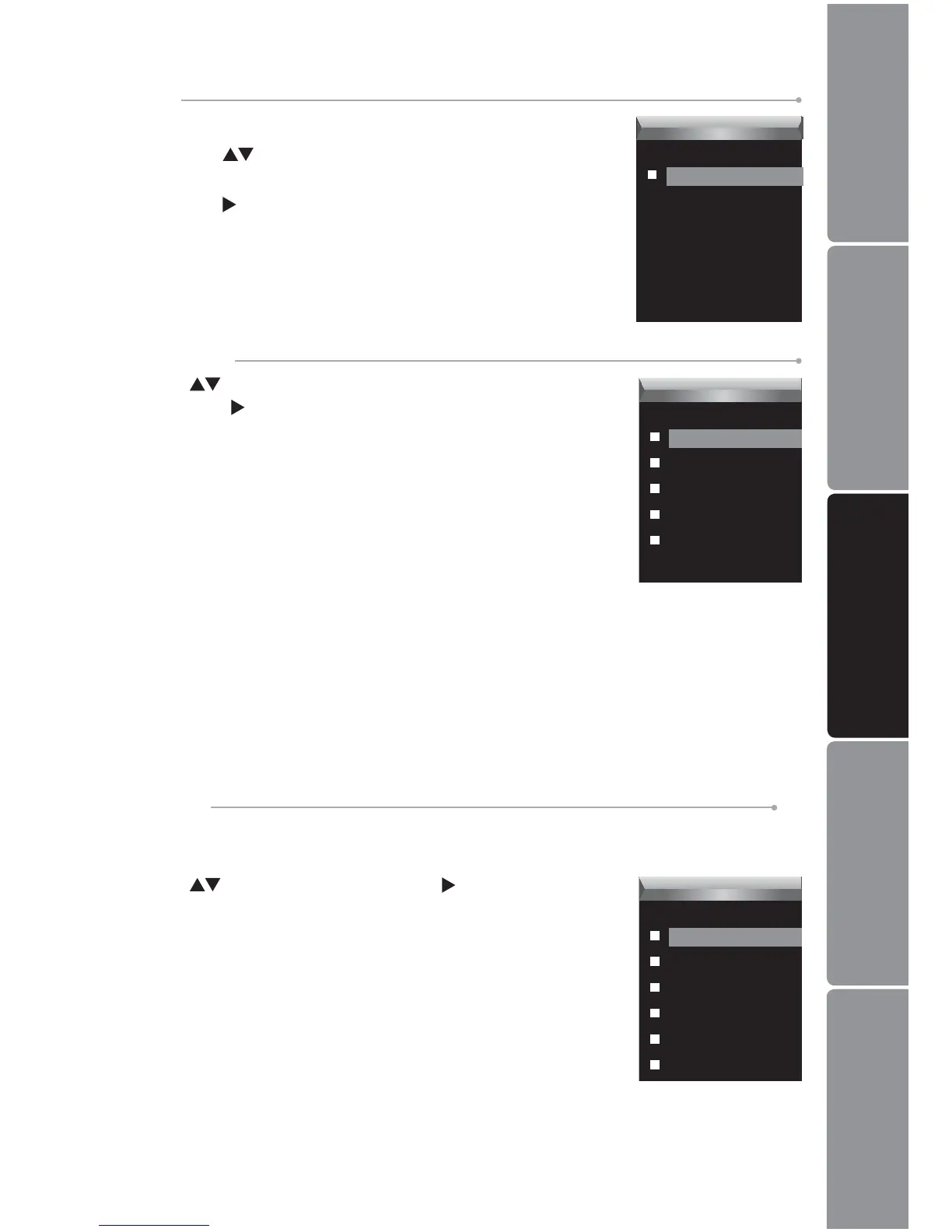
Before starting the recording, you can set the recording quality.
Press the 1.
buttons to select a recording quality from
Long Time, Normal Quality and High Quality.
Press the 2.
button to conrm and return to the pervious
screen.
Settings
Record
Quality
System Tools
Press the buttons to select the following settings, and
then press the
button to conrm and return to the pervious
screen.
Delete
To delete a le in the le list.
Format
To format the MP3 player, you can select from either Quick
or Complete. After formatting, all the data on the MP3 player
will be erased.
Reset
To restore all settings of the MP3 player to factory default settings.
About
To check the free memory and rmware version of the MP3 player.
Delete All
To delete all les in the MP3 player.
Hold Time
To specify the key locked time. The keys will be locked after the set time if no button
is pressed.
Press the
buttons and then press the button to select
the desire time will be locked after the set time: 10, 30 seconds,
1, 3, 5 minutes and O.
To deactivate the lock function, see Key Hold Function on
page 9 for details.
Settings
SysTool
Delete
Format
Reset
About
Delete All
Settings
Hold Time
10 Sec
30 Sec
1 Min
3 Min
6 Min
Off

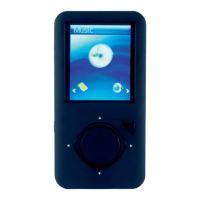

 To Next Page