GB-25
Basic Operation
Connecting to a
Computer
Product Overview
Hints and Tips
Specications and
Safety Warning
Time
Adjust
To change the current time.
Press the 1.
buttons to change the setting value.
Press the 2.
buttons to navigate between setting eld.
Press the 3.
button to conrm the setting and exit.
Settings
2008
10 00 12 PM
05 30
Customising Settings
The MP3 player settings can be customised by accessing the Settings Menu. The
Settings Menu consists of several items where various functions can be selected
concerning language, play mode, recording, contrast, time o, storage, reset, etc.
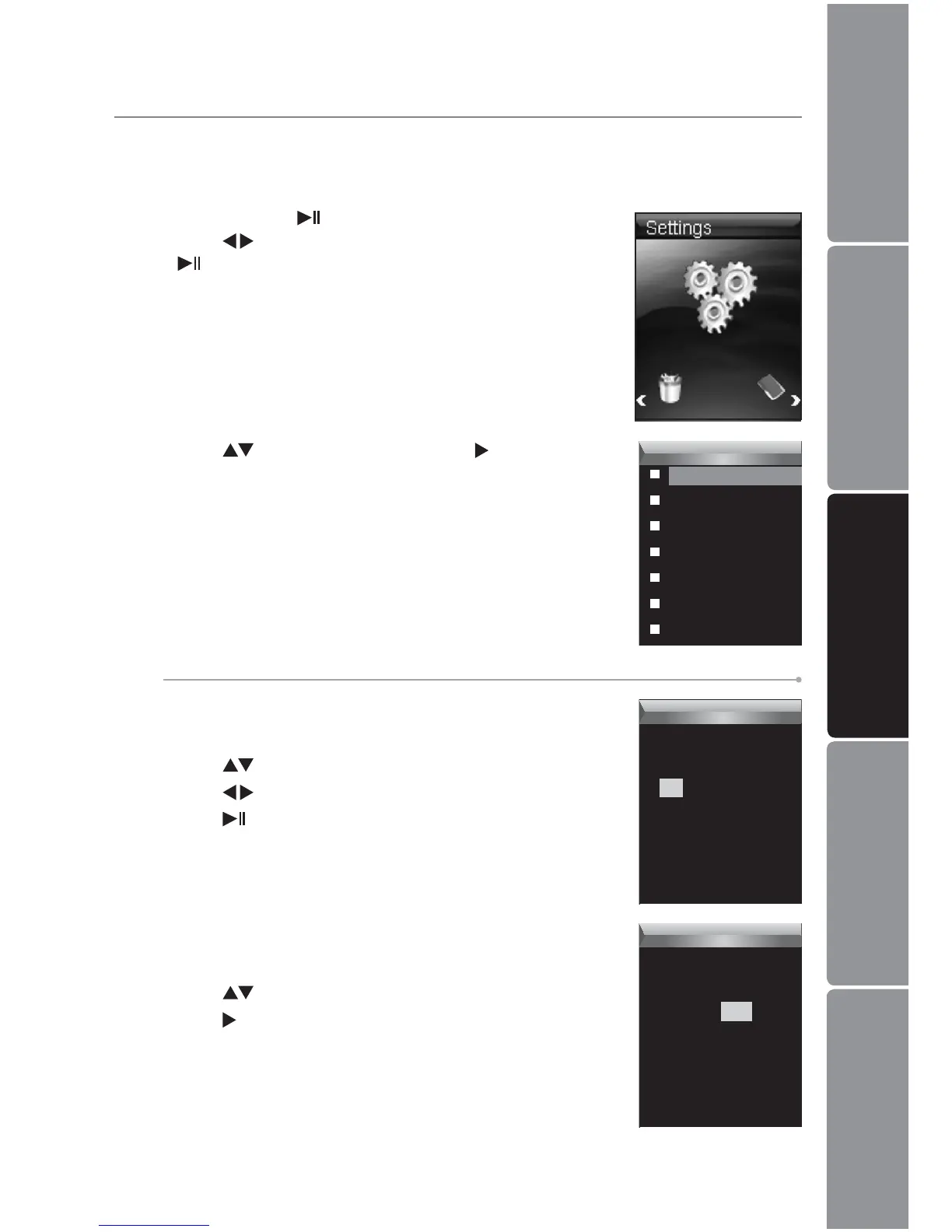
Press and hold the 1.
button to enter the main menu.
Press the
buttons to select Settings and then press
the
button.
Press the 2. buttons and then press the button to
access the followings.
Settings
Time
Power
Language
Display
Record
Sys Tool
Hold Time
Time Zone
To change the time zone.
Press the 1.
buttons to change the time zone.
Press the 2.
button to conrm the setting and exit.
Settings
Time Zone
GMT +08


 To Next Page