GB-23
Basic Operation
Connecting to a
Computer
Product Overview
Hints and Tips
Specications and
Safety Warning
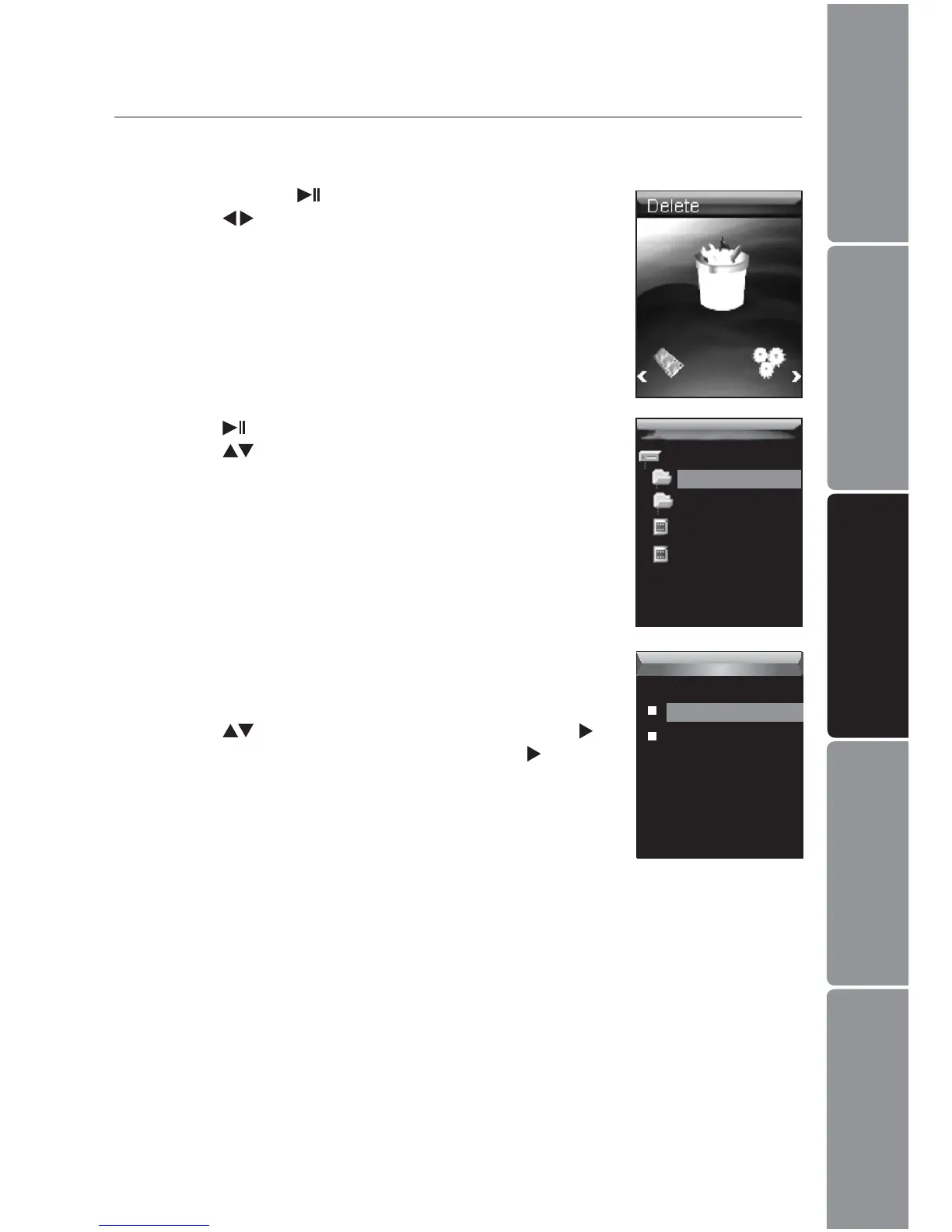
To delete a le, select the le and then press the 3. MENU
button. To delete a folder, select the folder and press the
MENU button.
Press the 4.
buttons to select Yes and then press the
button to conrm. Select No and then press the button
to cancel.
PHOTO
MOVIE
al.jpg
pride.mtv
Delete
Press the 2. button. The le list appears on the screen.
Press the
buttons to navigate between the les or
folders.
Deleting Files and Folders
In the Delete mode, you can delete the les and folders stored on your MP3 player
without a computer.
Press and hold the 1.
button to enter the main menu.
Press the
buttons to select Delete.
Delete
Delete
No
Yes


 To Next Page