Recalling a Stored Station
1. Once you have saved a station to one of the
preset memories, you can recall it by pressing
the PRESET/SAVE button.
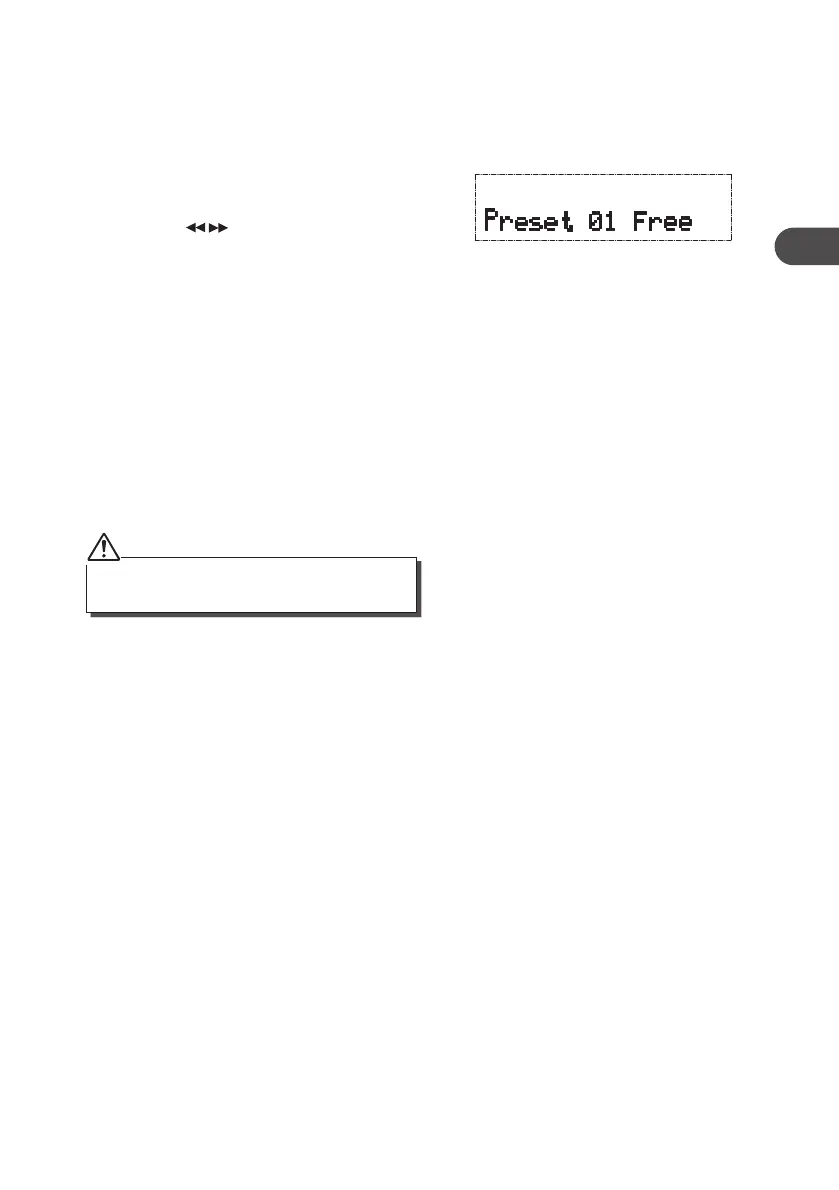
2. If you choose a preset that hasn’t been allocated
a station, “Preset # Free“ will be displayed.
3. Press the buttons to select your desired
preset station number and then press the
SELECT button to conrm. The screen will
display “Preset # Load”.
All of your stored DAB & FM presets will be lost once
the reset has taken place.
System Reset
When you move the unit to another part of the country, your pre-tuned and stored FM
stations may no longer be available and you might need to reset the unit back to its original
factory settings. To perform a factory reset, please do the following:
1. Switch on the unit and select FM mode.
2. Press and hold the DISPLAY button until the display shows “System Reset”.
3. Release the DISPLAY button and press the SELECT button once. The display will show
“System Reset” and then your radio will return to 87.5MHz frequency automatically.
19
GB
KH330E_IB_GB_110321.indd 19 3/21/11 2:54 PM



 To Next Page