3
Setting-up the Room Unit
This section shows you how to setup and run the Room Unit in 3 simple steps:
STEP 1: Installing the Batteries
Note: Please follow the instructions in this section only if the Room Unit screen is blank (no
symbols or digits are displayed). If the room temperature is already displayed move on to Step
2: Setting the Day and Time.
To install the Batteries:
a. Lift up the front cover of the Room Unit
b.
c. Room Unit
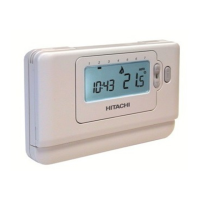
Controls Layout
d.
After a short pause the Room Unit
e Room Unit.
STEP 2: Setting the Date and Time
To set the Date and Time:
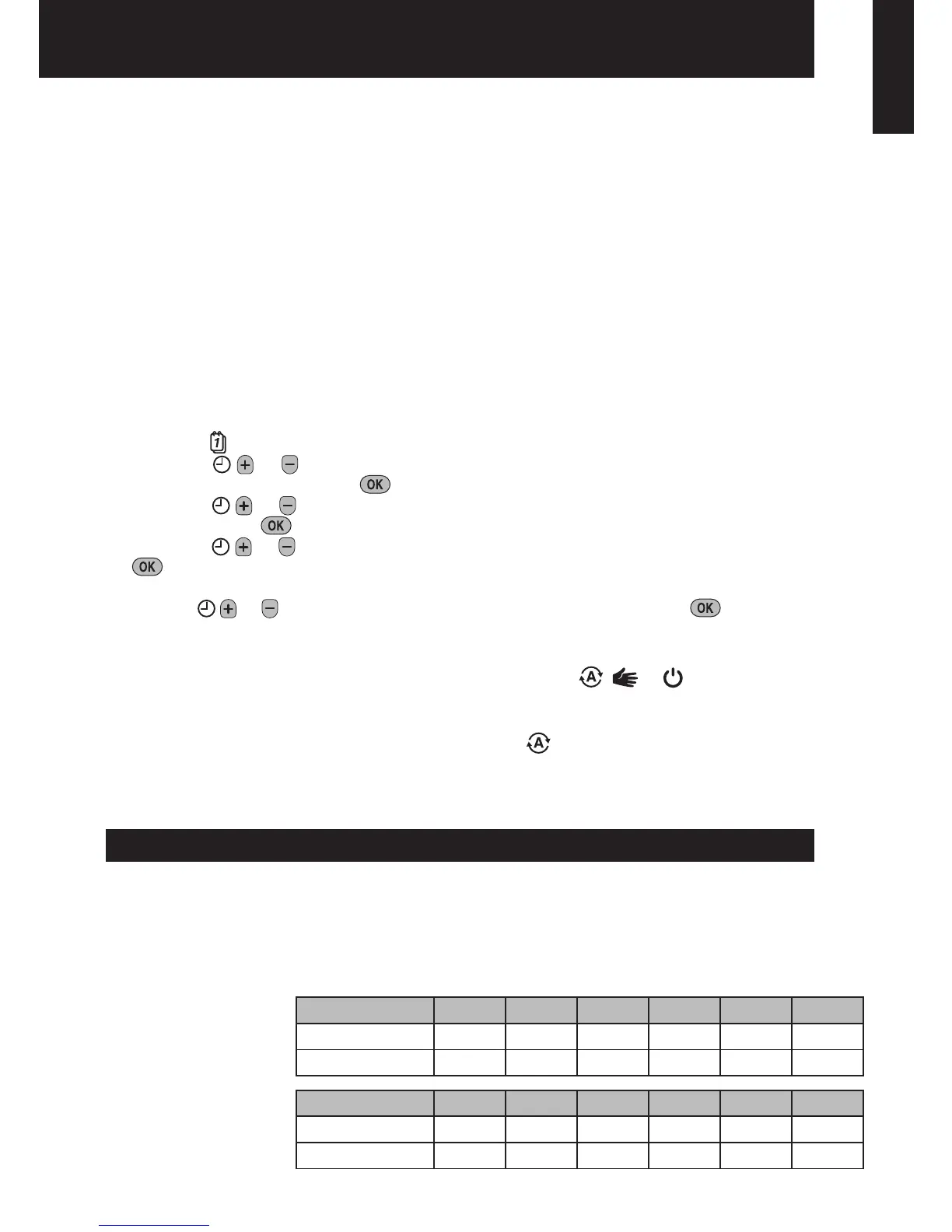
a. Press the
button to begin setting the date.
b. Press the
or d01
c. Press the
or m01
press the green
d. Press the
or yr09
12
e. Use the
or buttons to set the correct time then press the green
Note: If this mode is entered accidentally then press the
, or buttons to exit.
STEP 3: Running the Built-in Heating Program
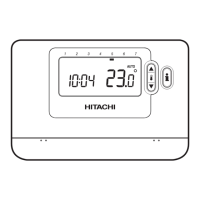
The Room Unit
will start running. Note: The built-in heating program has been designed to provide normal
comfort requirements, but if you want to customise the settings please see the next section
‘Programming the Room Unit’.
Programming the Room Unit
The Built-in Heating Program
Saturday & Sunday
(Day 6 & 7)
Monday to Friday
(Day 1 to 5)
Period 1 2 3 4 5 6
Time
6:30 8:00 12:00 14:00 18:00 22:30
Temperature
21°C 18°C 21°C 18°C 21°C 18°C
Period 1 2 3 4 5 6
Time
8:00 10:00 12:00 14:00 18:00 23:00
Temperature
21°C 21°C 21°C 21°C 21°C 18°C
ΕΛΛΗΝΙΚΆ SVENSKA NEDERLANDS DANSK PORTUGUÊS ITALIANO FRANÇAIS DEUTSCH ESPAÑOL ENGLISH


 To Next Page