4
Reviewing the Heating Program
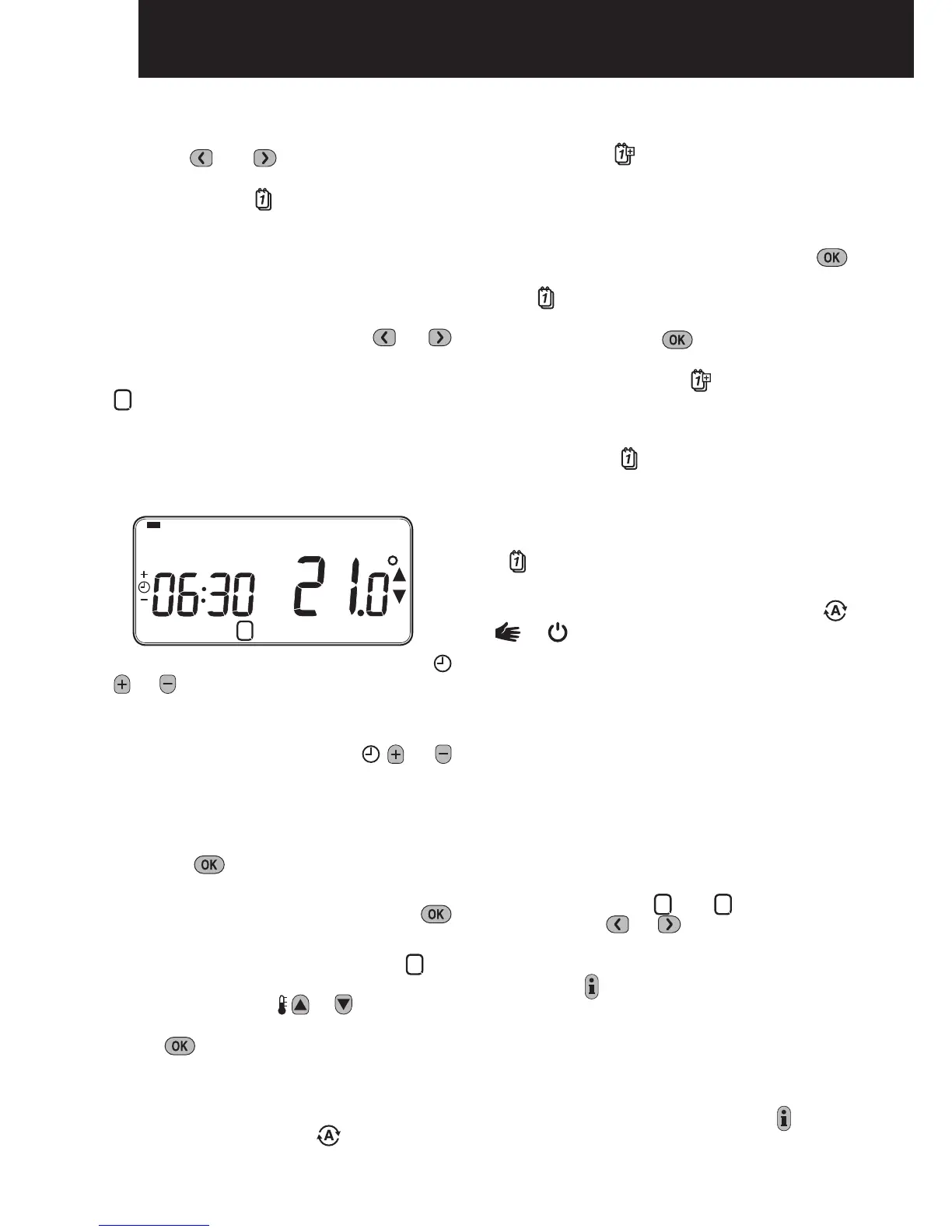
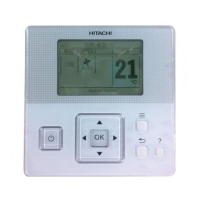
To review or edit the heating program use the
PROGRAM or buttons to navigate
button to step through
heating program can be reviewed or edited.
Modifying the Heating Program
To change the heating program:
a.
Press either of the PROGRAM or
buttons to enter the programming mode.
The time / temperature settings for period
1
b.
To adjust the period start time use the
or
Note: If you are pressing the or
buttons and the display flashes the next
period, it means the next period will be
pushed forward.
c. Once the required time is reached press
the green
Note: If the original time setting did not
require adjustment press the green
button to move to step ‘d’.
d. The temperature setting for period
1
on
adjust this press the
or buttons and
green
button.
e. The next time and temperature period will
button to run
You now have a choice of how to set the
program for the next day:
f.
Press the
the
pressing the green
button. Note: Once
the target day is confirmed it becomes the
day that is copied if the
button is pressed
again.
OR
Press the
steps b to e. Programs for the remaining
To exit the programming mode select the
or buttons. Note: To run the adjusted
program select the AUTO mode.
Disabling / Enabling Time Periods
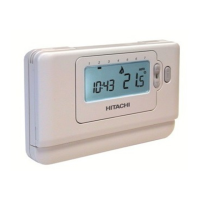
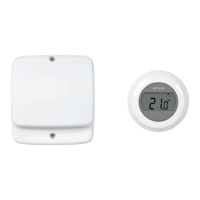
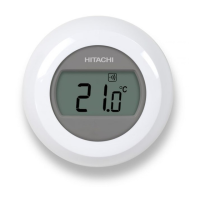
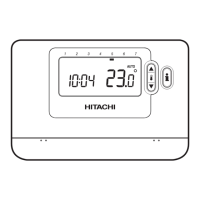
The Room Unit
To disable or enable time periods:
a. To disable unwanted periods go to the
2
to
6
PROGRAM
or
ensure the correct period is highlighted
hold the
button for at least 2 seconds
been removed from the program.
b. To enable periods again follow the same
period again press and hold the
button
for at least 2 seconds.
1 2 3 4 5 6 7
4 5 6321
Programming the Room Unit


 To Next Page